Why Monitor Refresh Rate Matters for Competitive Gaming
5 January 2026
Ever felt like you shot first, but somehow got outgunned? Or wondered why that last headshot didn’t register when you were sure you nailed it? Yeah, we’ve all been there. And while your skills play a huge part in your performance, sometimes the culprit isn’t your reflexes—it’s your monitor. More specifically, your monitor’s refresh rate.
If you're diving into the world of competitive gaming—whether you’re grinding ranked in Valorant, chasing win streaks in Apex Legends, or dominating 1v1s in CS:GO—understanding your monitor's refresh rate can mean the difference between a clean clutch and a frustrating defeat.
Let’s break it all down and see exactly why monitor refresh rate matters for competitive gaming—and why you should care.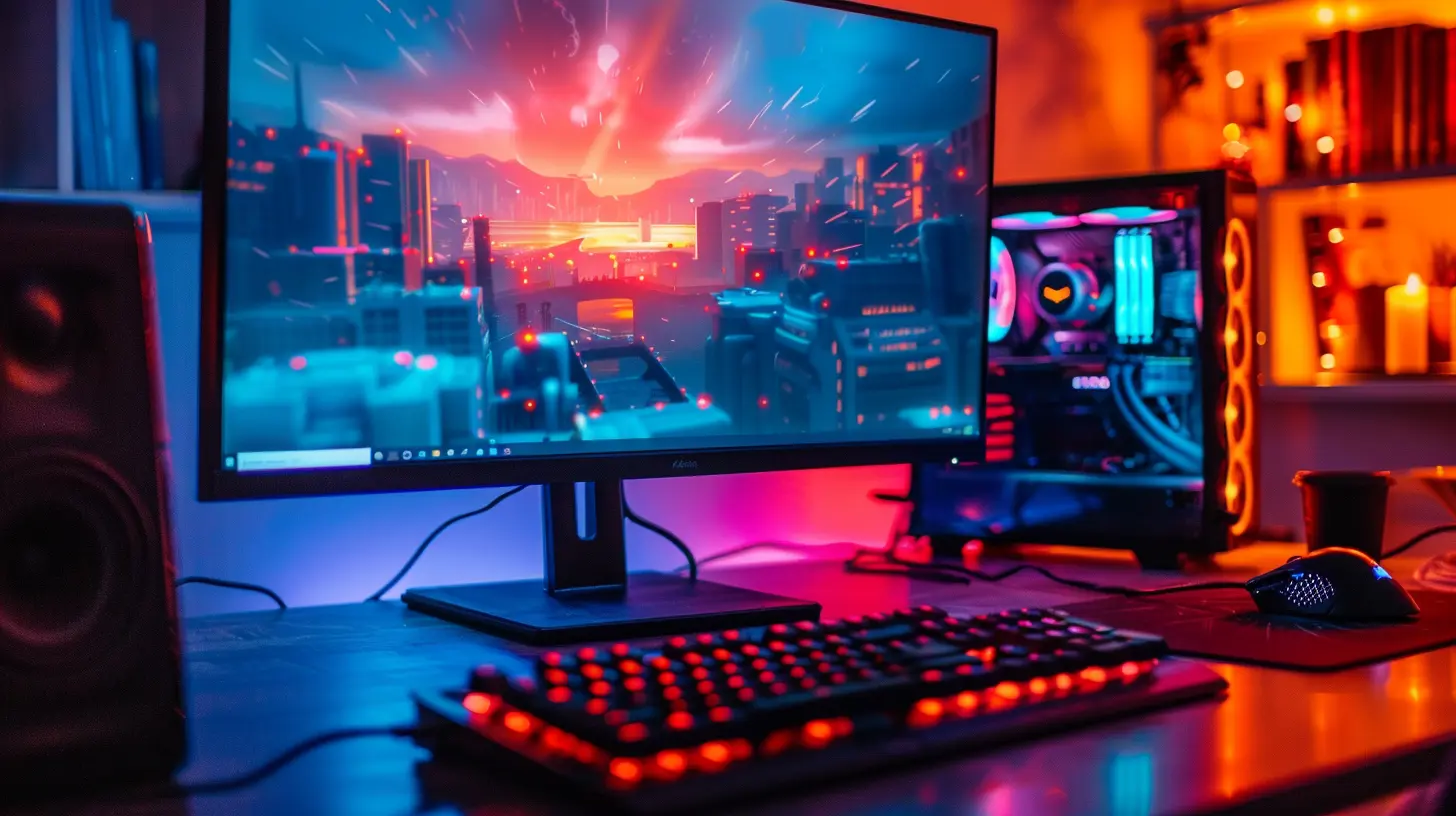
What Is Refresh Rate Anyway?
Let’s kick things off by getting the basics out of the way. Refresh rate, measured in Hertz (Hz), is the number of times your monitor updates the image on screen every second. For example:- A 60Hz monitor refreshes the image 60 times per second.
- A 144Hz monitor refreshes it 144 times per second.
- A 240Hz monitor? You guessed it. 240 frames per second.
To put it in simple terms, imagine your screen as a flipbook. The more pages (or frames) it flips through per second, the smoother the motion looks. The higher the refresh rate, the more fluid your gameplay feels.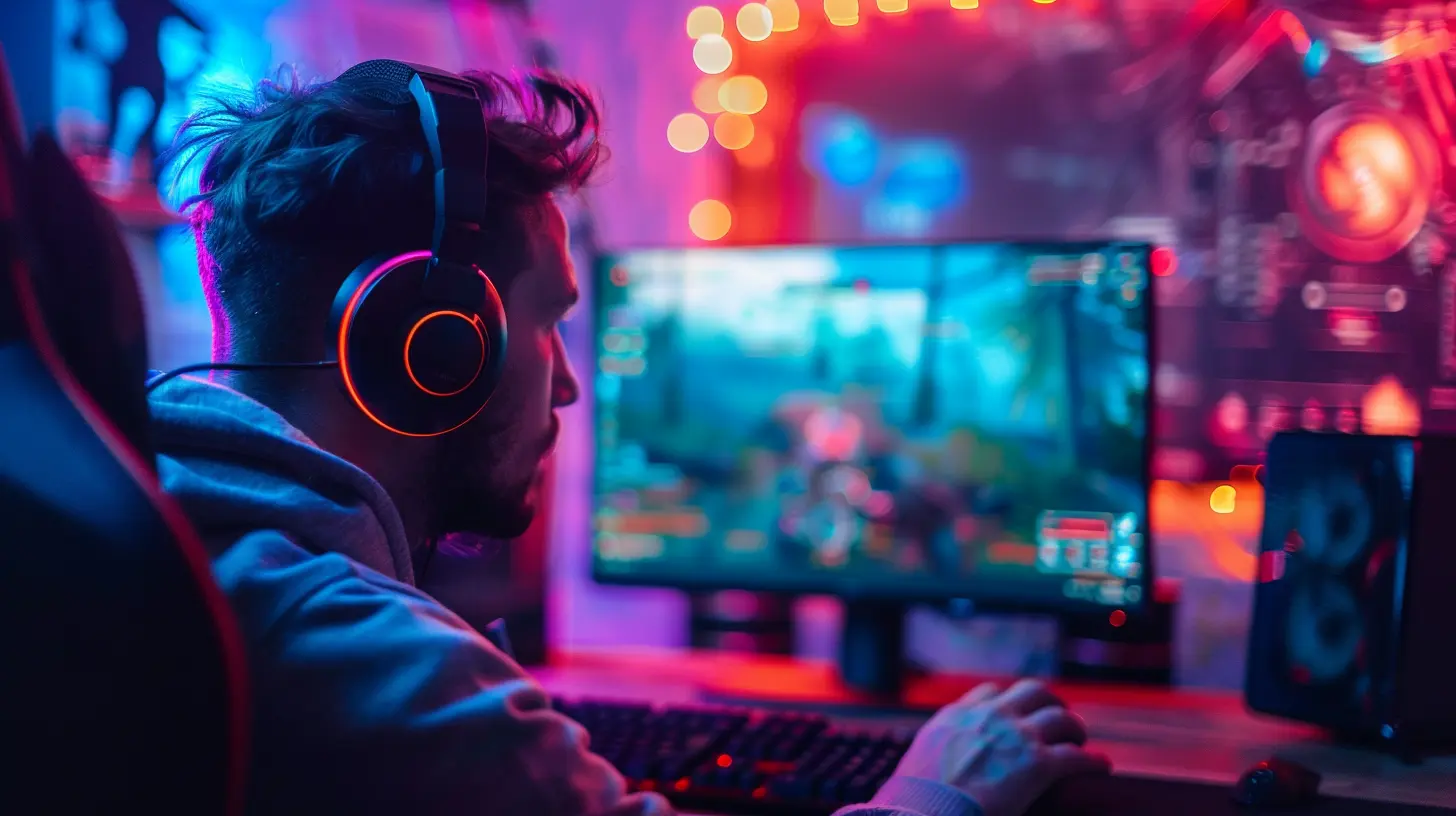
Why It Matters for Competitive Gaming
Now, let’s get to the real stuff. You’re not here for a tech lecture—you want to know why it actually matters when you're sweating through a ranked match. So, here’s how refresh rate can give you a genuine edge:1. Smoother Motion = Better Reaction Time
In fast-paced games like Call of Duty or Overwatch, milliseconds matter. With a higher refresh rate, the action feels more immediate and fluid. There’s less motion blur, and enemy movement is easier to track.Let’s be real—if your monitor updates the image faster, you see enemies faster. That split-second advantage? It can win you the fight.
2. Reduced Input Lag
Input lag is the time between your action (like clicking a mouse or hitting a key) and seeing the result on screen. Lower lag means you’re more in sync with your actions, and higher refresh rates help with that.Think of it this way—ever felt like your crosshair was a step behind your hand? Higher refresh rates close that gap. When every millisecond counts, you want your monitor to keep up with your instincts.
3. Smoother Tracking and Aiming
If you’ve ever tried to flick-shot an opponent across the screen, you know how crucial smooth tracking is. On a 60Hz monitor, fast camera movements can feel jittery or blurry. Not ideal when you need precision under pressure.With a 144Hz or 240Hz monitor, though? Your target looks like it's floating—smooth, predictable, and ready for your crosshair.
4. Competitive Edge Against 60Hz Players
Let’s face it—if you’re playing against someone on a lower refresh rate monitor, you have an edge. Higher refresh rate monitors show more frames per second, so you could literally see an opponent before they see you.It’s not just a feeling—it’s a fact. Having more information faster means better decision-making. That’s a huge deal in tactical shooters or battle royales.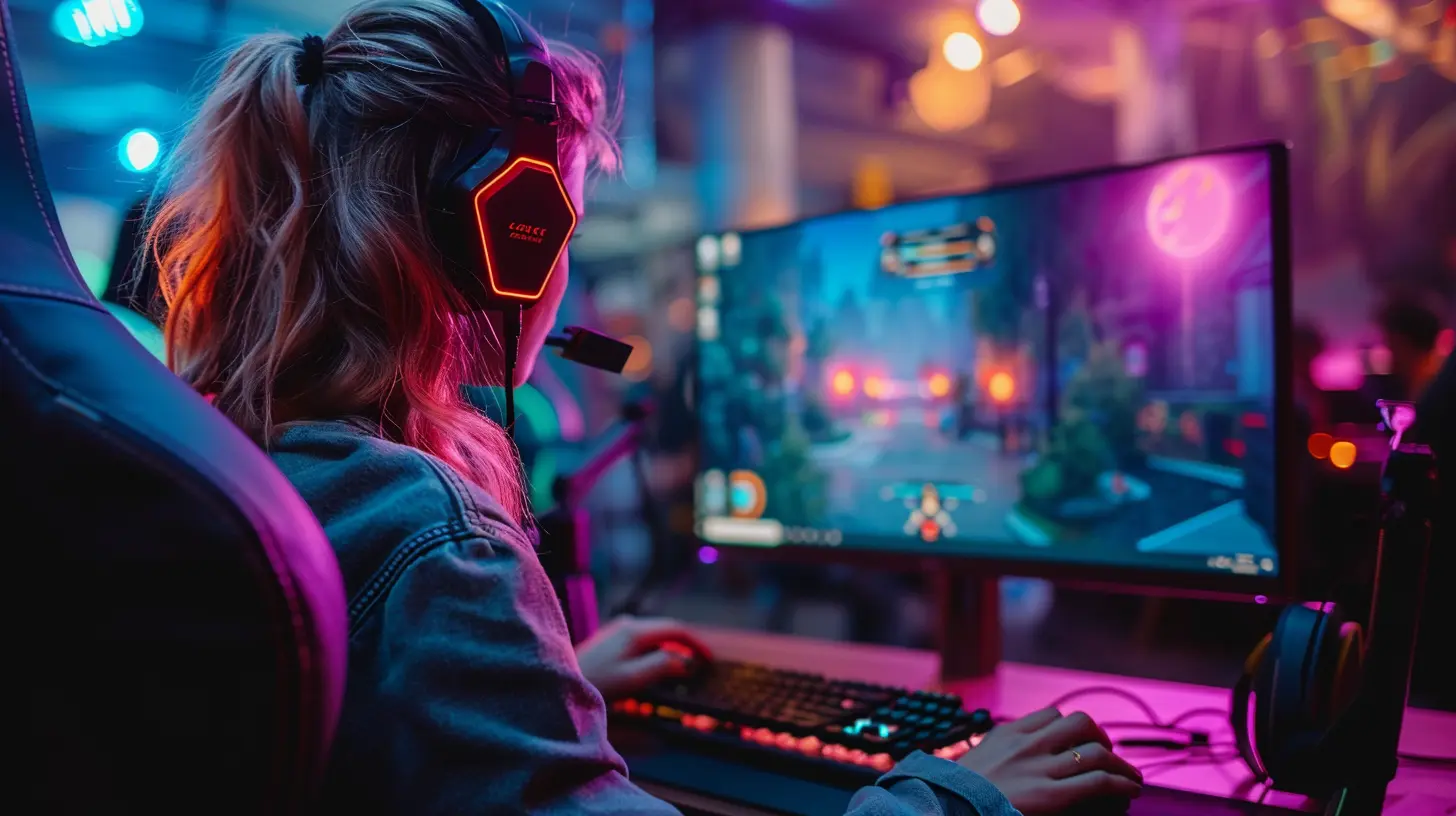
Comparing Refresh Rates: 60Hz vs. 144Hz vs. 240Hz+
Not sure if upgrading is worth it? Here’s a quick comparison to help you decide.60Hz: The Basics (But Limiting)
Great for casual play, browsing, and Netflix marathons. But for competitive gaming? Honestly, it’s a handicap once you’ve played on something faster. It can feel choppy, and your input might feel sluggish.144Hz: The Sweet Spot
This is where you’ll notice a night-and-day difference. It’s smooth, responsive, and a game-changer for most gamers. Once you go 144Hz, 60Hz feels like a slideshow.240Hz and Beyond: Competitive Purists Only
We’re talking peak performance. You’ll squeeze out every last millisecond of advantage. If you’re playing at a high level or pushing for esports glory, this is where you want to be. Just make sure your PC can pump out enough frames to match it.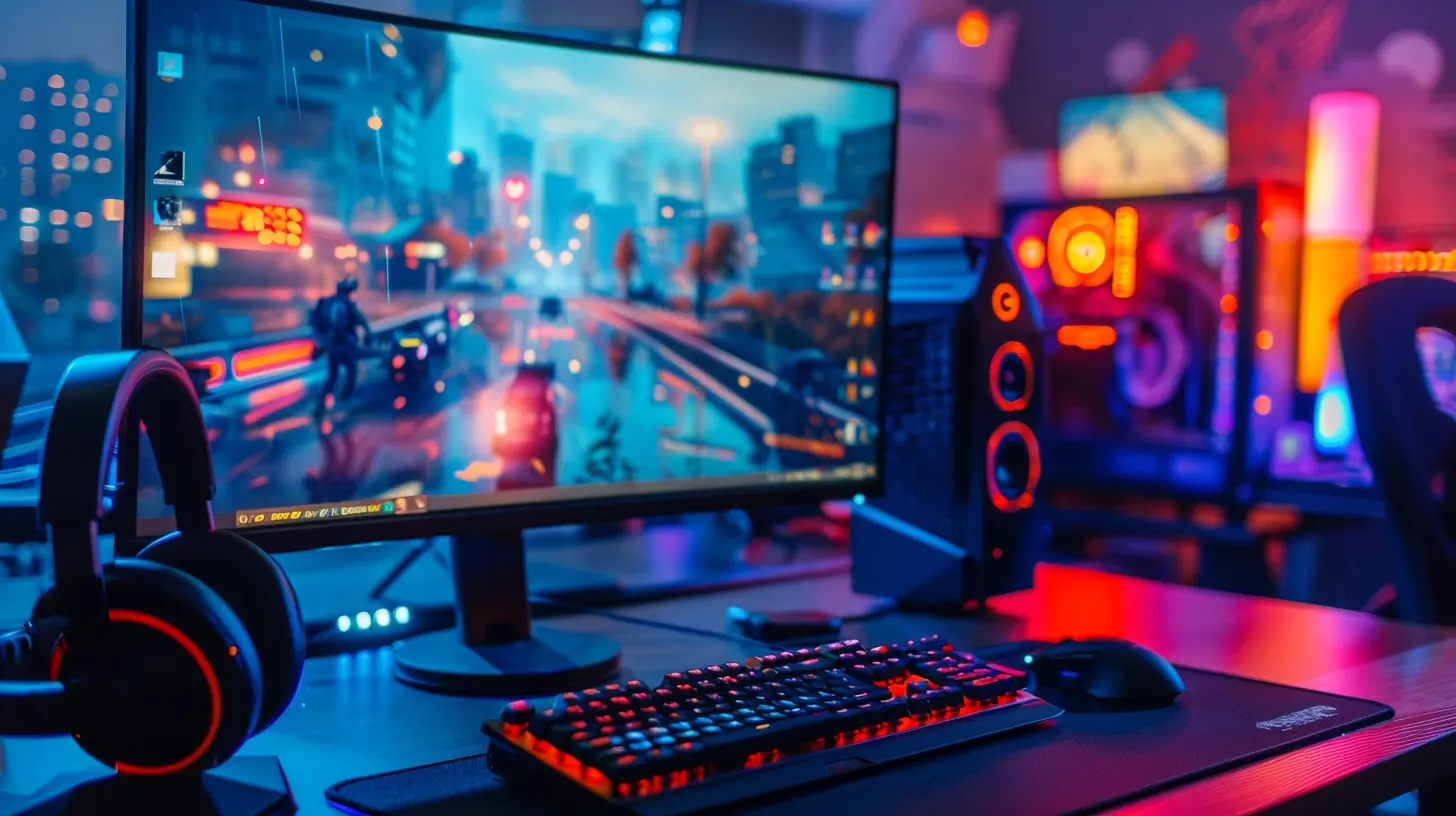
But Wait—Does FPS Need to Match My Refresh Rate?
Good question! Your monitor’s refresh rate and your game’s frames per second (FPS) work best when they’re in sync. If your monitor refreshes at 144Hz but your game only runs at 60FPS, you’re not getting the full benefit.To really feel the magic, you need both a high refresh rate and high FPS. Your GPU (graphics card) should be powerful enough to keep up. If you’re bottlenecked by performance, a higher refresh rate won’t help as much.
G-Sync and FreeSync: The Unsung Heroes
Ever heard of screen tearing? It’s when your image looks like it’s split in half mid-movement. Super distracting.That’s where adaptive sync tech like G-Sync (NVIDIA) and FreeSync (AMD) come in. They match your monitor’s refresh rate with your GPU’s frame rate, making gameplay smoother and eliminating screen tearing.
So if you’re upgrading your monitor, keep an eye out for these features. They’re little details that make a big difference.
Do You Really Need a High Refresh Rate Monitor?
Let’s break it down. Ask yourself:- Are you serious about competitive gaming?
- Do you play fast-paced shooters, MOBAs, or battle royales?
- Do you want every possible edge you can get?
If you answered “yes” to any of those, then yep—a high refresh rate monitor is worth every penny. It’s not just about visuals—it’s about performance, consistency, and confidence.
But here’s the thing—if you’re a casual gamer or mostly into story-driven games, you might not need 240Hz. It’s more about how competitive and reflex-based your gameplay is.
Performance Tips: Getting the Most Out of Your Refresh Rate
Alright, so maybe you’re planning to upgrade—or you’ve already got a sweet setup. Here’s how to make sure you’re really benefiting from your high refresh rate monitor:1. Check Your In-Game Settings
Make sure your game actually supports higher refresh rates. Some titles default to 60Hz unless you change it in the settings.2. Cap Your FPS Wisely
Some pros like to cap their FPS just below their monitor’s refresh rate to reduce input lag and stuttering. Experiment and see what feels best for you.3. Turn Off V-Sync
V-Sync can limit your FPS and cause input lag. If you’ve got G-Sync or FreeSync, you probably don’t need it. Try disabling it for better responsiveness.4. Optimize Your PC Performance
If your PC can’t pump out enough frames, your monitor won’t shine. Adjust your graphics settings, close background apps, and keep your drivers updated to get the most out of your hardware.What About Console Gamers?
Good news—modern consoles like Xbox Series X and PS5 support 120Hz gaming! If you’re playing on one of these, a high-refresh monitor can still level up your experience.Not all games support higher frame rates yet, but the list is growing fast. If you’re a console player looking to get more competitive, upgrading your monitor still makes a lot of sense.
Final Thoughts: It’s More Than Just Numbers
At the end of the day, gaming is about feel. Competitive gaming is about precision, timing, and every tiny advantage you can get. A high-refresh monitor doesn’t just look better—it feels better. It makes you more connected to your gameplay.It’s like switching from a clunky old sedan to a sleek sports car—you might still get to your destination with both, but one experience is way more responsive, thrilling, and empowering.
So if you're serious about climbing ranks, winning tournaments, or just outplaying your friends, don't sleep on refresh rate. It matters—a lot more than people think.
TL;DR: Why Refresh Rate Should Be on Your Radar
- It makes gameplay smoother and more responsive.- It reduces input lag for faster reactions.
- It gives a real competitive edge when milliseconds matter.
- It pairs best with high FPS and a powerful GPU.
- It absolutely matters in fast-paced, high-skill games.
Upgrading your monitor might be the secret sauce you didn’t know you needed. So go ahead—treat yourself to smoother gameplay. Your future self (and your kill/death ratio) will thank you.
all images in this post were generated using AI tools
Category:
Gaming HardwareAuthor:

Lana Johnson
Discussion
rate this article
2 comments
Tiffany Thornton
This article highlights a crucial aspect of competitive gaming that often gets overlooked. A higher refresh rate can significantly enhance gameplay by providing smoother visuals and reducing input lag. Understanding this can give players a vital edge, making it an essential factor in gaming setups. Great insights!
January 17, 2026 at 4:52 AM
Lana Johnson
Thank you for your thoughts! I'm glad you found the insights valuable—refresh rate truly is key for competitive gamers.
Yvonne O'Brien
Great insights on refresh rates!
January 6, 2026 at 4:32 AM
Lana Johnson
Thank you! I’m glad you found the insights helpful!