Can a Console Replacement PC Actually Work?
18 January 2026
Let’s face it—gaming has come a long way. From blowing into dusty NES cartridges to wirelessly slinging spells in 4K, we’ve evolved. But here’s a question that’s been cropping up a lot lately: “Can a console replacement PC actually work?” In other words, can you build (or buy) a PC that gives you the plug-and-play simplicity of a console without missing out on that sweet, sweet power and freedom PC gaming offers?
Sounds too good to be true, right? Well, let’s break it down, weigh the pros and cons, and talk about whether this hybrid dream is actually worth chasing.
What Does "Console Replacement PC" Even Mean?
Before we dive in, let’s clarify the term. A console replacement PC is a small form factor computer built specifically to replicate—or even improve upon—the console gaming experience.Think of a machine that boots quickly, runs games instantly, supports gamepads effortlessly, and lives comfortably in your entertainment center—right next to your PS5 or Xbox Series X. It’s tuned for gaming, not spreadsheets or Zoom calls (although it can do those too).
It’s like stuffing the soul of a gaming PC into the sleek body of a console. Tempting, right?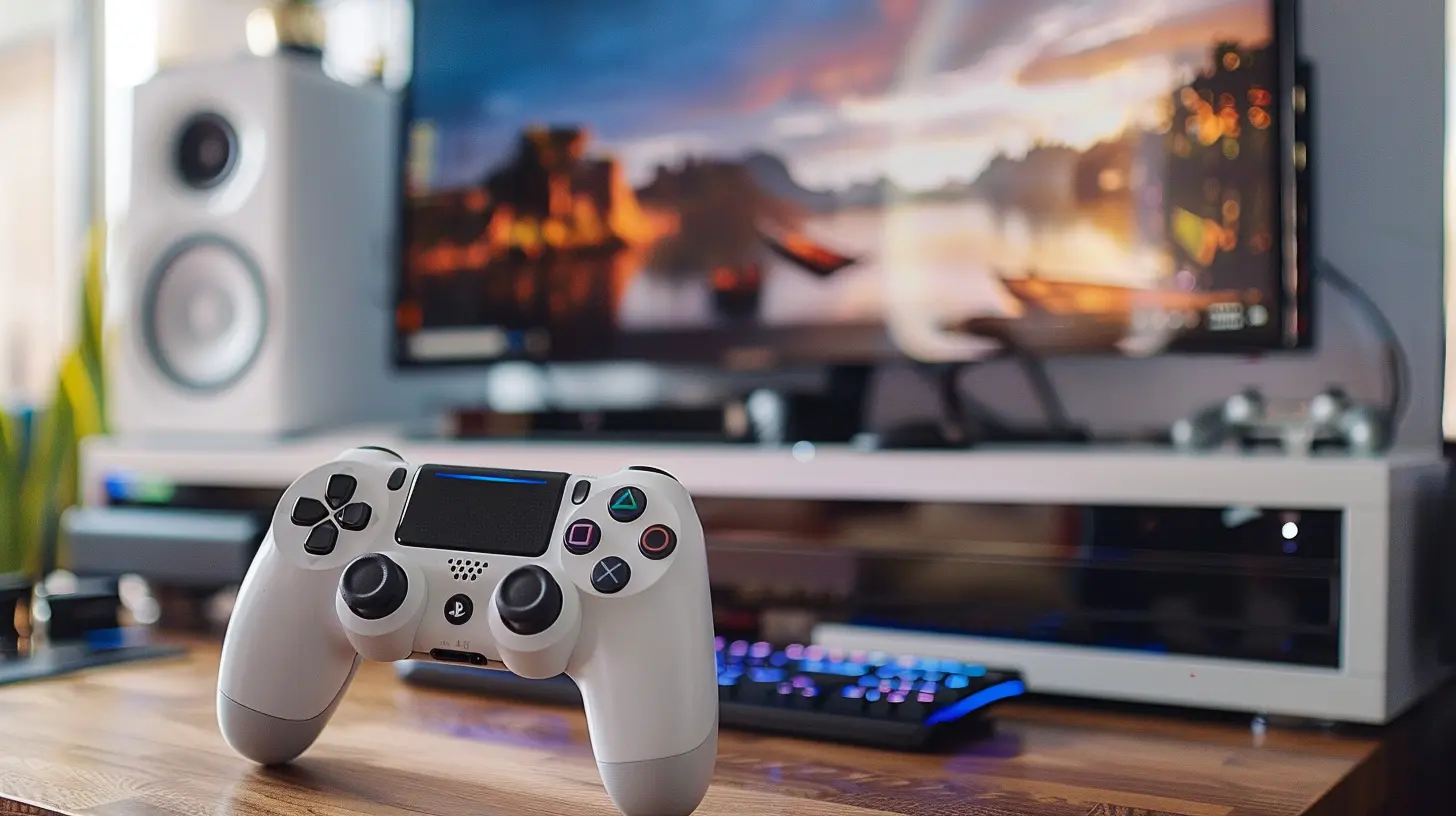
Why Do People Want a Console Replacement PC?
Let’s be honest—consoles are great. They're affordable, simple, and designed to "just work." But gamers are a curious bunch. We always want more:- More customization
- More games (hello, Steam sales!)
- More performance, better graphics, higher frame rates
- Mods. And no, not modest, we mean full-blown, system-bending mods
- The ability to play and emulate older systems on one machine
A console replacement PC promises all this while still offering a comfy, controller-friendly, couch-compatible experience.
The Perks of a Console Replacement PC
1. Performance That Crushes Consoles
Even a mid-range gaming PC can outperform current-gen consoles in raw power. Want 1440p at 120 FPS? Easy. Want ray tracing without dropping frames? Done. With the right hardware, a console replacement PC can laugh in the face of graphical limitations.And let's not forget—PCs evolve. You're not locked into one setup for 7+ years like with a traditional console.
2. Game Library? More Like Game Galaxy
Steam, Epic Games Store, GOG, Battle.net, Xbox Game Pass for PC, emulators—the list is almost endless. This sheer variety can't be touched by any single console ecosystem. Plus, PC gamers get the best of both worlds: modern AAA titles and retro classics.3. Mods That Add Years of Life to a Game
One of the biggest reasons people switch to PC gaming is the modding community. From graphical overhauls to entire fan-made storylines, mods can turn a good game into a legendary one.Console replacement PCs let you tap into this world without needing a massive tower and a desk setup.
4. Media Center Capabilities
A well-tuned replacement PC isn’t just for gaming. Use it as a 4K media center, stream Netflix or Plex, browse YouTube, or even jump into some light productivity. This makes it a powerful addition to your living room, replacing not just your console but also a streaming stick or Blu-ray player.
The Drawbacks (Because Nothing's Perfect)
Alright, let's pump the brakes for a second. As dreamy as a console replacement PC sounds, it’s not all sunshine and rainbows. There are a few caveats you should seriously consider before ditching your Xbox for good.1. Complexity Creep Is Real
Even the most streamlined PC setup is more complicated than a console. Consoles are built for plug-and-play. PCs? Not so much. There’s driver updates, Windows errors, BIOS settings, and an occasional "Why is this game stuttering?" moment.Sure, tools like Steam’s Big Picture Mode or Windows Game Mode do help, but they don’t eliminate the techie side completely.
2. Cost Can Spiral
Theoretically, you can build a console replacement PC for $500–$700. Realistically? To match or exceed what a PS5 or Xbox Series X can do, you’re looking at $800–$1,200, especially with GPU prices being the roller coaster they are.And if you're going for compact builds, those smaller cases and parts often come with a premium.
3. Thermal and Noise Management
Small form factor PCs (also known as SFF PCs) can be sneaky hot-heads. Cramping powerful components into a microcase often results in higher temps and louder fans.Unlike consoles, which are custom-built for optimal airflow and cooling, your mini-PC has to find ways to stay cool without sounding like a jet engine.
4. Portability? Meh.
Yeah, you can theoretically move your mini-PC around. But consoles still win this one. They’re just easier to unplug, pack up, and take to a buddy’s house or a hotel. And cloud gaming? Consoles are embracing it faster than many PCs.What About Prebuilt Options?
Not into building your own rig? No problem. There are prebuilt mini gaming PCs that aim to be direct console competitors.Some Notable Contenders:
- Intel NUC Extreme – Powerful but pricey- MINISFORUM Gaming PCs – Affordable and compact
- Valve’s Steam Deck (Docked) – Portable console-PC hybrid
- ASUS ROG Ally or Lenovo Legion Go – Handhelds that double as docked living room PCs
Some of these offer the perfect mix of power, compact size, and ease of use, but again, most of them require a bit of tech know-how to get the best experience.
Key Considerations Before You Commit
So you're intrigued—maybe even ready to start building or buying your own console replacement PC. But let’s slow down and consider a few more practical points:1. Operating System Matters
Windows is the standard, but Linux (especially SteamOS) is gaining traction. Valve's Proton compatibility layer is making thousands of Windows games run on Linux, no problem.Linux-based systems are more "consoley" in their feel—less bloat, fewer background apps, and faster boots. But Windows still gets you broader compatibility.
Your choice will shape your overall experience.
2. Controller Support
Consoles obviously nail controller support. A good replacement PC should too. Luckily, thanks to Steam and newer versions of Windows, Xbox and PlayStation controllers work flawlessly. Bonus: you can remap buttons to your heart’s content.3. UI and UX Flow
If you’re planning to use this in your living room, you’ll want a game launcher that works well with controllers. Steam’s Big Picture Mode or even the newer Steam Deck UI (which is slowly rolling out to desktop Steam clients) fills this role nicely.You can set it to auto-launch the moment Windows boots, giving you a console-like experience without clicking a mouse or tapping a keyboard.
Real-World Use Cases: Does It Actually Work?
Plenty of gamers have already made the jump, and the verdict? Generally positive.Some folks have shifted completely from PS5 or Xbox to a console-style PC using compact builds with Nvidia RTX 4060 or AMD RX 6700 XT graphics cards. These rigs handle almost anything you throw at them—at 1080p or 1440p—without breaking a sweat.
Others use their Steam Deck or ASUS ROG Ally with docks connected to a TV. Sure, they're slightly less powerful, but for casual couch gaming, it’s more than enough.
Even casual emulation fans have been using budget mini PCs to create all-in-one retro gaming boxes capable of running everything from PS2 to GameCube.
So does it work? Absolutely. Is it perfect? Not quite. But it's close.
Verdict: So, Can a Console Replacement PC Actually Work?
Here’s the deal—yes, a console replacement PC can totally work. And it can rock, given the right setup and expectations. But it’s not for everyone.If you crave ultimate flexibility, have some basic tech skills, and love the freedom of PC gaming while still wanting the simplicity of playing from your couch, this hybrid will feel like gaming nirvana.
But if you’re all about low-stress, zero-maintenance gaming, and you’re not interested in tweaking settings or applying the latest driver updates… maybe stick with your console—or at least wait until console-style desktop PCs get even better.
Still, the gap between PC and console is shrinking fast, and console replacement PCs are leading the charge.
So the next time someone says PCs are only for desks—don’t believe them. Your couch deserves a piece of the action too.
all images in this post were generated using AI tools
Category:
Gaming HardwareAuthor:

Lana Johnson
Discussion
rate this article
2 comments
Ivan Wood
Great article! It’s fascinating to see how a console replacement PC can offer flexibility and enhanced performance. I'd love to hear more about specific build recommendations and budget considerations for those considering this transition. Keep up the good work!
January 23, 2026 at 5:25 AM
Lana Johnson
Thank you for your kind words! I appreciate your interest in build recommendations and budget tips—I'll consider adding that information in future articles. Stay tuned!
Bellamy McCartney
A console replacement PC challenges traditional gaming paradigms, merging power with versatility. Yet, can it truly capture the essence of simplicity and community that consoles provide?
January 20, 2026 at 3:33 PM
Lana Johnson
Absolutely! A console replacement PC offers powerful versatility but may struggle to replicate the simplicity and community-focused experience that consoles naturally foster. Balancing these elements is key to its success.