Upgrading Your Monitor: When and Why to Do It
27 January 2026
Let’s be honest for a second—our screens are our windows to the gaming world. Whether you're deep in the trenches of an FPS match, roaming open-world RPGs, or even grinding out a RTS marathon, your monitor plays a huge role in your experience. But when should you actually upgrade it? And why is it even necessary if your current screen technically still “works”?
Well, grab a cup of coffee (or an energy drink, no judgment here), and let’s dive into everything you need to know about upgrading your monitor. Because trust me, once you game on a slick, buttery-smooth screen—there’s no going back.
The Monitor Basics You're Probably Ignoring
Before we get into when and why you should break up with your old monitor, let's talk about what really makes a monitor tick. A lot of gamers just look at screen size and resolution, and while those matter, there’s a lot more under the hood.Refresh Rate
This one's a game-changer—literally. Refresh rate (measured in Hz) tells you how many times per second your monitor updates the image.- 60Hz: Fine for casual stuff.
- 120Hz/144Hz: Ideal for most gamers (super smooth).
- 240Hz and above: For competitive gamers who need every microsecond.
If you’re still gaming on a 60Hz display, you’re not getting the full experience out of your hardware.
Response Time
Ever notice ghosting or trails behind moving objects? That’s your response time, and lower is better. Typically, anything under 5ms is solid for gaming, but hardcore gamers often aim for 1ms.Resolution
Do you need 4K? Maybe. But 1080p is still super popular due to performance tradeoffs. 1440p (aka Quad HD) is the sweet spot for many—it’s sharper than 1080p but doesn’t hammer your frame rate like 4K can.Panel Type
- TN panels: Fast and cheap, but meh colors.- IPS panels: Beautiful colors and decent speed.
- VA panels: Great contrast ratios, so blacks actually look black.
Choosing the right panel is all about balance—response time vs. image quality.
Why You Might Want to Upgrade
Now that we’ve got the nerdy stuff out of the way, let’s talk real-world reasons. These are the signs that your monitor might be holding you back more than you realize.1. Your Monitor Can't Keep Up with Your Graphics Card
So, you dropped some serious cash on a new GPU. You’re expecting silky frame rates and stunning visuals—but your monitor’s still stuck at 60Hz? That’s like buying a Ferrari and racing it on a dirt road.If your monitor’s refresh rate isn’t high enough to match your GPU's output, you’re not seeing the full performance gains from your investment. It’s like having a feast and only eating the appetizers.
2. You’re into Competitive Gaming
Whether it’s Fortnite, Valorant, Apex Legends, or CS:GO, timing is everything. A high refresh rate (144Hz or higher) and low input lag can make the difference between a clutch win and a rage-quit loss.If your opponents see you a fraction of a second earlier because they’re rocking a 240Hz display, guess who has the edge?
(Spoiler: It’s not you.)
3. Visual Fatigue and Eye Strain Are Getting Real
Older monitors often lack features like flicker-free tech, blue light filters, or even proper brightness control. That means after a few hours of gaming, your eyes feel like they’ve run a marathon.Upgrading to a modern monitor with better eye-care features can make those all-night gaming sessions a lot more comfortable—and a lot less migraine-inducing.
4. You're Editing Videos or Creating Content
Gaming isn't the only reason to upgrade your screen. If you're editing gameplay videos, streaming, or doing graphic design, color accuracy and higher resolutions matter—a lot.IPS panels with higher resolution will make everything sharper and colors more lifelike, helping your content pop (in the good way, not the glitchy way).
5. You Want to Multitask Like a Boss
Ever try to stream, chat with your squad, and keep an eye on your Discord all on a 21-inch 1080p screen? It's like trying to cook a Thanksgiving dinner with one stove burner.Bigger screens and/or ultrawide monitors make multitasking way more manageable. You can have multiple windows open and finally stop alt-tabbing like a madman every 10 seconds.
When Is the Right Time to Upgrade?
There’s no magical number that tells you, “Yep, time to toss your old monitor into the void.” But here's a set of questions that might help you figure it out.Is Your Monitor Older Than 5 Years?
Display tech has evolved a lot in the last five years. HDR, faster refresh rates, and better color accuracy are now standard in many mid-range monitors. If your screen’s turning yellow or takes forever to warm up—yeah, it's past its prime.Are You Upgrading Other Hardware?
If you’re already shelling out for a new GPU or CPU, don’t bottleneck it with an outdated monitor. Matching your display to your setup ensures you're maximizing performance.Plus, let’s face it: a new GPU deserves a shiny companion.
Are You Gaming More Than Ever?
With more people gaming than ever (thanks, pandemic), your setup deserves the love. If you're gaming for hours each day, you deserve a monitor that makes the experience better, smoother, and easier on the eyes.Is It Affecting Your Gameplay?
Be honest—are you missing shots you swear you took in time? Laggy screens and poor refresh rates can be the culprits. Upgrading might actually improve your game, no training montage necessary.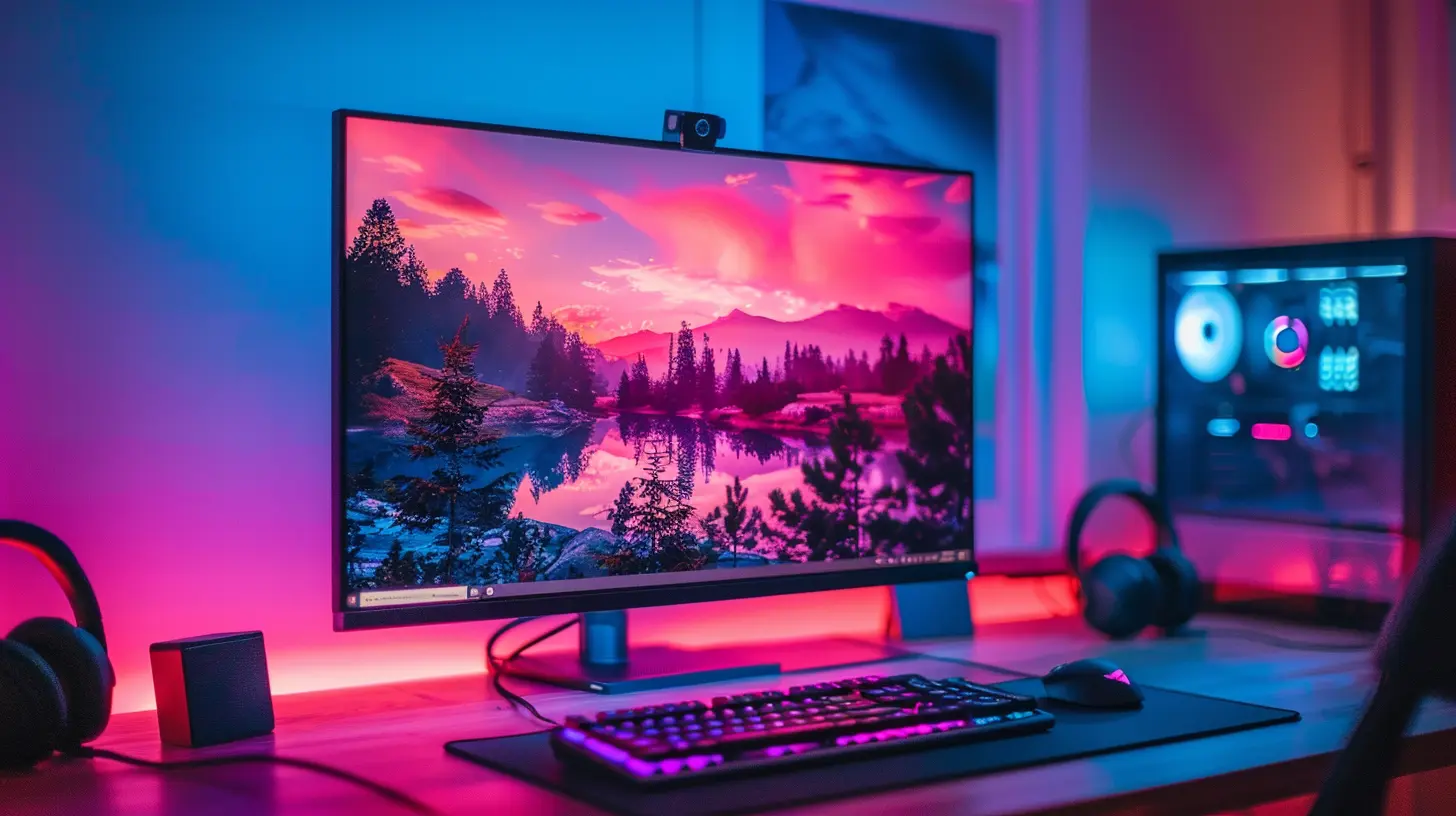
How to Choose the Right Monitor
Okay, convinced you need an upgrade? Sweet. Let’s talk about how to pick the right one without falling into a rabbit hole of specs and sales buzzwords.Step 1: Know What You're Playing
- Competitive FPS? Go for high refresh rate + fast response time.- Story-driven RPGs or open-world games? You'll love a high-res IPS monitor.
- A bit of everything? Find a solid middle ground—144Hz, 1440p, IPS.
Step 2: Match It to Your GPU
No point in getting a 4K 144Hz monitor if your GPU can’t push that many frames. Check your card’s specs and see what resolutions and refresh rates it performs well with.Step 3: Size + Screen Real Estate
Bigger isn’t always better—but it usually is when we’re talking about monitors. 27” is the sweet spot for most gamers, and ultrawide screens are amazing if you’ve got the desk space.Just make sure your eyeballs aren’t doing the cha-cha trying to see from corner to corner.
Step 4: G-SYNC vs FreeSync
These technologies reduce screen tearing by syncing your monitor’s refresh rate with your GPU.- G-SYNC: Works best with NVIDIA cards.
- FreeSync: Works best with AMD cards (many modern NVIDIA cards support it too).
Choose one based on your graphics card—your eyeballs will thank you.
How Much Should You Spend?
Let’s keep it real—monitors can be expensive. But here's the good news: you don’t need to drop $1,000 for a great screen.- Entry-level (under $200): Decent 1080p 75Hz monitors, good for casual gaming.
- Mid-range ($200-$450): 144Hz/165Hz 1080p or 1440p—I’d say this is the sweet spot.
- High-end ($500+): 4K, ultrawide, HDR, 240Hz—premium experience, premium price.
Spend based on how much time you spend gaming and what type of games you play. If you're only gaming on weekends—maybe a mid-tier monitor is enough. But if gaming is your lifestyle? Treat yourself.
Monitor Upgrade Tips
If you’ve made it this far, you’re probably already thinking about clicking “Add to Cart.” So here are a few handy tips before you pull the trigger:- Check Reviews: Especially by gamers. They’ll tell you the real deal.
- Buy From Reputable Stores: Nobody wants to play the return-and-refund game.
- Think About Mounting: If you’re going dual screen, make sure your monitor is VESA mount compatible.
- Calibrate Your New Monitor: Out of the box settings are rarely perfect.
TL;DR – But Cooler
If your current monitor is old, laggy, or just not keeping up with your gaming demands, it’s probably time for an upgrade. A better monitor won’t just look nicer—it can actually make you a better gamer, reduce eye strain, and help you get the most out of your hardware.So whether you’re chasing higher FPS, diving into immersive story games, or just want that jaw-dropping image quality—you deserve a screen that keeps up with you.
Trust me. Once you game in 1440p with buttery 144Hz, going back feels like downgrading from a sports car to a tricycle.
all images in this post were generated using AI tools
Category:
Gaming HardwareAuthor:

Lana Johnson
Discussion
rate this article
2 comments
Phaedron Hunter
Great insights! Upgrading your monitor can truly enhance your gaming experience. It’s amazing how much a better refresh rate and resolution can impact gameplay. Definitely something to consider for all gamers looking to level up!
January 29, 2026 at 3:49 PM
Lana Johnson
Thank you! Upgrading your monitor can indeed make a significant difference in both performance and immersion for gamers.
Teagan McKnight
Great insights! Upgrading my monitor transformed my gaming experience, enhancing both visuals and performance. It’s amazing how much a good monitor can elevate immersion and enjoyment. Thanks for sharing!
January 28, 2026 at 3:31 AM
Lana Johnson
Thank you for your feedback! I'm glad to hear that upgrading your monitor has enhanced your gaming experience. It's amazing how impactful the right display can be!