Creating Realistic Landscapes: From Geological Formations to Forests
3 February 2026
If you've ever stood in front of a game world and thought, “Wow, that mountain looks real enough to hike,” then you've witnessed the power of a well-crafted landscape. Designing realistic environments isn't just throwing a few trees and rocks into your world — it's a careful blend of geological science, artistic flair, and a bit of game design magic.
As game developers, level designers, or even hobbyist world-builders, building believable environments can be one of the most rewarding and satisfying parts of the creative process. So, let’s dig deep (pun very much intended!) and see how we can create lifelike landscapes — from raw geological beginnings to lush, living forests.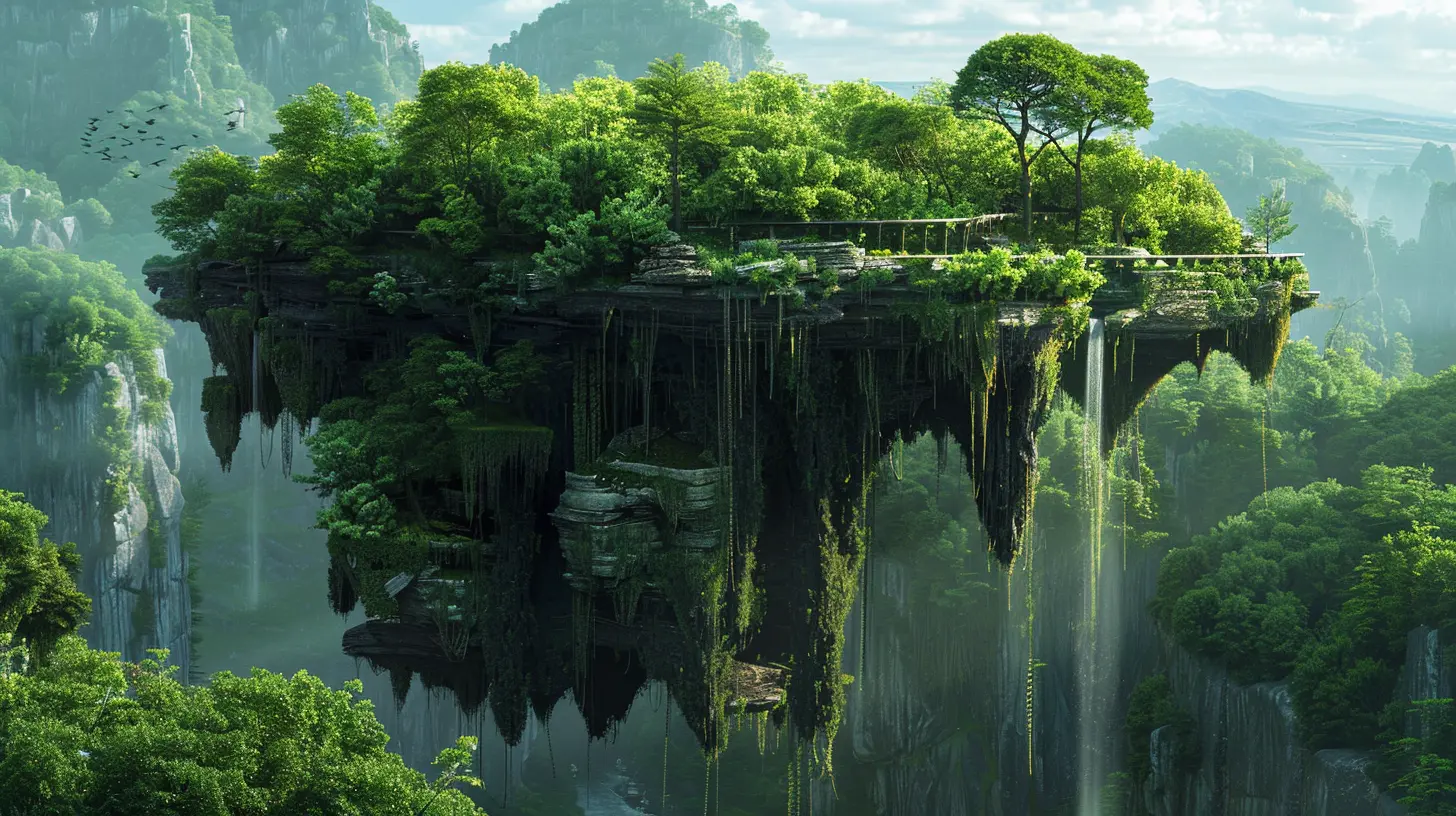
Why Realistic Landscapes Matter in Games
Ever wondered why some open-world games feel so immersive? It's not just the quests or the characters — it’s the world you walk through. The rolling hills, deep canyons, and dense forests tell stories even before you meet an NPC.Realistic landscapes:
- Enhance immersion
- Offer natural wayfinding
- Build a connection between the player and the world
- Communicate lore without words
Think about it: even something as simple as an eroded cliff or the type of tree in a forest can hint at the region’s climate, age, or even historical events. Cool, right?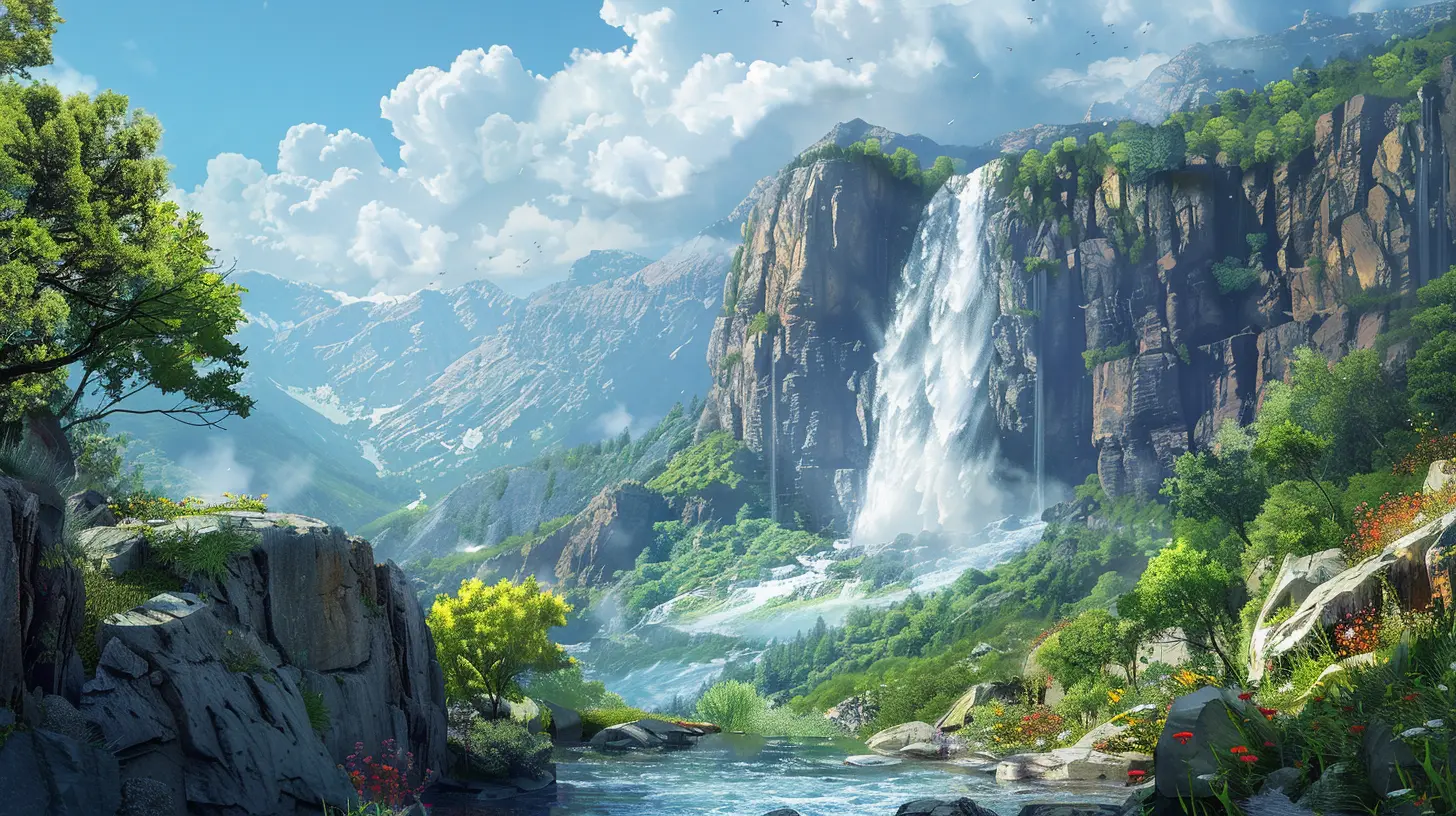
The Foundation: Understanding Geological Formations
Let’s start at the beginning — literally — with the ground beneath your (virtual) feet.Terrain Isn’t Just a Bunch of Hills
Creating terrain with depth means understanding how it comes together in real life. Mountains don’t just pop up; they emerge from tectonic forces. Rivers carve valleys. Volcanoes birth new islands over centuries. Understanding these processes helps you place your mountains, rivers, and valleys in a believable way.Here are key terrain types and how they form:
- Mountains – Formed by tectonic collisions or volcanic activity. Think jagged, steep peaks in young ranges or smooth, rounded ones like the Appalachians if they're older.
- Valleys – Carved by glaciers or rivers. They can be U-shaped (glacial) or V-shaped (river erosion).
- Plateaus – Elevated flatlands; the result of volcanic activity or erosion.
- Canyons – Carved over time by flowing water. These can be iconic landmarks in your game world.
- Coastlines & Beaches – Shaped by wave actions, tides, and erosion.
Keep it natural. Terrain should guide your player’s choices, not feel like it was plopped on a map for show.
Think Regionally
Don’t treat your game world like a theme park with deserts next to tundras. Biomes and geological features occur regionally. Climate zones vary with latitude, elevation, and proximity to water. Stitching them together realistically is key to immersion.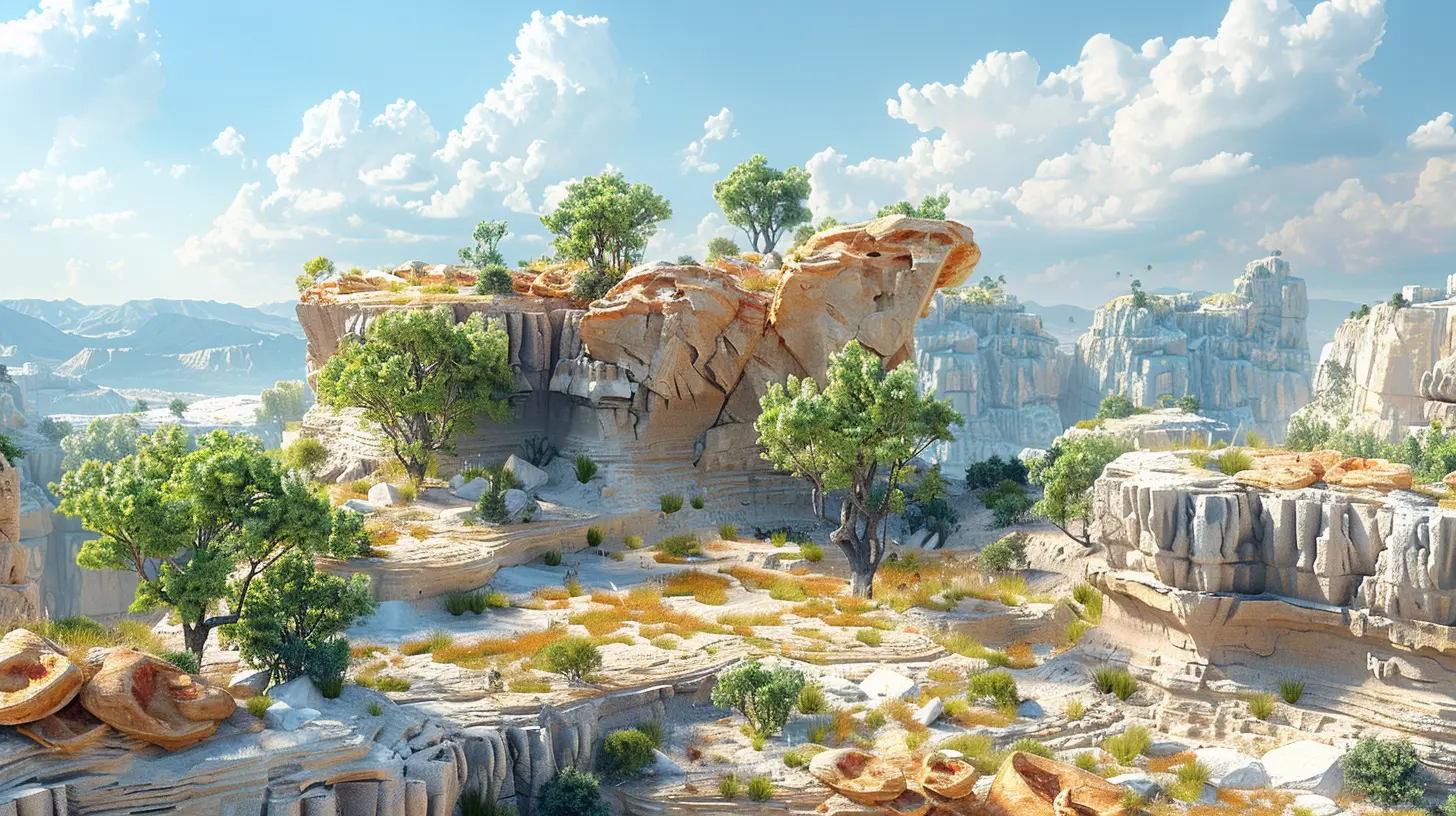
Sculpting the Terrain
Okay, so you have a good grasp on how the land should work. Now comes the fun part: making it!Use Real-World References
Pull up Google Earth or check out topographical maps. Nothing beats real-world reference when it comes to creating believable terrain. Take screenshots. Sketch landforms. Study how rivers snake through hills or how mountains cluster.Tools of the Trade
If you're using a game engine like Unity or Unreal Engine, they’ve got powerful terrain sculpting tools. Need something more refined? Tools like:- World Machine
- Gaia Pro
- Gaea
- Terragen
These help generate terrains based on erosion algorithms and real-world data, giving your landscapes believable shapes and textures.
Tip: Don’t go overboard. Keep it practical for gameplay — a mountain that takes an hour to scale might be realistic, but is it fun?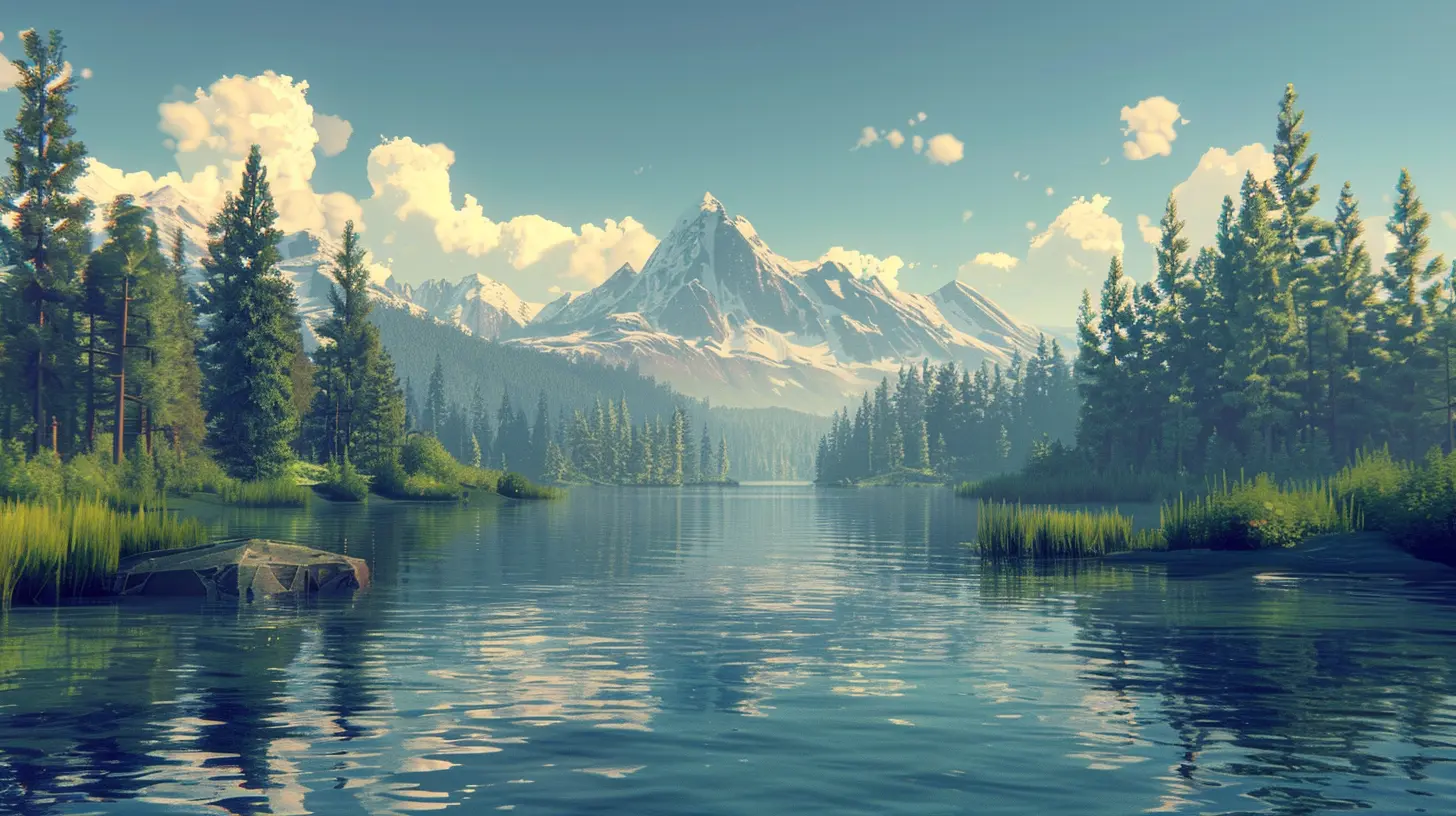
Texture and Color: Adding Life to the Surface
Once your landforms are down, it’s time to dress them up. This is where your world starts to feel “alive.”Consider Elevation-Based Texturing
Think about how snow caps form on high peaks, or how grass gives way to barren rock as you climb. Your texture layers (snow, rock, grass, dirt) should correlate to altitude, temperature, and moisture.Don’t Forget Color Theory
Colors evoke emotion. Warm tones (red, orange, yellow) often indicate dry, arid regions. Cooler greens and blues suggest life and water. Merging art with realism is crucial here.Water Systems: Rivers, Lakes, and the Ocean
Realistic landscapes need water. Period. Water shapes land and adds a dynamic element that makes environments feel complete.Rivers Should Flow From High to Low
Seems obvious, but you’d be surprised how often rivers get placed incorrectly. They originate from high terrain (usually mountains), and flow downward, often widening into lakes or heading toward the sea.Pro tip: Rivers should meander through flatter terrain. In steeper areas, they cut through like sharp spines.
Lakes and Swamps
Lakes appear in depressions. Swamps or marshes? Found where water collects without good drainage — often at biome borders or coastlines.Breathing Life Into the World: Forests and Flora
Here's where everything starts to feel truly alive. Trees, grasses, shrubs — they all play a huge role in making your landscapes believable.Biome-Specific Vegetation
Forests don’t look the same everywhere. A conifer forest in a snowy mountain isn’t going to resemble a humid rainforest, and that’s the point.Here’s how to match vegetation to biome:
- Taiga – Packed with pine, spruce, and fir.
- Temperate Forests – A mix of deciduous (maple, oak) and conifers.
- Rainforests – Dense foliage, large-leafed trees, and plenty of ferns.
- Savannas – Scattered trees, dry grasses. Think acacias.
- Deserts – Sparse vegetation. Look for cacti and shrubs.
Mix age, size, and placement. Nature isn’t uniform — some areas have tight clusters, others have dead or fallen trees. Throw in mushrooms, undergrowth, or tree stumps for added realism.
Wildlife and Environmental Sounds
A landscape doesn’t breathe without sound and life. Once you’ve got your trees and terrain, layer in:- Chirping birds
- Rustling leaves
- Insect buzzes
- Distant howls or flowing water
This creates an atmosphere that tells players they’re not in a static painting — they’re in a living, breathing ecosystem.
And don’t forget animals! Even ambient AI (butterflies fluttering, deer grazing, or birds taking off) adds layers to that realism.
Seasonal Variation and Weather Effects
Want to really blow people away? Add the changing seasons.Imagine stepping into a forest that looked one way in summer, only to come back during winter and find everything blanketed in snow. Suddenly, trails are hidden, rivers freeze, and the gameplay experience changes.
Weather also affects believability:
- Rain darkens soil and adds puddles
- Fog limits vision, creating tension
- Snow piles over time and crunches underfoot
- Wind bends grass and rustles leaves
You’re no longer just playing a game — you’re experiencing an environment’s daily rhythm.
Guiding Players With the Environment
The best landscapes double as navigational tools. Think of it like environmental storytelling meets level design. A winding river can guide players to a hidden cave. A tall mountain peak might act as a landmark.Use:
- Natural lines (rivers, valleys)
- Light and shadow
- Height variations
- Landmarks (trees, rocks, ruins)
These help players intuitively move through the world without a giant blinking arrow.
Final Polish: Lighting and Mood
Lighting can make or break the realism of your landscape. It's the difference between a postcard-perfect morning and a dreary, fog-laden swamp at dusk.Consider the time of day. Morning light is soft and golden; afternoon light is harsher; dusk brings shadows and contrast.
Add dynamic lighting for realism:
- Sun shafts through trees
- Reflections in water
- Flickering torches in forests at night
And don’t skimp on shadows — they ground everything and give weight to the world.
Tips to Keep It All Cohesive
1. Stay consistent – Keep climates and biomes logical.2. Add storytelling elements – A ruined watchtower on a cliff hints at history.
3. Don’t overpopulate – Empty space is okay. Not every inch needs a tree.
4. Test gameplay – Just because it looks good doesn’t mean it plays well.
5. Iterate constantly – Realism is in the details, and details take time.
Wrapping Up: Make It Feel Real
At the end of the day, creating realistic landscapes isn’t about copying the real world pixel for pixel — it’s about capturing the feeling of being somewhere tangible. The crunch underfoot, the sound in the distance, the way the light hits a distant cliff — it’s these small details that breathe life into your creations.So next time you open your world editor, don’t just ask, “What looks good?” Ask, “What feels alive?”
Get out there, build something wild, and take your players on a journey worth remembering.
all images in this post were generated using AI tools
Category:
Realism In GamesAuthor:

Lana Johnson
Discussion
rate this article
2 comments
Harley McAdoo
I'm fascinated by the intricacies of landscape design in games! How do developers ensure geological accuracy while balancing artistic vision? I'd love to hear more about the techniques used to create such immersive environments!
February 9, 2026 at 3:34 PM
Lana Johnson
Thank you for your interest! Developers often use a combination of real-world geological data, procedural generation, and artistic interpretation to achieve geological accuracy while maintaining an engaging aesthetic. Techniques like height maps, texture blending, and vegetation layering help create immersive landscapes that feel both realistic and artistically cohesive.
Rune Gilbert
Realistic landscapes aren’t just eye candy; they’re the heartbeat of immersion in gaming. If developers truly want to elevate player experiences, they must invest in genuine geological details and lush, vibrant forests. Anything less is just pixelated mediocrity.
February 5, 2026 at 6:08 AM
Lana Johnson
I completely agree! Genuine geological details and vibrant landscapes are crucial for immersion; they elevate gaming experiences far beyond mere visuals.