The Rise of Ultrawide Monitors in Gaming
5 August 2026
Let’s be honest—if you're into gaming, you've probably heard the buzz around ultrawide monitors. These cinematic beasts have been slowly creeping into setups across the world, and for good reason. Whether you're deep in an intense battle royale, exploring massive open-world RPGs, or just vibing in a cozy indie game, ultrawide monitors are changing the game—literally.
In this article, we’ll dig deep into why ultrawide monitors are becoming the go-to choice for gamers, what makes them so different (and better, in many cases), and whether they’re worth the investment for your setup. Ready? Let’s stretch that screen estate.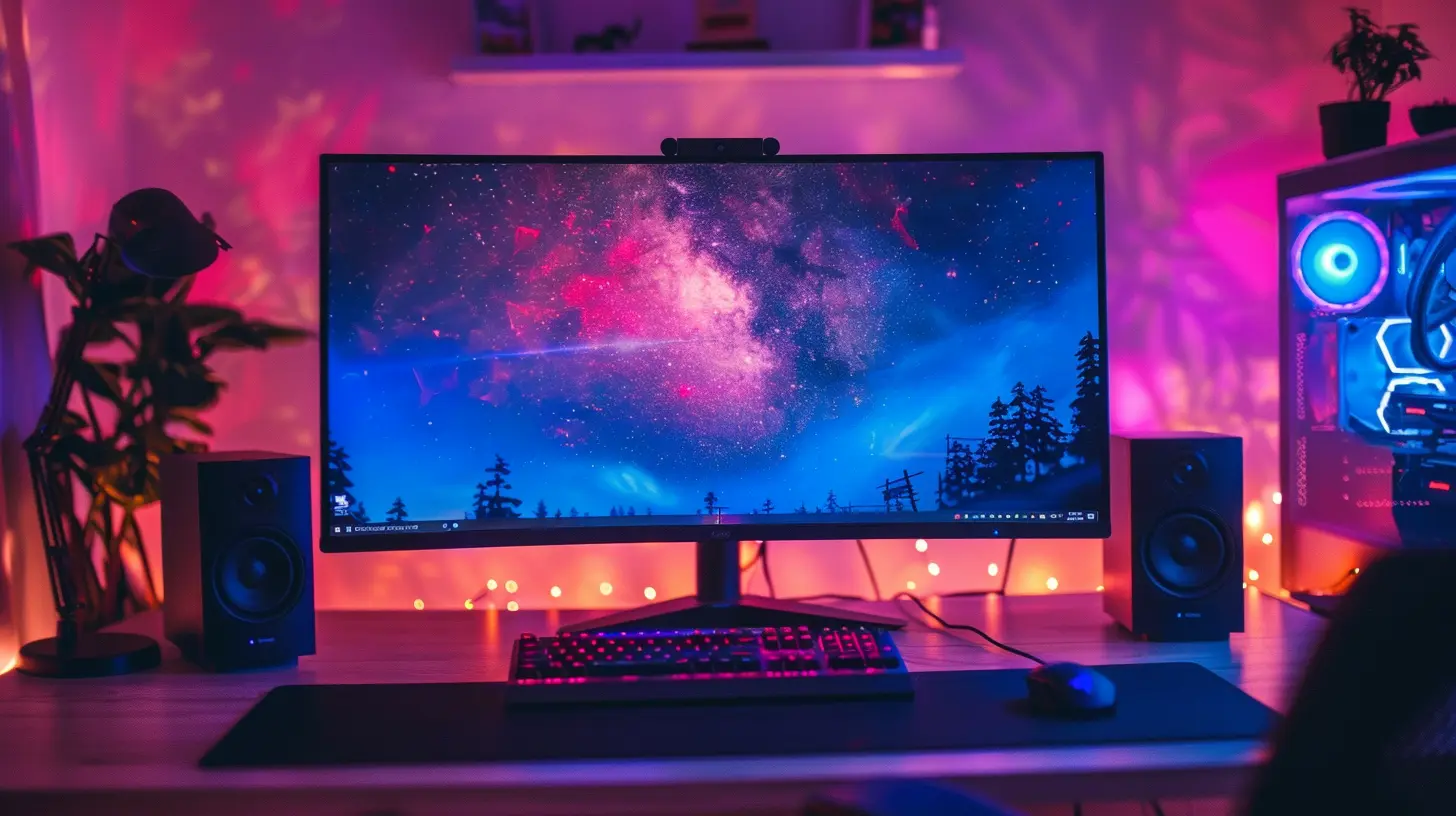
What Exactly Are Ultrawide Monitors?
Before we dive headfirst into pixel-packed gaming landscapes, let’s clear one thing up: what makes a monitor “ultrawide”?Ultrawide monitors typically come in a 21:9 or even 32:9 aspect ratio compared to the standard 16:9 displays most of us grew up with. That means more horizontal space—like having two monitors side-by-side, but without the annoying bezels in between.
Think of it like switching from a comfy sedan to a wide-body sports car. Same road, different experience.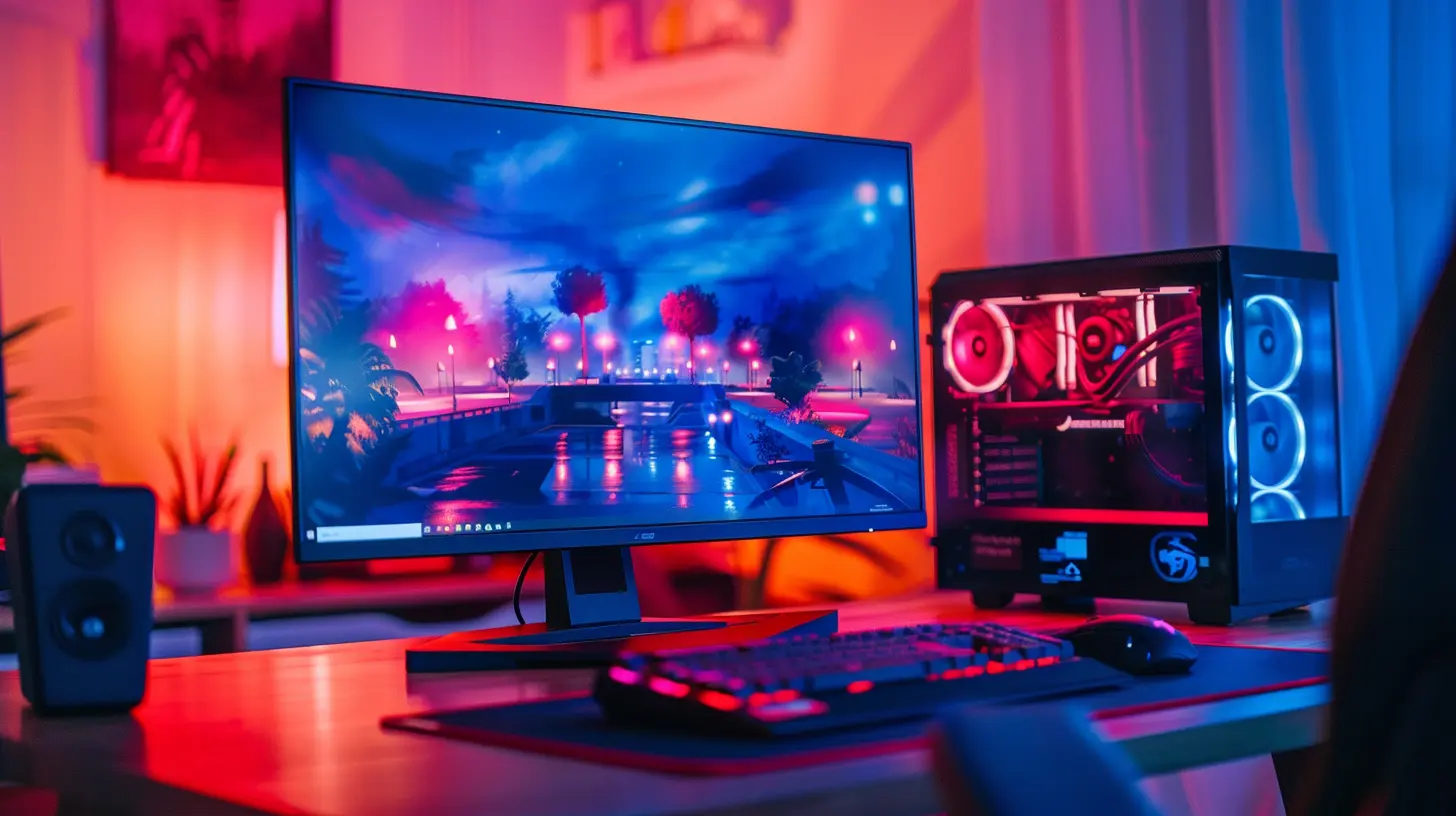
Why Gamers Are Embracing Ultrawide Displays
So, what’s got the gaming community all hyped up about these panoramic powerhouses? Let’s break it down.1. Immersive Gameplay Like Never Before
When you slot into an ultrawide monitor, it’s like stepping through a portal. The extended peripheral view can feel like the game world is wrapping around you, pulling you in. Whether you're drifting around corners in a racing sim or gunning down enemies in an FPS, that extra field of view (FOV) makes everything more intense.And if you’re into first-person shooters or flight simulators? Chef’s kiss. You’ll feel like you’re actually inside the cockpit or sprinting down battle-ridden hallways.
2. A Competitive Edge—Sometimes
Here’s the spicy part—some gamers swear ultrawide monitors actually give them an advantage. That broader view allows you to spot enemies creeping in from the sides, get a better sense of your surroundings, and react faster.But don’t get too excited. Some competitive games like CS:GO and Valorant actually restrict the FOV on ultrawide resolutions. It's not about fairness, they just don’t want to warp the game balance.
Still, in many titles—especially single-player games or MMOs—you’ll be rocking an edge, literally and figuratively.
3. Better Multitasking (Yes, Even Gamers Multitask)
Let’s face it, most gamers don’t just game. You might be streaming, chatting on Discord, checking builds on a wiki, or even editing footage for your YouTube channel between matches.With an ultrawide monitor, you can have multiple windows open side-by-side, no alt-tabbing madness required. Productivity? Upgraded.
4. Clean Aesthetic, Minimal Desk Clutter
Imagine replacing your dual-monitor rig with one sleek, curved display. No mismatched resolutions, no bezels splitting your screen in half, and definitely no spaghetti wires tangling all over your desk.Ultrawide monitors make your gaming setup look more futuristic—and who doesn’t want that sci-fi vibe?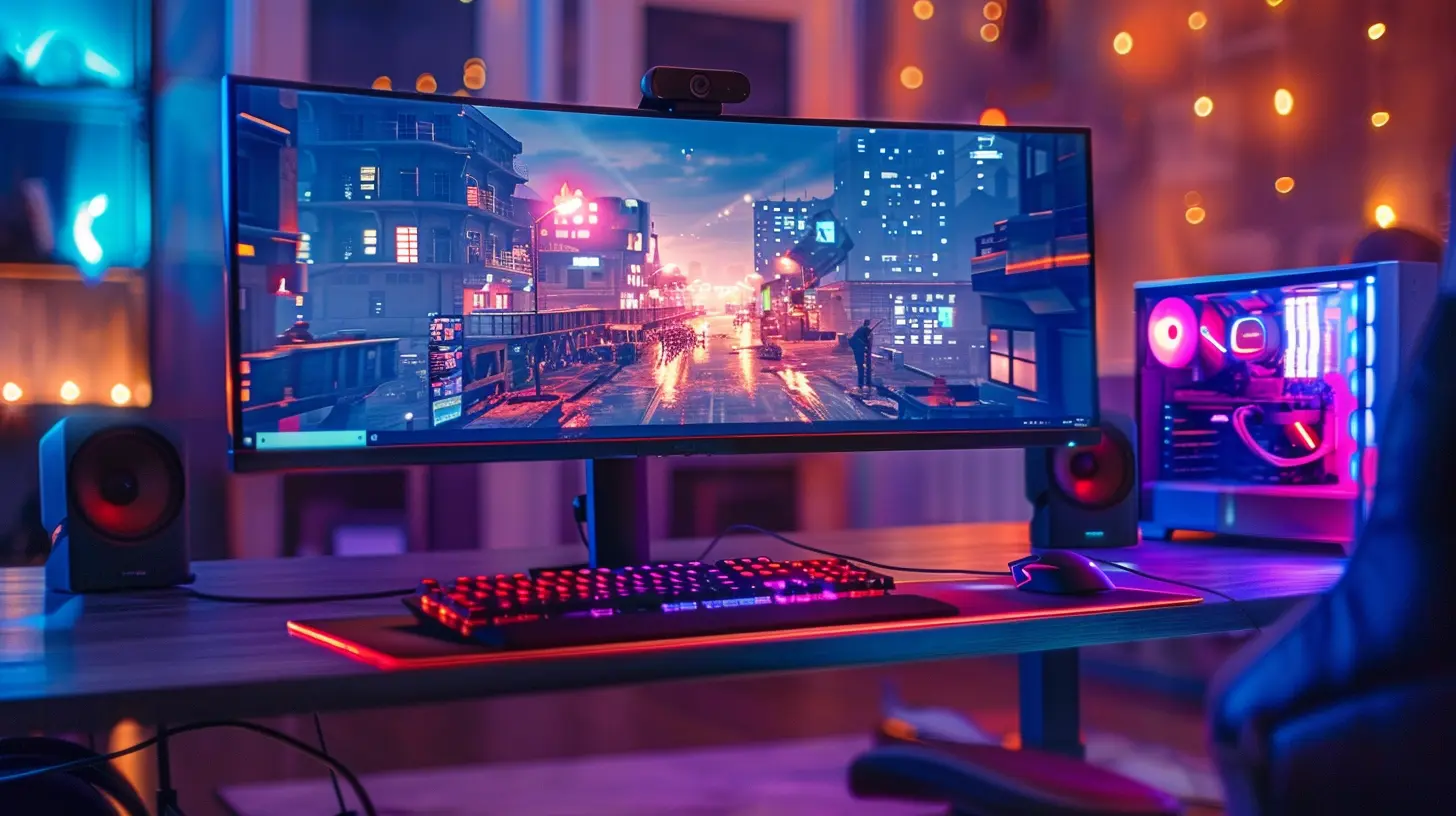
Games That Shine on Ultrawide Monitors
Not all games are created equal when it comes to ultrawide support. But the good news? A growing number of titles have native 21:9 or even 32:9 support. Here's a quick list where ultrawide truly enhances the gameplay:- The Witcher 3 – Roam the wild, stunningly detailed landscapes with an expanded field of view.
- Cyberpunk 2077 – Night City looks even more dystopian and neon-soaked on an ultrawide.
- Microsoft Flight Simulator – Feel like a real pilot with a cockpit that wraps around your vision.
- Forza Horizon 5 – Racing through Mexico has never felt so real or fast.
- Red Dead Redemption 2 – Ride across the open West while soaking in the cinematic experience.
Remember, not every game supports ultrawide resolutions out of the box. Some may require tweaking, mods, or even third-party apps to stretch the visuals properly.
Curved vs. Flat Ultrawide—Which One's Better?
Curved ultrawide monitors are all the rage, and for good reason. The gentle wraparound effect mimics the natural curve of your eyes, reducing strain and making it easier to absorb the entire screen without moving your head like you're watching a tennis match.For gaming, especially immersive genres, curved tends to win. Flat ultrawides still work, especially for content creators who value straight lines for editing, but the curve just feels more natural when you’re in-game.
Performance Considerations—Can Your PC Handle It?
This is where things get a bit tricky. More screen space = more pixels. And more pixels = more load on your graphics card.For example, a typical 2560x1080 resolution isn’t too demanding for modern GPUs. But once you step into 3440x1440 or beyond, you’d better have a beefy GPU—think RTX 3070 or higher—to maintain smooth framerates in today’s AAA games.
So before you take the ultrawide plunge, make sure your rig can swim in the deep end.
Are Ultrawide Monitors Good for Console Gaming?
Here’s where opinions split. While ultrawide monitors are fantastic for PC gaming, console support is hit-or-miss. Most consoles like the PS5 and Xbox Series X are designed for 16:9 output. Plug them into an ultrawide? You could end up with black bars on the sides or weird stretching.Some monitors offer aspect ratio correction or allow you to zoom/stretch content, but it won't be the same as native support. If you're strictly a console gamer, you might want to think twice (or wait for next-gen to catch up).
The Downsides You Should Know
Let’s keep it real—ultrawide monitors aren’t perfect. Here are a few things to consider before pulling the trigger:- Price Tag: These screens ain’t cheap. Expect to shell out significantly more than a standard 16:9 display.
- Desk Space: Ultrawides, especially 34"-49" models, take up space. Make sure your desk—and your room—can handle the footprint.
- Software Compatibility: Some older games, apps, and even websites don’t play nice with ultrawide resolutions. You might see awkward stretching or black bars.
- Streaming & Recording: If you capture gameplay footage, be aware that many platforms still favor 16:9. You may need to crop or adjust settings to get the best results.
Still with me? Good—because despite these drawbacks, many gamers say they’d never go back.
Tips for Buying the Right Ultrawide Monitor
Ready to join the ultrawide elite? Here are some quick tips before you buy:1. Resolution Matters: Aim for at least 3440x1440 for a sweet spot between visuals and performance.
2. Refresh Rate: Look for 100Hz or higher for smoother gameplay. Competitive players? Go for 144Hz+.
3. Panel Type: IPS panels offer better color accuracy, while VA panels give deeper contrast. TN panels are outdated and best avoided.
4. Response Time: Lower is better—ideally 1ms to 4ms for responsive gaming.
5. G-Sync or FreeSync: Match with your GPU brand for tear-free performance.
Is an Ultrawide Monitor Worth It for Gaming?
So, is an ultrawide monitor worth the investment?If immersion, productivity, and a killer setup are high on your list—absolutely. Once you go wide, it’s hard to go back. Sure, there are some issues and compatibility bumps, but the benefits far outweigh the cons for most gamers.
Casual players? Maybe stick with a solid 1440p or 4K 16:9 screen. But if you’re serious about your gaming experience and want to feel like you’re inside the game, ultrawide is the way to go.
Final Thoughts
The rise of ultrawide monitors in gaming isn't just a passing trend—it's a true evolution in how we experience games. As more titles embrace wider fields of view and developers optimize for 21:9 and beyond, ultrawide gaming is on the fast track to becoming the new normal.And honestly? It's about time gaming got this cinematic.
If you’ve been sitting on the fence, now might be the moment to treat yourself. Whether for immersion, multitasking, or just looking like a pro, an ultrawide monitor might be the best upgrade your setup's ever seen.
all images in this post were generated using AI tools
Category:
Gaming HardwareAuthor:

Lana Johnson