Best Practices for Organizing Your Gaming Desk Setup
26 February 2026
Let’s be real—there’s something magical about sitting down at a well-organized gaming desk. It feels like your own command center, right? A space where every mouse click and keypress flows like a perfectly executed combo move. Whether you're a casual gamer, a streamer, or someone obsessed with RGB everything, having a clean and functional desk setup can make a huge difference in how you play (and how you feel while playing).
In this guide, I'm breaking down the best practices for organizing your gaming desk setup. We'll cover everything from cable management to lighting, gear placement to comfort hacks. So, grab a snack, sit back (in your comfy gaming chair, hopefully), and let’s level up your battle station!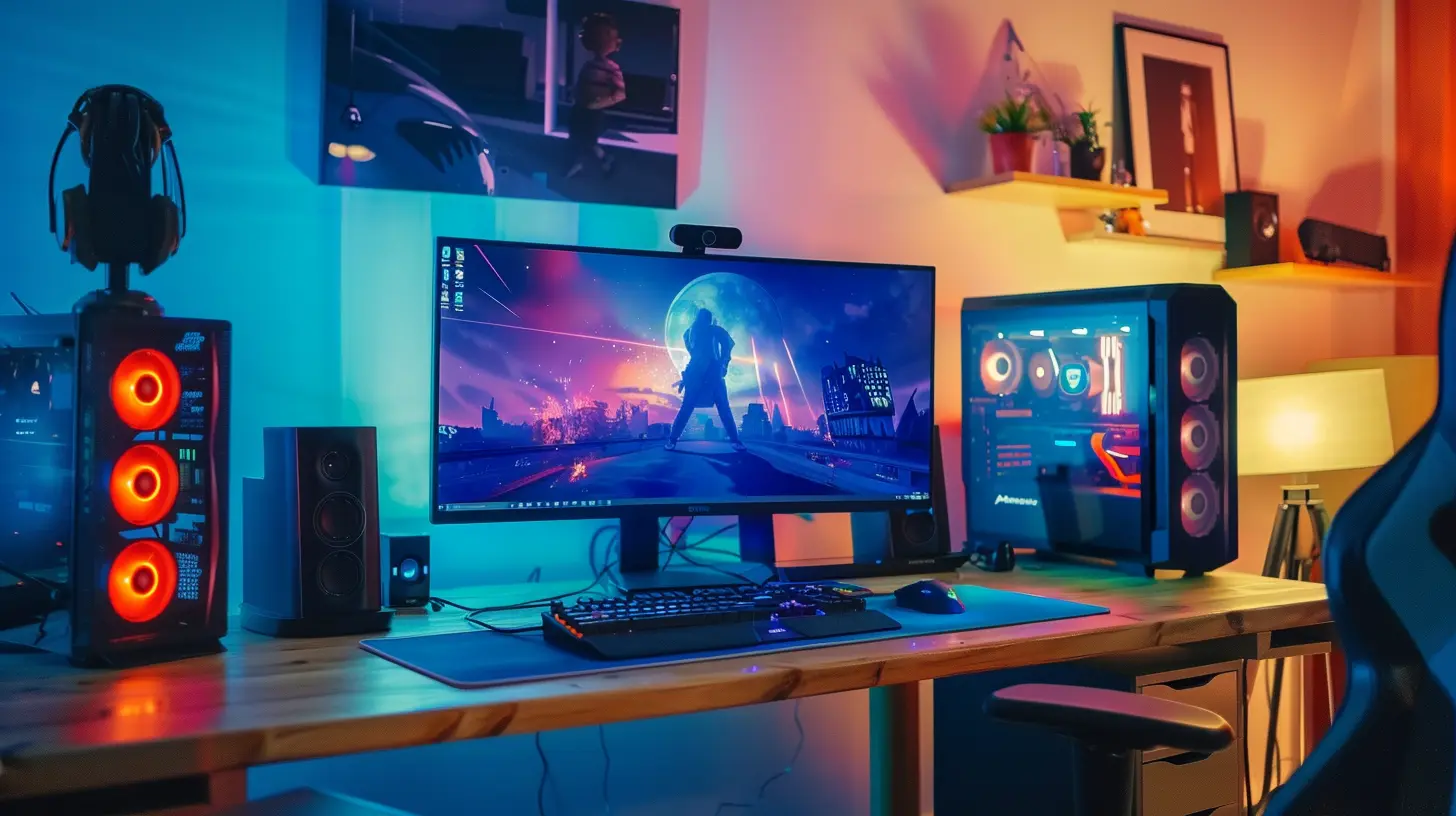
Why a Good Gaming Desk Setup Matters
Before we dive into the nitty-gritty, let’s answer the obvious: Why should you even care about organizing your gaming desk?Simple. A clutter-free and ergonomic setup:
- Boosts your performance and focus
- Reduces physical strain (looking at you, neck and wrist aches)
- Makes your space way more enjoyable
- Shows off your aesthetic (because looking cool totally matters)
Think of your desk as your in-game inventory—you wouldn't head into a boss fight with your items all over the place, right? Same logic applies here.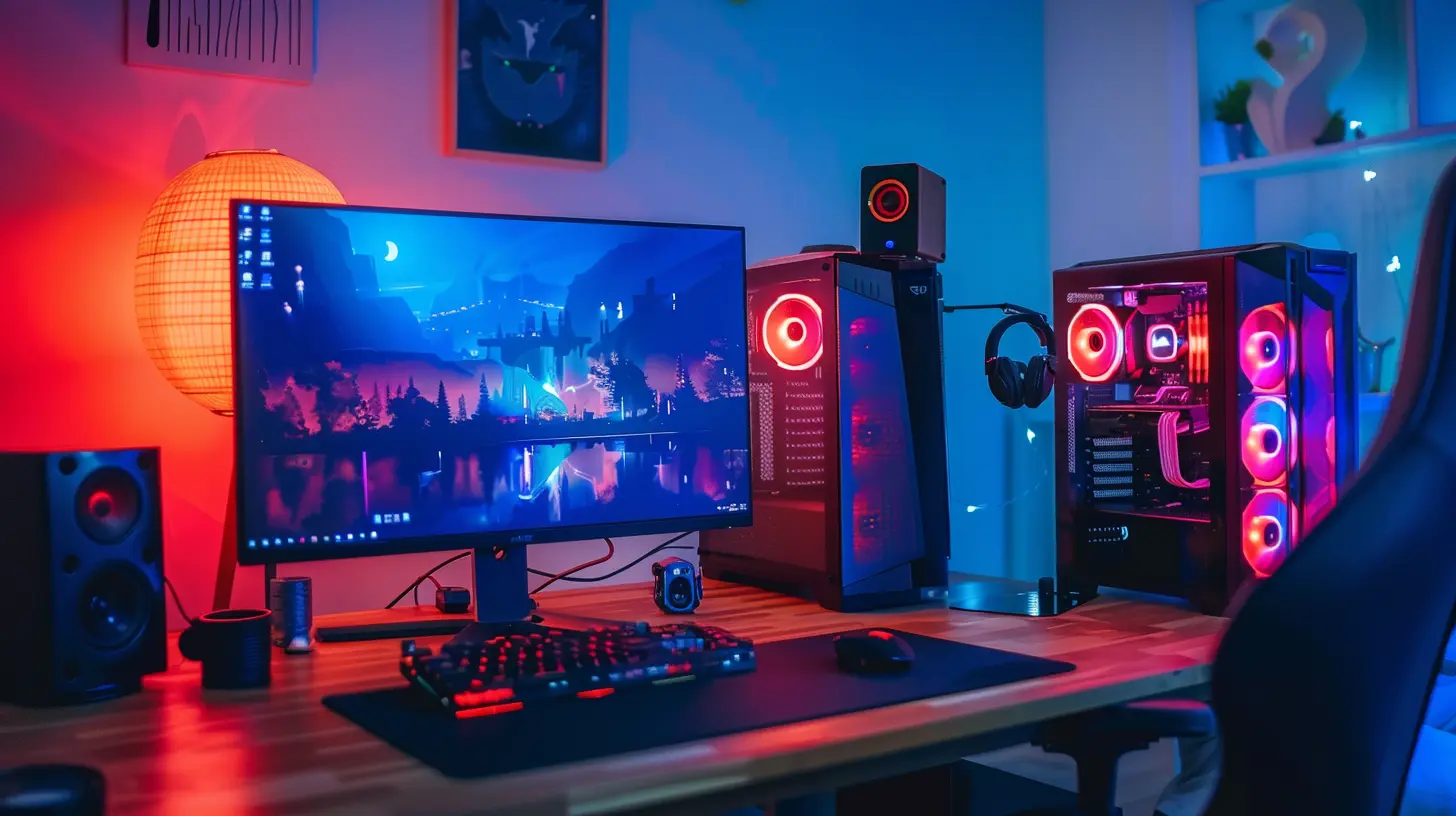
Step 1: Start With a Solid Desk
Okay, before anything else, you need a good foundation.Choosing the Right Desk
Your desk should be sturdy, spacious, and built to handle all your gear. Here’s what to look for:- Surface Space: Make sure there’s enough room for your monitor(s), keyboard, mousepad, and maybe a few collectibles or snacks.
- Material: Wood, metal, or tempered glass? Pick what suits your vibe and lasts long.
- Shape: Straight, L-shaped, or standing desk? L-shaped desks are amazing for multitasking or split setups (stream on one side, game on the other).
Having a good desk is like having a solid platformer base—without it, everything else crumbles.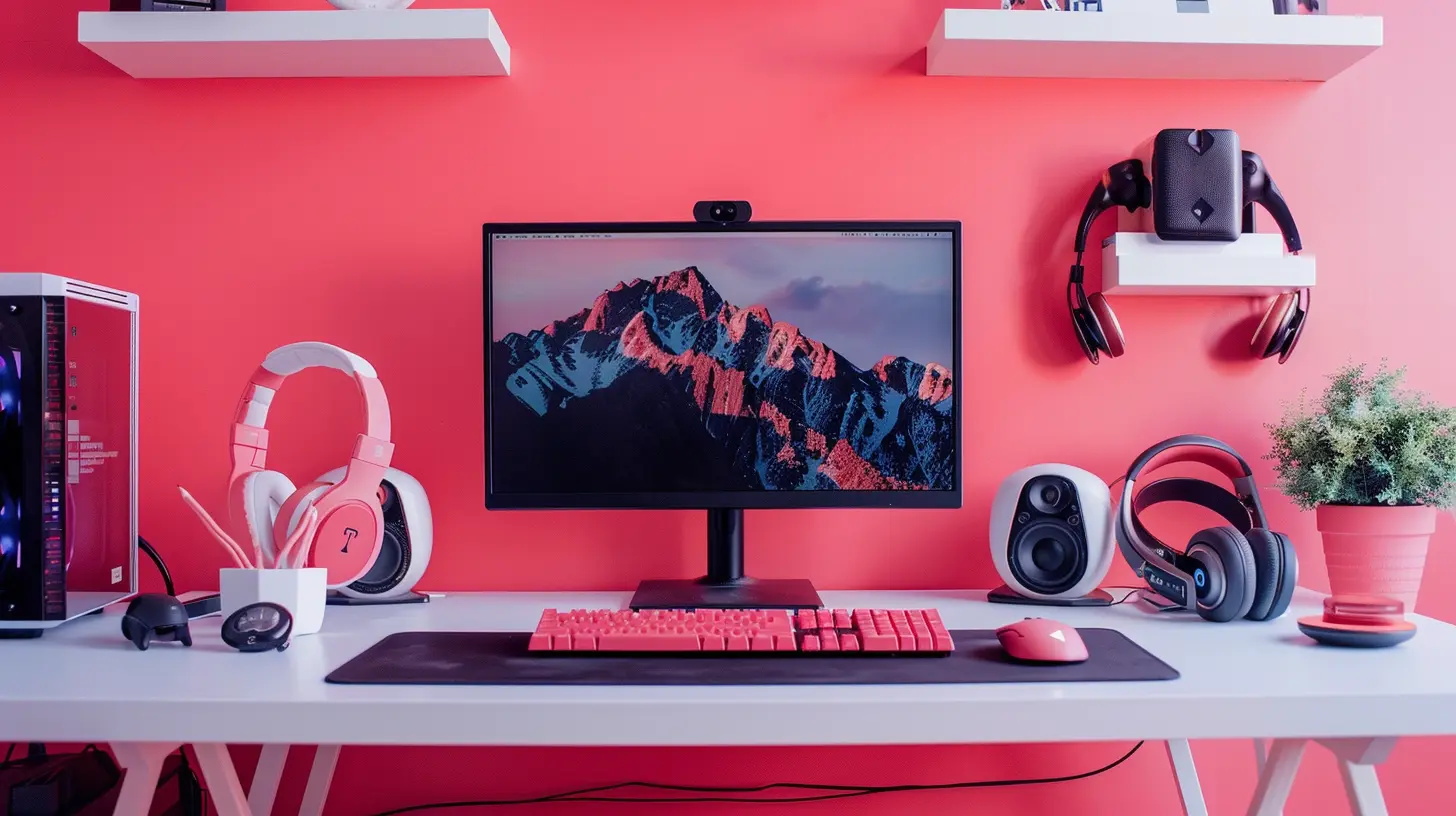
Step 2: Declutter Like a Pro
Let’s Marie Kondo the heck out of your desk. Only keep what truly sparks joy (or helps you win).What to Ditch or Relocate
- Old snack wrappers (guilty as charged)- Unused peripherals
- Random paperwork
- Extra USB cables you haven’t used in years
Use drawers, under-desk storage, or nearby shelves to hide the extra stuff. A clean surface = a clear mind.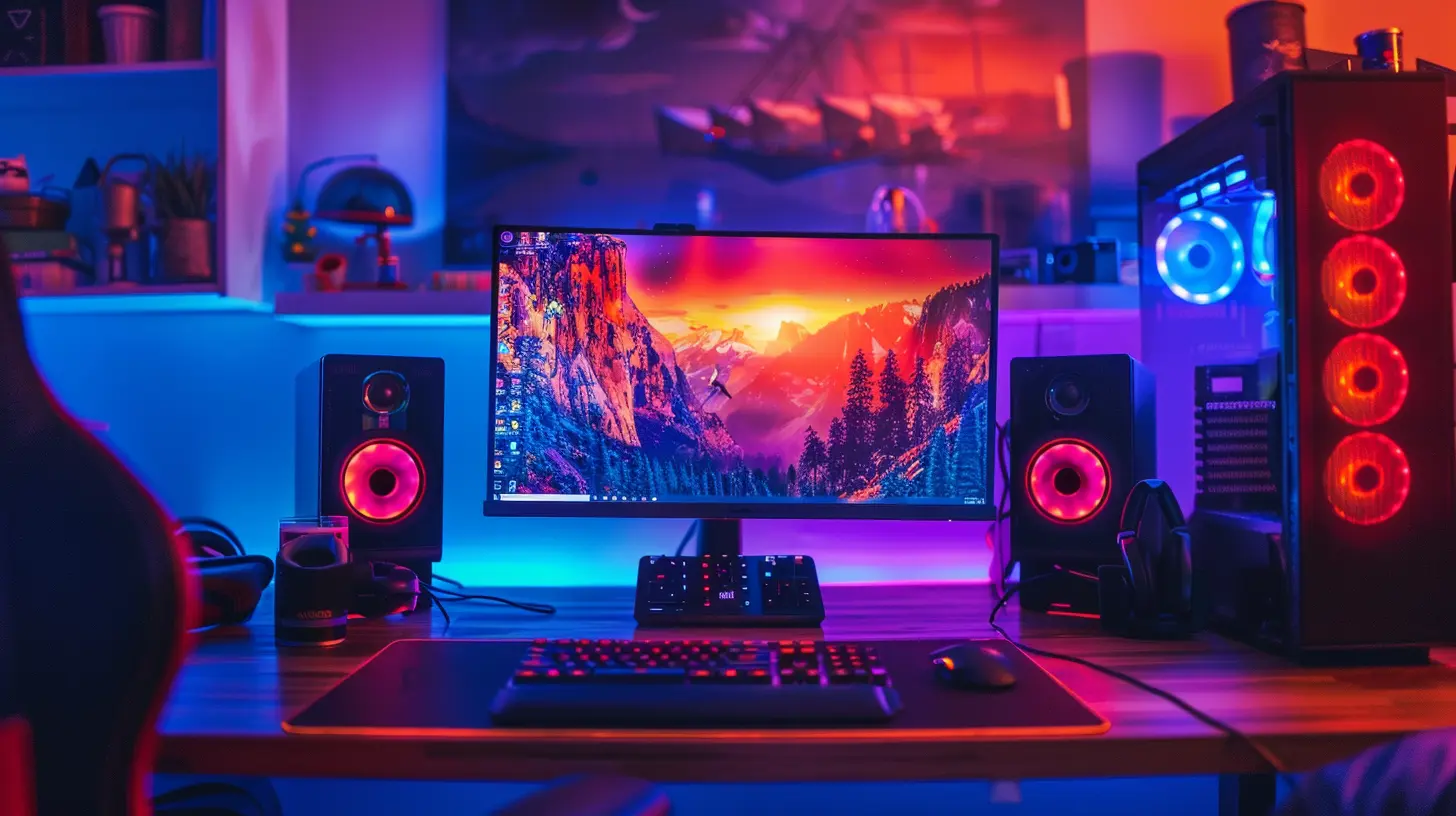
Step 3: Dial In Monitor Placement
Your monitor is the main stage of your setup. Set it up wrong and you’ll feel the consequences in your back faster than a lag spike in a ranked match.Monitor Setup Tips
- Eye-Level Is Key: Your eyes should naturally align with the top third of the screen. If you have to tilt your head down or up, it’s time to raise/lower that monitor.- Distance Matters: About 20 to 30 inches (or roughly an arm’s length) from your face is ideal.
- Multi-Monitor Arrangements: If you use dual or triple monitors, keep the primary one centered. Angle the others slightly toward you.
Use a monitor arm to elevate the screen and free up desk space—it’s a game-changer (pun intended).
Step 4: Master Cable Management
Ah yes, the jungle of wires. Nothing kills the vibe of a clean setup like tangled cables everywhere.Tidy Cable Tips
- Cable Sleeves: Group multiple cables into one neat bundle.- Zip Ties / Velcro Straps: Keep things tight and controlled.
- Cable Clips: Attach them to the back or underside of your desk to run cables discreetly.
- Cable Tray: Install one under your desk to hide bulky power strips and adapters.
Also, label your cables if you tend to unplug things often—it’s a small hack that saves big time.
Step 5: Light It Up, Strategically
Lighting isn’t just about looking cool (though that’s definitely a perk).Lighting Tips
- Ambient Lighting: LED light strips behind your monitor or desk add a soft glow that’s easier on the eyes during long sessions.- Task Lighting: A small desk lamp with warm white light can come in handy for reading or quick notes.
- RGB Everything?: If you’re into syncing your RGB lighting, platforms like Razer Chroma or Corsair iCUE can coordinate your entire rig's colors. Just don’t go full rainbow unless you’re aiming for a unicorn-vomit vibe.
Lighting sets the mood—whether you're diving into horror games or grinding XP ‘til 3 a.m.
Step 6: Position Your Peripherals Like a Boss
This is your control panel. Everything should be within comfortable reach and tailored to how you play.Keyboard & Mouse Placement
- Wrist Position: Keep them in a straight, neutral alignment to avoid strain.- Mousepad Size: Bigger is better if you play FPS games that require sweeping motions.
- Keyboard Angle: Flat or slightly inclined is ideal—too much tilt puts pressure on your wrists.
Headset Rack / Stand
No more tossing your headset onto the desk. Get a simple stand or mount it under the desk with a hook.Controller Storage
If you swap between PC and console games, keep a stand or drawer nearby for easy access.Step 7: Ergonomics = Health + Skill
Comfort is king. If you’re not comfy, you’re not at your best. Period.Chair
Invest in a good chair—preferably one with lumbar support, adjustable height, and good cushioning. Bonus if it reclines for those post-game chill sessions.Desk Height
Your elbows should be at a 90-degree angle when typing or using the mouse. If not, adjust your chair or get a height-adjustable desk.Foot Placement
Feet flat on the floor or on a footrest. No dangling legs or leg-crossing marathons.Your future self will thank you for this, trust me.
Step 8: Add Personal Touches
This is your zone—make it yours.Ideas for Personalization
- Add a few of your favorite game figurines or posters- Use a desk mat with your favorite game logo or theme
- Show off your Funko Pop collection if you’re into that
- Frame your first tournament entry or a signed piece of art
These little touches boost your mood and make you feel right at home.
Step 9: Keep It Clean (For Real)
Look, nobody likes cleaning, but a quick routine can go a long way.Easy Cleaning Routine
- Wipe down your desk and peripherals weekly- Dust behind your monitor and near cable hubs
- Use compressed air for your keyboard once in a while
- Don't eat messy stuff (looking at you, Cheetos and Mountain Dew combo)
A clean desk is a happy desk. Plus, everything runs cooler and lasts longer.
Step 10: Optimize for Content Creation or Streaming (Bonus)
If you’re a streamer or content creator, there are extra layers to think about.Camera and Lighting
- Use a ring light or softbox for even lighting- Mount a webcam at eye level—nobody wants to see up your nose
Audio Gear
- A good boom arm keeps your mic in the right spot without cluttering the desk- Pop filters reduce noise, and a good pair of headphones prevents mic feedback
Background Setup
- Add a cool backdrop, RGB floor lamps, or even a green screen- Clean up behind you—nobody needs to spot a pile of laundry mid-stream
Final Thoughts
Organizing your gaming desk setup isn’t just about making it look cool (although that’s definitely a win). It’s about creating a space that enhances your gameplay, supports your health, and keeps your mind focused on what really matters—having a blast while gaming.Remember, you don’t need to drop a ton of cash to create an epic setup. Start with what you have, make small upgrades, and fine-tune it over time. Your dream desk doesn’t happen overnight—it’s a grind, just like ranking up in your favorite game.
Now go forth, and build the ultimate gaming command center. Game on!
all images in this post were generated using AI tools
Category:
Gaming HardwareAuthor:

Lana Johnson
Discussion
rate this article
2 comments
Mistral Chapman
Great tips! A well-organized desk enhances focus and gameplay experience.
February 28, 2026 at 3:26 AM
Lana Johnson
Thank you! I'm glad you found the tips helpful. A tidy desk really can make a big difference!
Fennec Wilcox
Clutter-free equals optimal gaming focus!
February 26, 2026 at 3:27 AM
Lana Johnson
Absolutely! A tidy space makes it easier to concentrate and enjoy the game.