Why NVMe SSDs Make a Huge Difference in Load Times
27 April 2026
Let’s just admit it—no one likes waiting. Especially not when the new level is loading, or worse, you're stuck watching a static screen while the game tries to catch up. In gaming, seconds feel like centuries. That spinning icon? Yeah, it’s the modern-day hourglass of misery.
But what if I told you that you don’t have to live like this?
Welcome to the world of NVMe SSDs—a place where load times are slashed, your system breathes fire, and you actually feel like you’re getting what you paid for from your gaming rig. If you’ve been hearing the hype and wondering what all the fuss is about, this guide is for you.
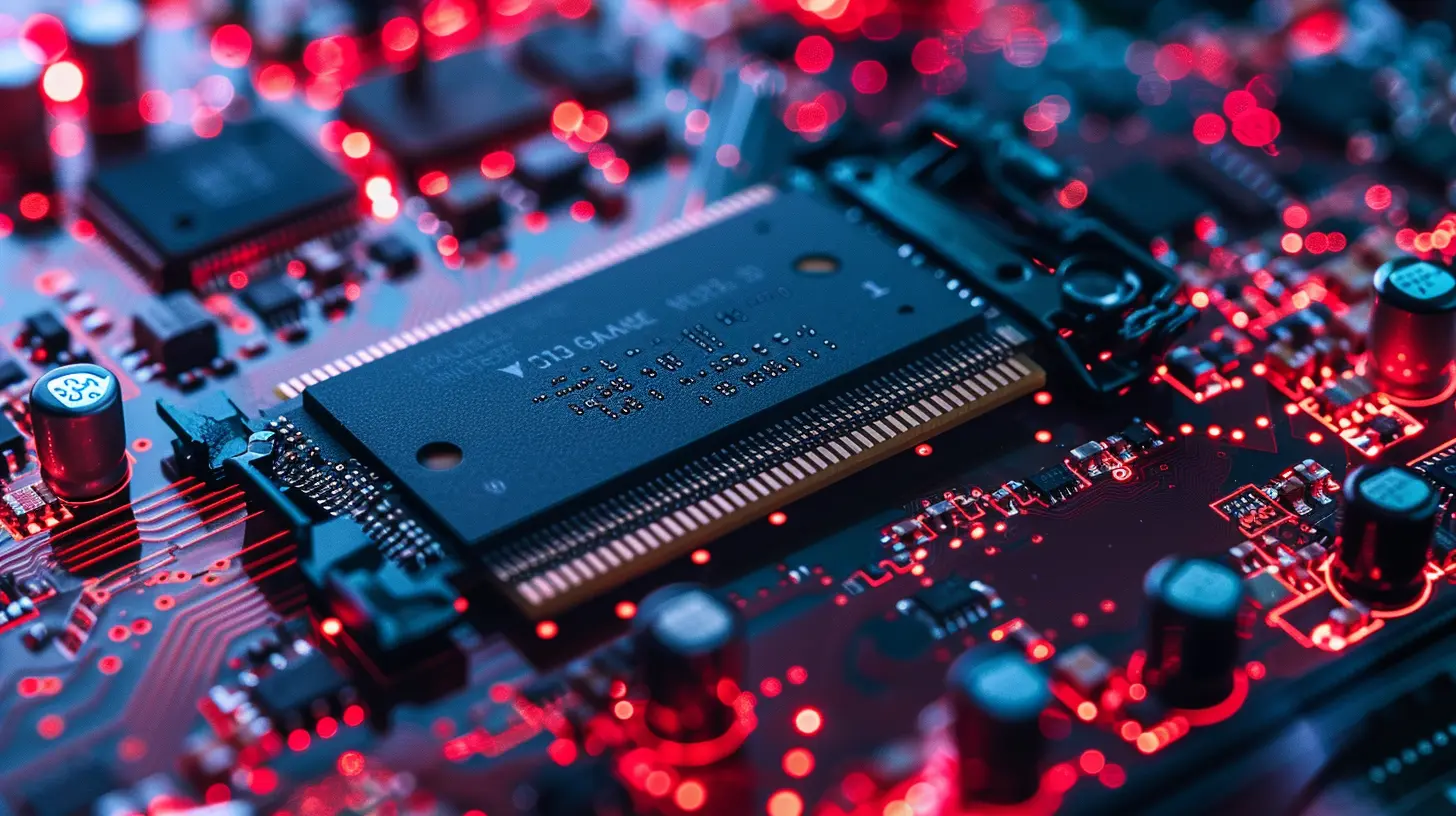
What is an NVMe SSD, Anyway?
Let’s break it down. SSD stands for Solid State Drive. It’s the modern replacement for those clunky, slow spinning hard drives of the past. Now, NVMe—short for Non-Volatile Memory Express—is a protocol designed specifically for high-speed storage. It talks directly to your system’s CPU using the PCIe interface (usually via an M.2 slot), making it insanely fast compared to those older SATA SSDs.Imagine SATA SSDs are like a highway with a speed limit, but NVMe SSDs are like the Autobahn—no limits, just full-speed performance.
Why Load Times Are So Important in Gaming
Before we get lost in tech specs, let’s talk about experience.You’re playing your favorite open-world game. You just fast-traveled. A loading screen pops up. Time ticks by… your snack is now gone, and you’re still waiting. Or worse—you’ve just been eliminated in a multiplayer match, and that painfully long reload is the difference between staying in the zone and rage-quitting.
Fast load times aren't just for convenience. They're about staying immersed. NVMe SSDs don’t just make things faster—they make everything feel smoother, more responsive, and just plain better.
NVMe vs. SATA SSDs vs. HDDs
Not all drives are created equal. Let’s do a quick stats battle:| Storage Type | Read Speed | Write Speed | Typical Load Time |
|--------------|------------|-------------|--------------------|
| HDD (Hard Drive) | 80–160 MB/s | 80–160 MB/s | Very Slow |
| SATA SSD | 500–550 MB/s | 500–550 MB/s | Moderate |
| NVMe SSD | 3,000–7,000 MB/s | 2,500–6,500 MB/s | Ridiculously Fast |
You can see the obvious winner here. NVMe SSDs blow the competition out of the water, loading massive open-world scenes in just a few seconds, where HDDs might take up to a minute (or more).

Real-World Game Load Time Comparisons
Let’s throw in some real numbers.| Game Title | HDD Load Time | SATA SSD Load Time | NVMe Load Time |
|------------|----------------|----------------------|------------------|
| Red Dead Redemption 2 | ~90 seconds | ~35 seconds | ~10 seconds |
| Cyberpunk 2077 | ~75 seconds | ~28 seconds | ~8 seconds |
| GTA V | ~85 seconds | ~30 seconds | ~9 seconds |
| Call of Duty: Warzone | ~70 seconds | ~25 seconds | ~7 seconds |
Impressive, right?
These aren’t just minor improvements. NVMe SSDs often cut load times by two-thirds or more compared to HDDs. That’s not just a speed boost—it’s a complete game-changer.
It’s Not Just Load Times—NVMe SSDs Improve Overall Game Experience
Think it ends at load times? Far from it.Here’s what else benefits from NVMe SSDs:
- Faster Level Streaming: Large open-world games load textures and geometry constantly. NVMe drives can feed that data almost instantly, preventing pop-ins or those weird blurry textures.
- Reduced Stuttering: Ever had your game freeze for a second while it loads something in the background? NVMe drives eliminate that hiccup entirely.
- Quick Installs and Updates: No more waiting 30 minutes for a 20 GB patch to process.
- Fast Boot Times: Not game-related, but turning on your PC in under 10 seconds is pretty awesome.
Are NVMe SSDs Worth the Upgrade?
Short answer? Absolutely.Sure, they might be a bit pricier than your SATA SSDs, but with prices dropping and capacities rising, it’s becoming a no-brainer. If you’re a serious gamer—or even a casual one who values speed and performance—this upgrade is one you’ll actually feel every single time you play.
Think of it like this: you wouldn’t play a cutting-edge game on a 10-year-old graphics card, right? So why bottleneck your experience with a slow storage device?
How to Choose the Right NVMe SSD
Okay, sold on the idea? Great! Let’s make sure you get the right one.1. Check Compatibility
First off, make sure your motherboard supports NVMe. Most modern ones do, but if your system’s older, you might be stuck with SATA or need an adapter.2. Look at Read/Write Speeds
The faster, the better. Aim for an NVMe SSD that has 3,000 MB/s read speeds or more. Brands like Samsung (with the 980 Pro series), Western Digital Black SN850, and Sabrent Rocket offer top-tier options.3. Storage Capacity
Games today are HUGE. Think Call of Duty: Warzone or Microsoft Flight Simulator—some eat up over 100 GB each. At a minimum, go for 1TB if you’re planning to have multiple AAA titles installed.4. Heat Management
Some high-speed NVMe drives get hot under pressure. Look for one with a heatsink or make sure your motherboard has built-in cooling for M.2 drives.
What About Next-Gen Consoles?
If you’re a console gamer, good news—PS5 and Xbox Series X already use NVMe SSDs. That’s a huge reason why load times on next-gen consoles are so impressively fast.Ever notice how Spider-Man: Miles Morales loads in less than 2 seconds on PS5? Yup, that’s NVMe magic right there.
Some PS5 models even allow you to add a second NVMe SSD to increase storage. Just make sure it meets Sony’s speed and dimension requirements.
NVMe in the Gaming Future
Let’s talk big picture for a second.As game worlds get larger and more complex, fast storage isn’t just nice—it’s absolutely necessary. Developers are now designing games with ultra-fast storage in mind, meaning having a slow drive could actually affect how well your game performs.
In fact, some upcoming titles might require NVMe SSDs just to run properly, especially if you want all the bells and whistles like 4K textures, real-time asset streaming, and zero load transitions.
In other words, NVMe SSDs aren't just the future—they're becoming the standard.
Final Thoughts: Get Ready to Say Goodbye to Load Screens
So there you have it. NVMe SSDs aren’t just a speed boost—they’re a full-blown revolution for gaming.They make your experience smoother, sharper, and way less frustrating. Whether you’re looking to improve load times, eliminate stutter, or finally install all those games you’ve been hoarding, an NVMe SSD is the upgrade you never knew you needed.
And once you make the switch? You’ll wonder how you ever gamed without it.
Don’t let your old drive hold you back. It’s time to leave loading screens in the past where they belong.
all images in this post were generated using AI tools
Category:
Gaming HardwareAuthor:

Lana Johnson
Discussion
rate this article
2 comments
Kenzie Elliott
NVMe SSDs are like the espresso shot for your games-suddenly, you're not waiting for the loading screen to finish before questioning your life choices. Who knew being impatient could feel this good?
May 12, 2026 at 3:10 AM
Lana Johnson
Absolutely! NVMe SSDs really do transform the gaming experience. Fast loading means more time playing and less time waiting. It's a game changer for sure!
Myles Morrow
NVMe SSDs are a game changer for load times, unlocking a seamless experience that allows players to dive straight into action. The sheer speed transforms gameplay, reducing frustration and enhancing immersion. As technology advances, we see how crucial these innovations are in shaping the future of gaming. It's an exciting era.
May 8, 2026 at 4:43 AM
Lana Johnson
Absolutely, NVMe SSDs really do revolutionize load times. They allow players to jump straight into the action, making the experience much more enjoyable. It's a thrilling time for gaming as these advancements reshape how we play.