The Real Benefits of 144Hz and Higher Displays
15 August 2026
Let’s be honest—once you’ve seen a 144Hz display in action, there’s no going back. It’s like switching from driving an old sluggish car to sitting behind the wheel of a sleek sports car. Everything just feels smoother, faster, and more responsive. Whether you're grinding ranked in your favorite FPS, dabbling in racing sims, or even just scrolling through your desktop, high refresh rate displays change the game—literally.
But is it all hype? Is 144Hz really that big of a deal? And what about 240Hz, or even 360Hz? Buckle up, because we’re diving deep into why high refresh rate displays aren’t just for competitive gamers anymore.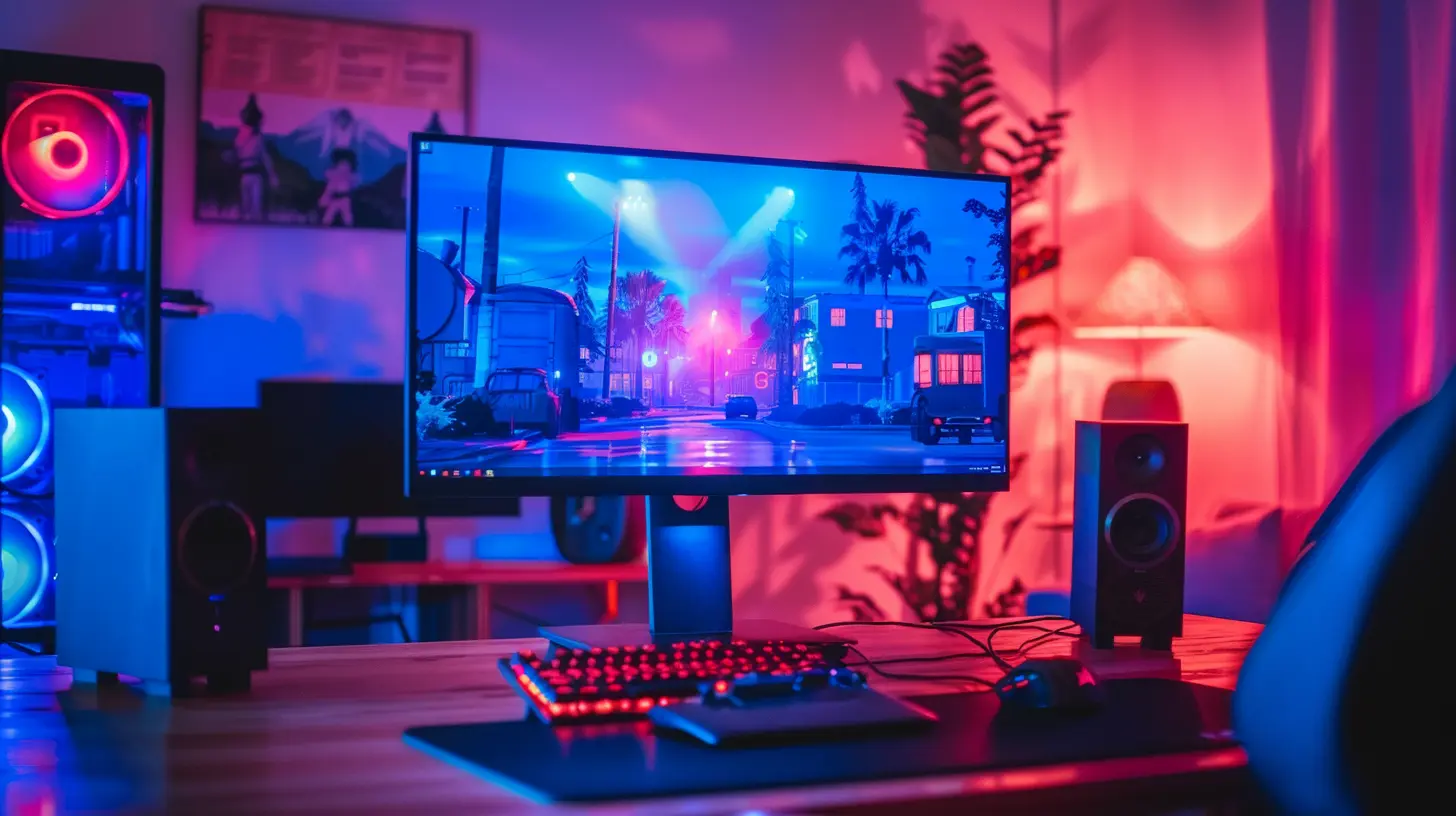
What Does Refresh Rate Even Mean?
Before we get ahead of ourselves, let’s break it down. Refresh rate, measured in hertz (Hz), refers to how many times your screen updates with a new image each second. So a 60Hz display refreshes the screen 60 times a second. A 144Hz display? That’s 144 times per second.Now, that might sound like tech jargon, but here’s where it gets real: the higher the refresh rate, the smoother everything appears. Think of it like flipping through a flipbook—more pages mean smoother animation, right? Same deal here.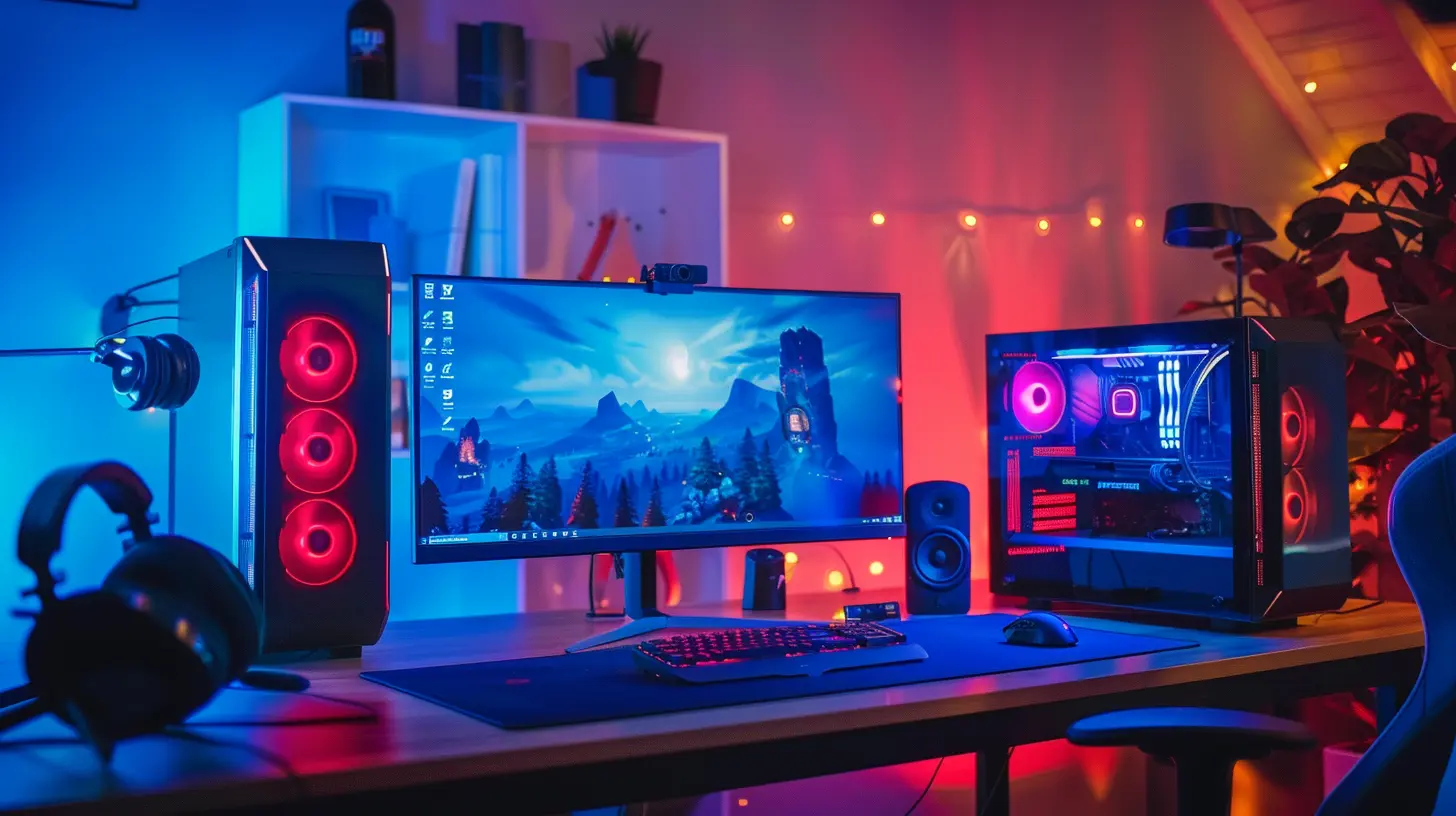
60Hz vs 144Hz – The Game-Changer
If you're still using a 60Hz monitor, you're living in the past, my friend. It's not terrible—after all, it’s been the standard for decades—but comparing it to 144Hz is like watching a movie in standard def versus full HD. The difference is night and day.Here’s what you’ll notice when you make the jump:
- Smoother animations and transitions
- Reduced input lag
- More responsive gameplay
- Clearer motion with less blur in fast-paced scenes
For gamers, especially those into first-person shooters, fighting games, or racers, the impact is immediate. You’ll feel more in control, your aim will improve, and everything just feels more “real.”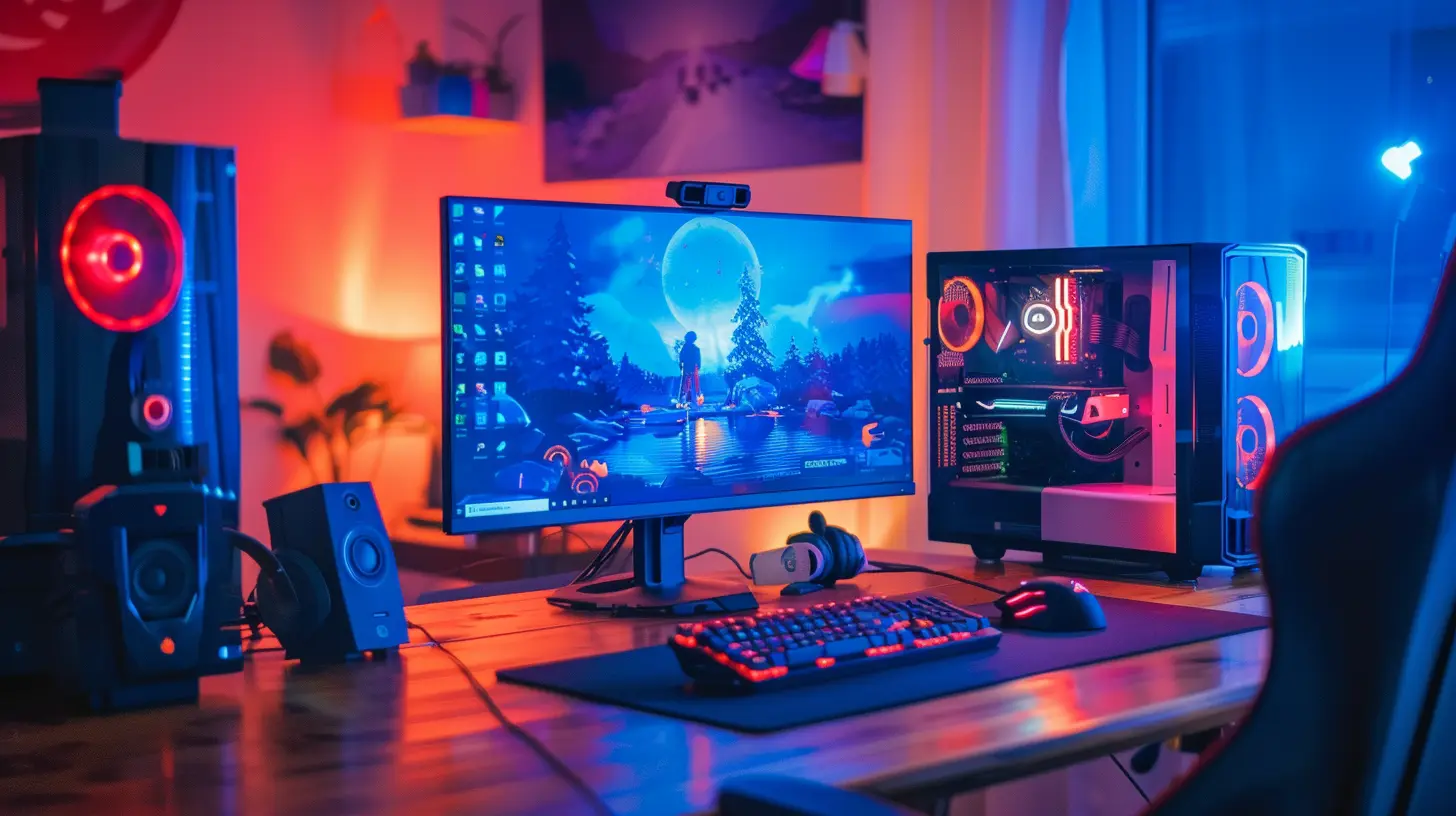
The Competitive Edge: 144Hz in Gaming
You might be wondering, “Do I really need 144Hz or higher to be better at games?” Short answer: Yep.Long answer? Well, consider this. In games like Valorant, CS:GO, Apex Legends, or Call of Duty, reaction time is everything. A split second delay could mean the difference between landing a clean headshot or having to respawn. A 144Hz (or higher) monitor reduces input delay and displays smoother motion, which helps your brain and hands keep up with the action better.
Let’s not forget about screen tearing and stuttering—those infamous hiccups that make everything feel choppy. With a higher refresh rate paired with technologies like G-Sync or FreeSync, those problems practically vanish.
It's not just about seeing more frames—it's about seeing them faster and more accurately. The smoother motion allows you to track enemies better. Your targets won’t look like they’re teleporting across the screen. Everything becomes more fluid and instinctive.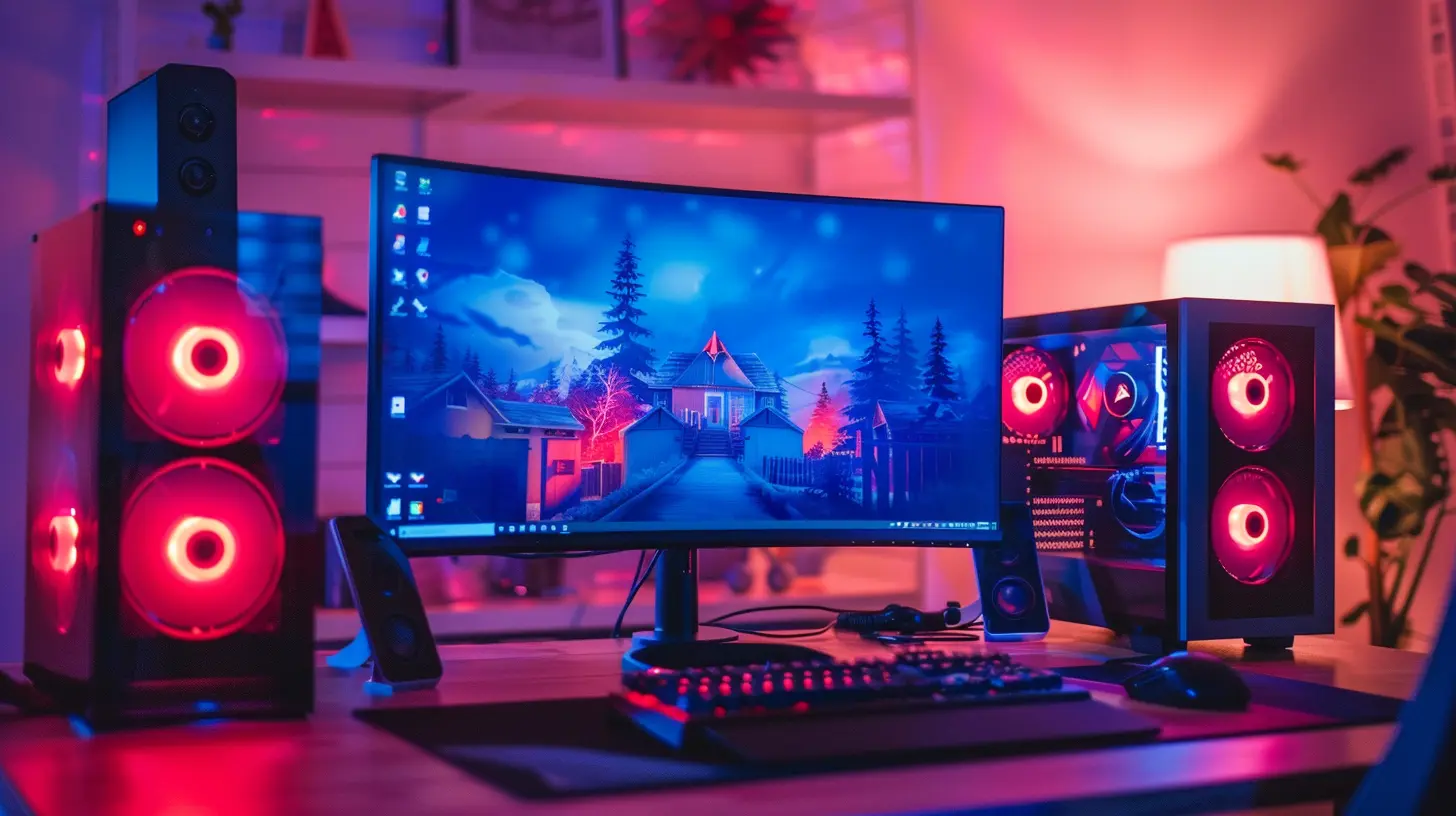
Beyond Gaming: Everyday Benefits of High Refresh Rates
Now, maybe you’re not trying to go pro in Warzone. That’s cool. But the benefits of a high refresh rate extend way beyond gaming.Ever tried scrolling through a long webpage on a 144Hz screen? It’s butter-smooth. Dragging windows around or managing multiple apps is way more satisfying. Even watching YouTube videos or animations in software feels different (in a good way).
Plus, if you’re someone who stares at a screen for hours (and who isn’t these days?), high refresh rate displays can actually reduce eye strain. That smoother motion means your eyes aren’t working as hard to track movement. Less fatigue, more comfort.
144Hz vs 240Hz vs 360Hz – Is Higher Always Better?
Okay, so 144Hz is great. But now you've got 240Hz, 360Hz, and even 500Hz displays popping up. Is it worth chasing those higher numbers?Here’s the real talk: 240Hz and 360Hz are amazing, but they come with diminishing returns—especially for casual users.
- 240Hz: Makes a nice difference if you're a competitive gamer. If you play games like CS:GO, Overwatch, or Fortnite and want to squeeze every ounce of performance, you’ll feel the upgrade.
- 360Hz and beyond: This is pro-level territory. At this point, we're talking esports competitors who NEED to shave off every millisecond possible.
For most gamers, 144Hz hits the sweet spot between performance, availability, and price. It’s fast enough to see real benefits without breaking the bank or requiring a monster GPU.
Do You Need a Beefy PC for 144Hz?
Yes…and no. To truly enjoy a 144Hz or higher display, your PC needs to push enough frames per second (FPS) to match your monitor’s refresh rate. Otherwise, you’re not really utilizing that speed.Let’s say your monitor is 144Hz, but your GPU is only cranking out 60 FPS. You’re not seeing the full benefits. Ideally, you'd want your FPS to be at or near 144 to get that silky-smooth experience.
The good news? Modern mid-range GPUs like the NVIDIA RTX 3060 or AMD RX 6700 XT can easily push 144 FPS at 1080p in most games. And if you're into competitive titles (which are often less demanding), even budget cards can hit those frame rates.
Console vs PC: The Refresh Rate Showdown
Console players used to be locked into 60Hz territory, but not anymore. With the release of the PS5 and Xbox Series X, 120Hz gaming is officially a thing!More and more console games are being optimized for high frame rates, and TV manufacturers are catching up with support for 120Hz inputs. It’s not quite the same as 144Hz or 240Hz on a monitor, but it’s still a major leap from the 30-60 FPS days.
That said, PC still reigns supreme for high refresh rate gaming, thanks to customizable settings, better performance options, and support for resolutions like 1440p or even 4K at high refresh rates.
How to Know If It’s Time to Upgrade
Still thinking about whether you should upgrade to a high refresh rate monitor? Here are a few signs that you’re ready:- You play fast-paced, competitive games regularly
- You feel like your aim is good, but your shots aren't connecting
- Your current display feels sluggish or choppy
- You’ve got a capable GPU already
- You want a smoother, more fluid desktop experience
If you checked most of those boxes, it’s probably time to treat yourself.
Choosing the Right Monitor
There’s a ton of options out there, so here’s a mini guide to help you pick the right high refresh rate monitor:- Resolution: 1080p is great for high FPS performance, while 1440p offers better visuals without too much FPS loss. 4K? Only if your GPU is a beast.
- Panel Type:
- IPS = Best color and viewing angles
- TN = Fast response times, but meh colors
- VA = Good contrast, decent speed
- Refresh Rate:
- 144Hz = Great for most users
- 240Hz = For hardcore gamers
- 360Hz+ = For esports pros
- Adaptive Sync: Look for FreeSync (AMD) or G-Sync (NVIDIA) to reduce screen tearing
- Size: Bigger isn’t always better—consider 24–27 inch monitors for a sweet spot in clarity and eye movement
Final Thoughts: Is it Worth It?
Absolutely. The real benefits of 144Hz and higher displays are not just marketing fluff—they’re real, they’re tangible, and they will absolutely upgrade your experience, especially in gaming.Whether you're a hardcore shooter fan, a weekend warrior, or someone who just wants a smoother ride through your digital world, once you go high refresh rate, you’ll wonder how you ever lived without it.
It’s one of the rare upgrades that you feel instantly. It makes your games more immersive, your interactions more responsive, and everything just a little more enjoyable. It's like going from a cardboard steering wheel to a real one—you’re more connected, more in control, and honestly, it just feels better.
So if you’ve been sitting on the fence: go for it. Your eyes—and your K/D ratio—will thank you.
all images in this post were generated using AI tools
Category:
Gaming HardwareAuthor:

Lana Johnson