The Pros and Cons of Wireless Gaming Gear
30 April 2026
Wireless gaming gear is everywhere these days—from high-performance wireless gaming mice to mechanical wireless keyboards and even top-tier wireless gaming headsets. If you're someone who's into gaming, whether casually or competitively, you've probably thought about making the switch or already have.
But here's the thing—while going wireless might seem like the future, it’s not all sunshine and rainbows. There are some awesome benefits, sure, but there are also a few thorns hiding under those wireless roses.
So, is wireless gaming gear a dream come true or just a flashy gimmick? Let’s break it down and get into the nitty-gritty.
? What Counts as Wireless Gaming Gear?
Before we dive into the pros and cons, let's get on the same page. When we say "wireless gaming gear," we’re talking about:- Wireless gaming mice
- Wireless gaming keyboards
- Wireless gaming headsets
- Wireless controllers
Basically, any gaming peripheral that ditches the cables and connects via Bluetooth, 2.4GHz wireless, or other wireless tech for freedom of movement.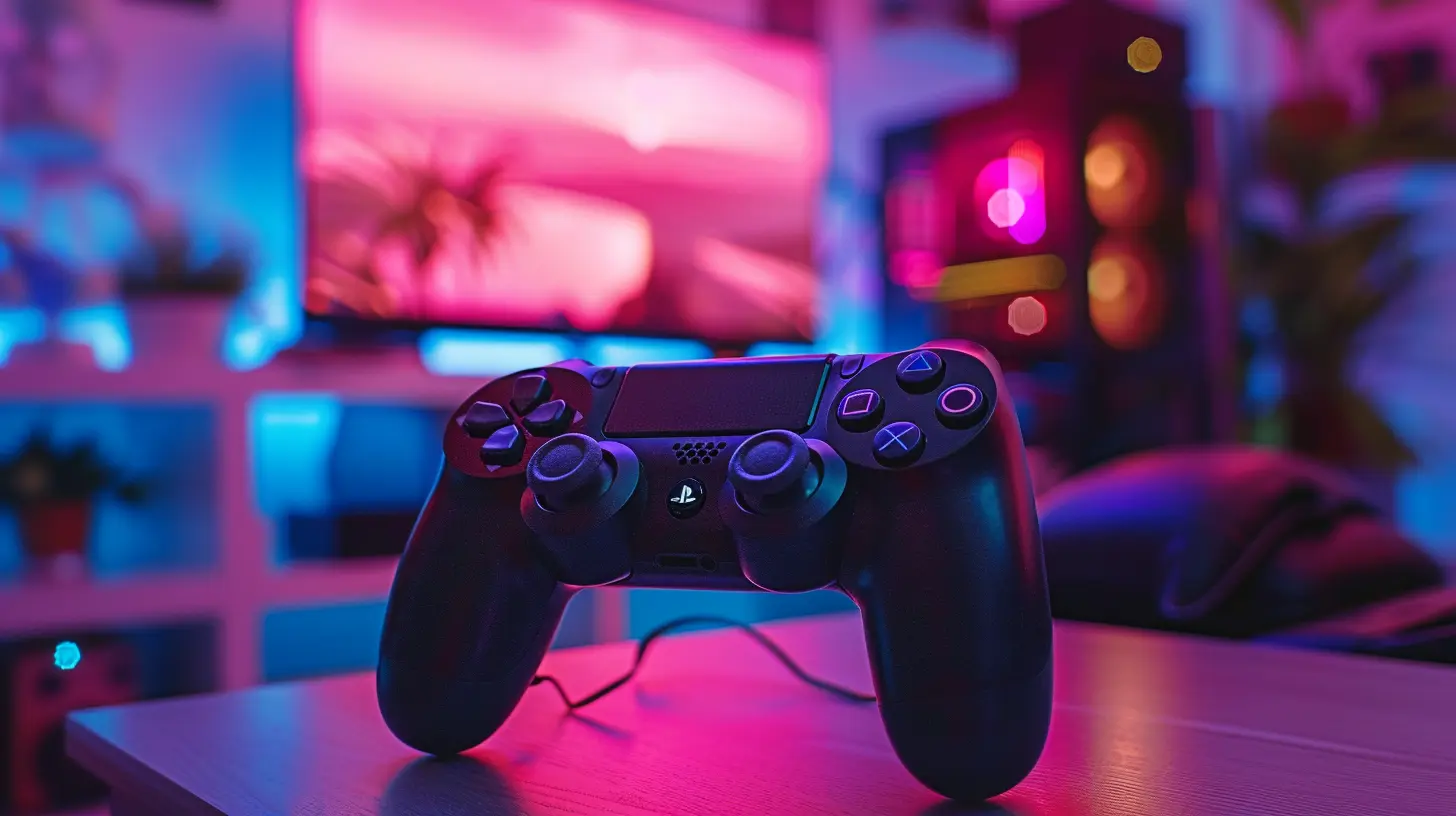
✅ The Pros of Wireless Gaming Gear
Let’s start with the good stuff. Going wireless has some serious upsides, especially for gamers who like a clean setup and freedom to move.1. No More Cable Clutter
Ever feel like your desk is slowly turning into a snake pit of tangled wires? Yeah, us too. One of the biggest benefits of wireless gear is how clean and organized your gaming setup can look. No more tugging wires or re-routing cables just to keep your mouse from snagging.With wireless gear, you finally get that minimalist, envy-worthy gaming desk.
2. Freedom of Movement
Whether you're mid-battle in an FPS or just lounging back for a chill gaming session, being unshackled from cords feels liberating. You can flick your mouse with zero drag, lean back in your chair with your headset on, or take your keyboard to the couch if you're gaming on a big screen.It's like cutting the leash—once you go wireless, it's hard to go back.
3. Portability Wins
On-the-go gaming? Wireless gear is perfect for LAN parties or tournaments. Toss your gear into your bag, head out, and you're game-ready in no time. No tangled cords. No setup gymnastics. Just plug in the wireless dongle, power up, and play.And if you're a laptop gamer, wireless gear is pretty much a no-brainer.
4. Modern Wireless Tech Is Fast—Really Fast
Let’s kill that old myth: wireless gaming gear isn't slow or laggy anymore (at least not the good stuff). With advancements in low-latency wireless tech—like Logitech’s LIGHTSPEED or Razer’s HyperSpeed—you’re getting performance that rivals (and sometimes beats) wired gear.Gamers are even winning esports tournaments using wireless peripherals. That says a lot.
5. Fewer Wear and Tear Issues
Cables fray. USB ports wear out. That constant bending, tugging, and plugging in can wear down both your gear and your PC over time. Wireless gear? No cables mean fewer points of failure. It’s not bulletproof, but it definitely saves some wear and tear.
❌ The Cons of Wireless Gaming Gear
Of course, no setup is perfect. Wireless gear has its disadvantages—and depending on your needs, they might be deal-breakers.1. Battery Life Will Haunt You
Everything needs juice. Whether it’s AA batteries or built-in rechargeables, your wireless gear will run out of power—usually at the worst possible time.Imagine being in the final round of a ranked match and your mouse decides it’s nap time. Brutal.
Some devices boast impressive battery lives (60+ hours, even), but you still have to stay on top of charging or swapping batteries. If you’re forgetful, this can be a nightmare.
2. Potential for Latency and Interference
Yes, wireless gaming tech is faster than ever, but it’s still vulnerable to interference. Got a crowded 2.4GHz spectrum at home? Too many Bluetooth devices? You might experience lag, drops, or the occasional hiccup.Wired gear is just more stable—period. If you're into ultra-competitive or reaction-based gaming, shaving every millisecond might still make a difference.
3. Higher Price Tag
Let’s be real—wireless gaming gear isn’t cheap. You’re paying for convenience, cutting-edge tech, and freedom. But is it always worth the extra cost?For example, you can find a killer wired mouse for $30. A wireless version with the same specs? Expect to pay double—or more.
Add in the cost of replacement batteries or a charging dock, and your budget can take a hit fast.
4. Weight and Size Can Be a Problem
Wireless gear often packs in extra components—like batteries or wireless receivers—which can make it heavier or bulkier than wired versions.A heavier mouse might throw off your aim. A bulkier headset could cause discomfort over long sessions. It’s not always a deal-breaker, but it’s something to consider.
5. Charging Cables Still Exist
Ironically, even though you’re going wireless, you’ll probably still have a few cables lying around—for charging, updating firmware, or switching to wired mode when the battery dies.So the dream of a completely cable-free desk? It’s close, but not 100% real… yet.
?️ Wireless vs. Wired: Which Should You Choose?
Alright—so now you know the main pros and cons. But here’s where it gets tricky: should you actually go wireless?It depends on a few key factors:
➤ Competitive vs Casual Gaming
Are you grinding ranked matches in Apex Legends or Valorant? Then latency and reliability might be your top priorities, and a high-end wired setup could be your best bet.On the flip side, if you’re gaming for fun, streaming, or playing story-driven titles, the convenience and comfort of wireless gear can seriously enhance your experience.
➤ Your Gaming Setup
Tight on desk space? Hate clutter? Wireless is great for small or clean setups. A wireless keyboard and mouse can instantly make your space feel more open and modern.➤ Budget
Got cash to splash? Go wireless. Need to build your rig on a budget? Wired versions offer similar performance at lower prices.➤ Travel Needs
If you're a mobile gamer or attend LAN events, wireless gear is a game-changer. Portability becomes a major strength here.? Pro Tips for Going Wireless
Thinking about going cord-free? Here are a few helpful tips to make the most of your wireless gear:1. Choose brands with strong track records (Logitech, Razer, SteelSeries, Corsair). Not all wireless peripherals are created equal.
2. Check battery life and charging method. Go for quick charging or long-lasting batteries.
3. Keep a backup cable handy. You never know when a charge might drop mid-game.
4. Pay attention to weight if you're sensitive to heavy gear. Lighter wireless peripherals do exist—look for "ultralight" models.
5. Match your gear. Some keyboards and mice offer combo dongles to save USB ports and reduce interference.
⚖️ Final Verdict: Is Wireless Gaming Gear Worth It?
So… is it time to cut the cord?Honestly, wireless gaming gear has come a long way, and for many gamers, the pros outweigh the cons. The freedom, portability, and sleek setup are huge wins—especially with modern wireless tech being nearly as fast (or even faster) than some wired gear.
But it’s not for everyone. If you're overly competitive, budget-conscious, or just hate dealing with charging, wired might still make more sense.
In the end, it’s all about what matters most to you. Performance? Portability? Aesthetic? There's no one-size-fits-all answer—but hey, that’s the beauty of PC gaming, right?
Whether you're sniping from a distance or chilling with a controller on your couch, there’s a perfect setup out there. Just make sure you're choosing gear that complements your style of gaming.
? FAQ: Quick Answers About Wireless Gaming Gear
Q: Is wireless gear good for competitive gaming?A: Yes—if you go with high-end models. Brands like Logitech and Razer offer wireless gear that's tournament-ready.
Q: Can wireless headphones handle gaming audio well?
A: Totally. Look for low-latency audio (not just Bluetooth), and you’re golden.
Q: How often do you need to charge wireless gear?
A: Depends on the model. Some last weeks, others just a few days. Always check the battery specs.
Q: Do wireless devices work with consoles?
A: Some do, some don’t. Always double-check compatibility before buying.
all images in this post were generated using AI tools
Category:
Gaming HardwareAuthor:

Lana Johnson
Discussion
rate this article
2 comments
Grant Frank
Great insights! It's crucial to weigh convenience against performance when choosing wireless gaming gear. Thanks for sharing!
May 5, 2026 at 3:28 AM
Lana Johnson
Thanks for your feedback! Balancing convenience and performance is key in gaming gear decisions. Glad you found it helpful!
Natasha McIntyre
Great insights on wireless gaming gear! Always a hot topic...
May 2, 2026 at 2:29 AM
Lana Johnson
Thanks for the feedback! Wireless gaming gear definitely sparks plenty of discussion. Glad you found the insights helpful!