The Best Storage Solutions for Your Game Library
21 April 2026
Let’s be real – if you’re anything like me, your game library is a beautiful, chaotic mess. Physical discs spilling out of cabinets, digital downloads buried in forgotten folders, and controllers mysteriously disappearing into the void. Whether you're a casual gamer or a hardcore collector, storing your game library efficiently is a game-changer (pun completely intended). So, how do you wrangle the digital and physical chaos into a tidy, envy-worthy setup?
Well, you’re in luck. In this post, we’re diving deep into the best storage solutions for your game library. We’ll cover everything from digital organizing hacks to physical storage options that not only declutter your space but also showcase your collection with pride.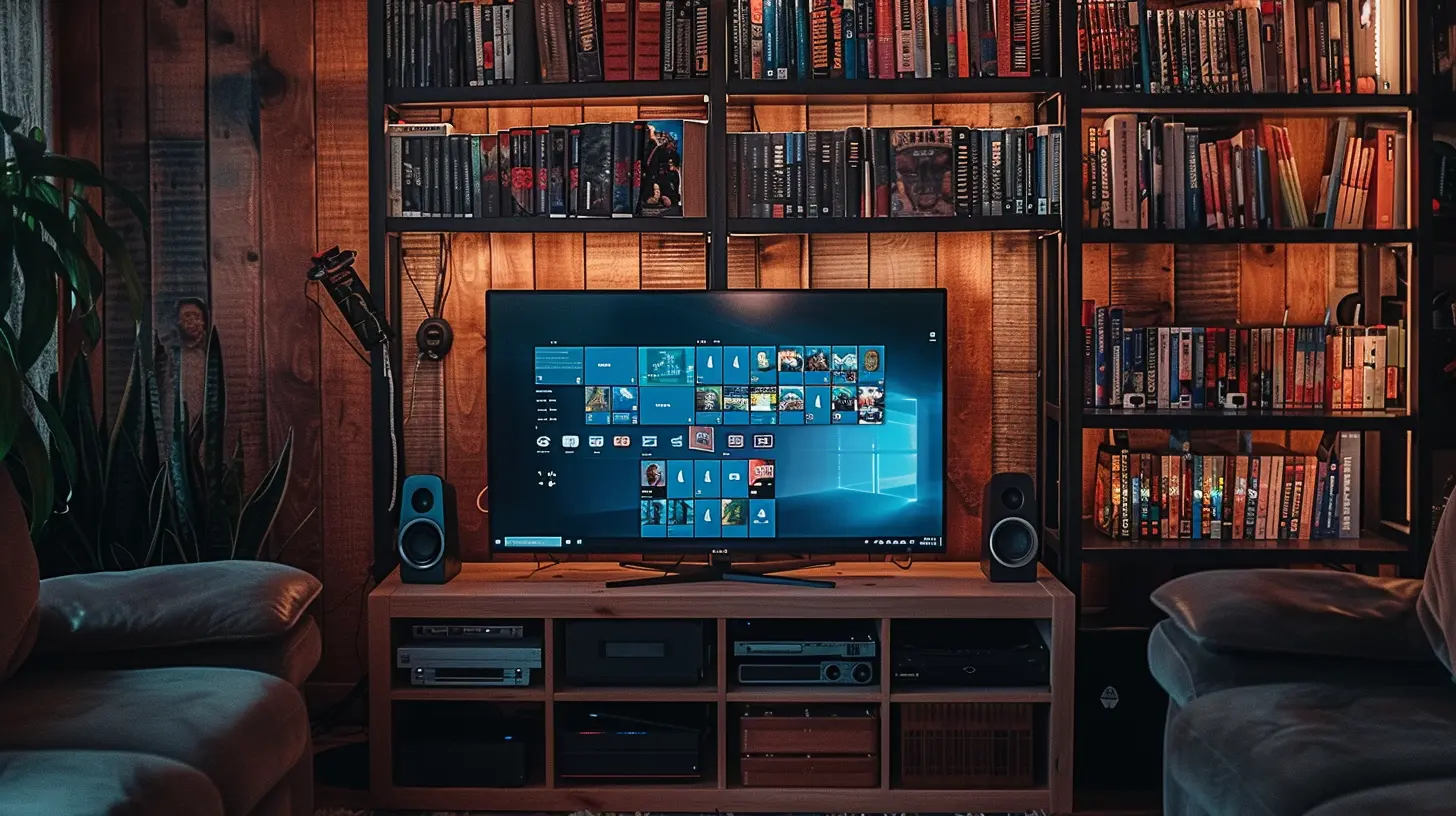
Why Game Storage Actually Matters
Before we get into the nitty-gritty, let’s talk about why this even matters. Think of your gaming collection like a treasure chest. Sure, the gold’s still there whether it’s jumbled or organized... but it’s way more enjoyable to sift through when it's neat.Here’s why an organized game library isn’t just aesthetic:
- ? You can actually find the game you want to play (imagine that).
- ? Preserves your discs, cartridges, or cases from damage.
- ? Saves time when switching between games or platforms.
- ?♂️ Creates a more calming and immersive environment.
So, ready to transform your clutter into a sanctuary? Let’s jump in.
Digital Game Library Storage Solutions
With the rise of digital games, gone are the days of needing an entire wall of shelves—at least for some of us. But even digital libraries can get overwhelming if not managed properly.1. External Hard Drives: A Gamer's Best Friend
Let’s start with the MVP: the external hard drive.Running out of room on your console or PC? Don’t delete your favorite titles! Portable hard drives or SSDs are a super easy way to expand your storage and keep all your games accessible without clogging up your main system.
Pro tips:
- Go for at least 2TB if you're a heavy gamer.
- SSDs (Solid State Drives) offer faster load times than HDDs.
- Make different folders for genres or platforms to stay organized.
It’s like giving your console a closet makeover. All your games, neatly filed away and ready to roll when you are.
2. Cloud Storage and Digital Libraries
Yeah, you’ve heard about "the cloud," but did you know it's a total lifesaver for gamers too?Most platforms like PlayStation, Xbox, Steam, and Nintendo offer cloud saves. While this doesn’t store the games themselves (you still need disk space for that), it ensures your progress is synced and protected across devices.
Want your game library available on the go? Services like Steam Cloud, Xbox Game Pass, or NVIDIA GeForce NOW let you access your library from multiple devices. It’s like having your favorite arcade in your pocket.
3. Library Management Tools
If you're a PC gamer with an overflowing digital collection — think hundreds of Steam games from ten years of sales — organizing might feel impossible.Tools like:
- LaunchBox – great for retro and modern game management.
- Playnite – open-source launcher that pulls all your platforms into one slick interface.
- GOG Galaxy – unifies your digital collection across Steam, Epic, Origin, etc.
These tools act like a digital librarian, organizing your chaos into sleek, searchable categories.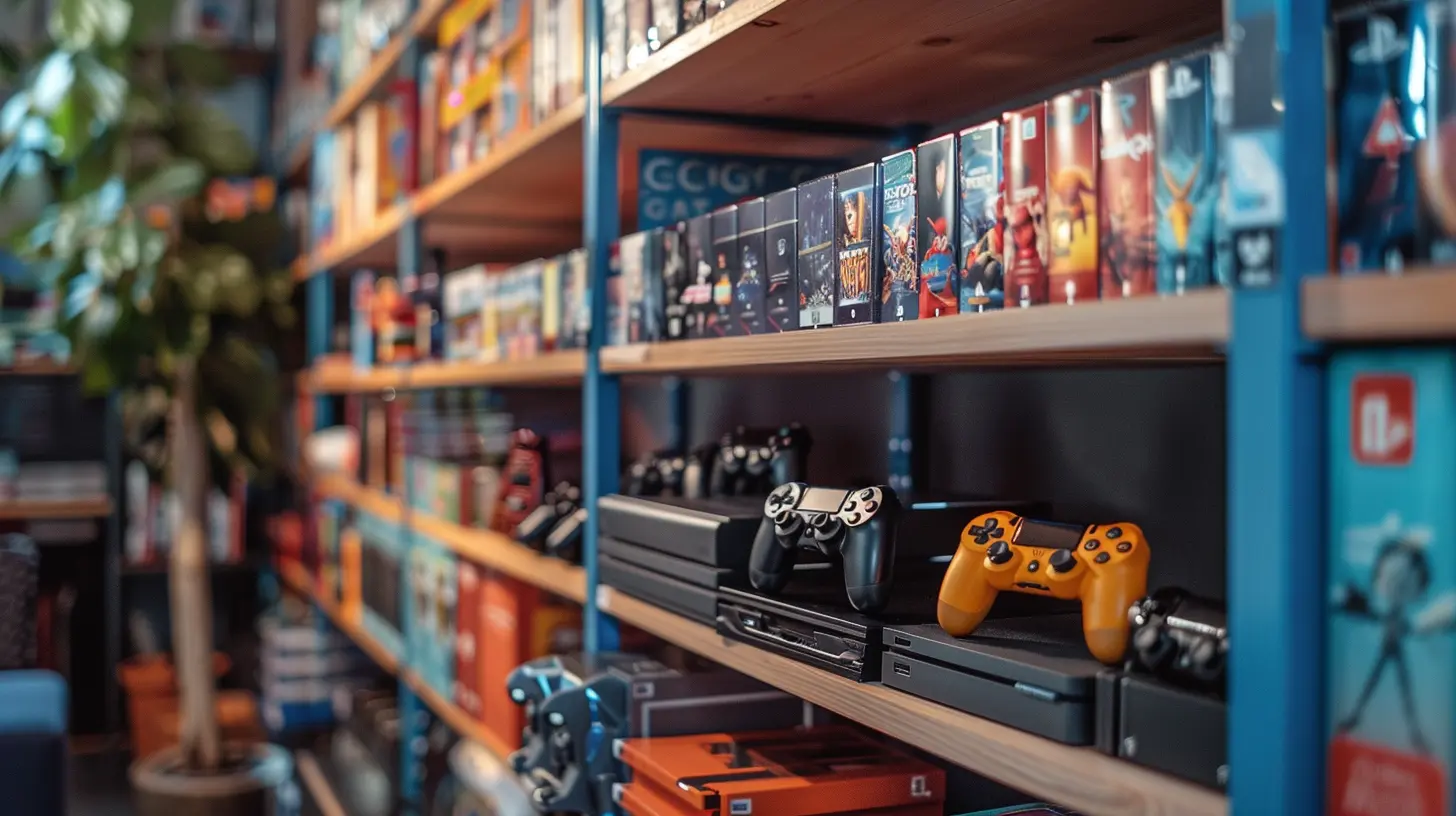
Physical Storage Solutions: For The Tangible Collector
There’s something magical about holding a physical copy of a game — the artwork, the disc, the click of opening a case. If you're one of those collectors who still love having shelves full of titles, we've got you covered too.1. Game Shelves and Bookcases
This is where form meets function. A good shelving unit not only displays your collection but also keeps it safe and sorted.Look for:
- Adjustable shelves: Games come in all shapes and sizes.
- Sturdy materials: No one wants a collapsed shelf of rare imports.
- Aesthetic choices: Black, wood grain, or RGB-lit — match your gaming vibe.
Pro tip: Group games by platform, publisher, or genre to make browsing easier.
2. DVD Binders: Efficient and Space-Saving
Not into showing off and just want your discs stored tightly? DVD binders are criminally underrated.You can fit 100+ discs in a small binder, which is ideal for those tight on space. Just remember to label the sleeves or include an index – otherwise, it’s like flipping through an encyclopedia without a table of contents.
Perfect for:
- Retro game collectors.
- On-the-go gamers who travel with large libraries.
3. Storage Cabinets and Drawers
Short on display space? Then drawer systems and hidden cabinets are a stealthy, smart solution.Game-themed storage bins, modular drawer towers, or even repurposed furniture can hide your collection in plain sight. You’ll still know where everything is — your guests just won’t know you own 200+ games until you open the drawers.
4. Wall Mounts and Display Racks
If you want to make a statement, try a wall-mounted solution. These are great for:- Showcasing your favorite or rare titles.
- Creating a cinematic or arcade feel.
- Saving floor space.
Think of it like hanging fine art — except it’s your limited-edition "Legend of Zelda" box set.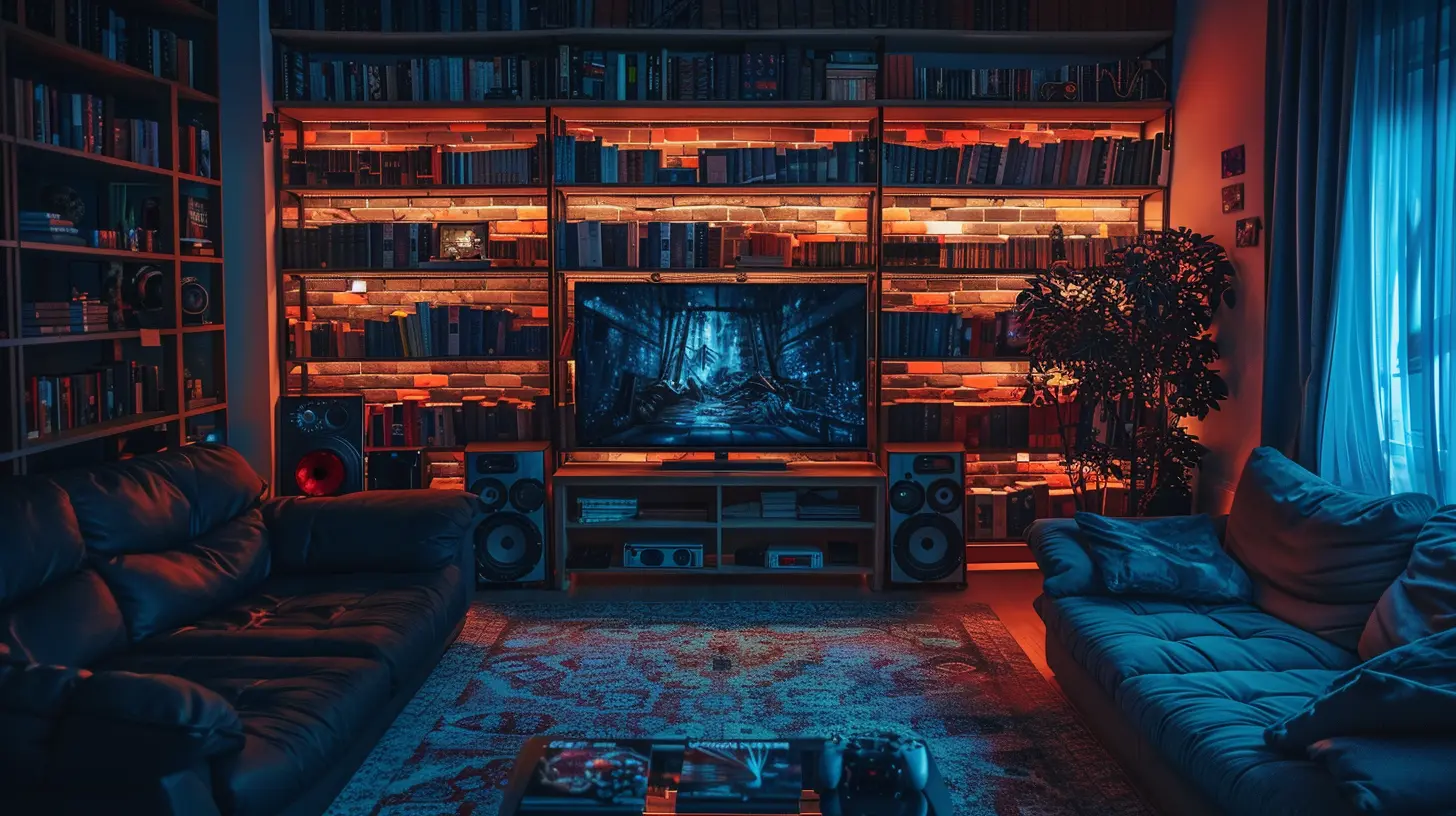
Storing Consoles and Controllers (The Real Problem)
Alright, so we’ve got the games sorted. But what about the consoles, controllers, cables, and other chaos-inducing accessories? They deserve a spot in this conversation too.1. Controller Stands and Charging Docks
Tired of finding controllers under your couch? Invest in controller stands. Bonus points if they double as charging docks.Many models let you charge multiple controllers at once while keeping them displayed neatly—like a little controller museum!
2. Cable Management Tools
Gaming setups are basically a jungle of wires. But with cable clips, zip ties, or raceways, you can turn that tangled mess into a sleek, professional vibe.You don't need to be a DIY master either. Velcro ties work wonders.
3. Media Cabinets for Consoles
Whether you’re running a PS5, Xbox Series X, Switch, or retro systems — they all need a home.Look for media cabinets with:
- Ventilation (your consoles need to breathe!).
- Cable pass-through holes.
- Adjustable shelves.
This way, everything has a place, and your setup doesn’t resemble a cyberpunk junkyard.
Labeling and Inventory: The Secret Sauce to Sanity
One of the most underrated yet powerful tips? Label and log your collection.1. Labeling Physical Media
Whether it’s a binder, drawer, or shelf, clear labeling means you’ll find what you need faster than a speedrun video.Use:
- Label makers.
- Colored stickers (maybe color-coding by platform).
- Spine labels for sleeves or binders.
2. Inventory Apps
Want to avoid accidentally buying the same game twice? Been there.Apps like:
- CLZ Games
- Gameye
- My Game Collection
Let you track, categorize, and even value your collection. Great for collectors who buy, sell, or trade regularly.
Tips to Keep It All Tidy Long-Term
Organizing is the easy part. Keeping it that way? That’s the true boss battle.Here are a few quick-fire tips to keep your game library sharp:
✅ Schedule a monthly clean-up or reorganization session.
✅ Dust your shelves and consoles regularly.
✅ Purge games you no longer play (donate, sell, or trade).
✅ Update your digital folders and databases routinely.
Like gaming itself, staying organized is about consistent small wins.
Final Thoughts: Your Space, Your Story
At the end of the day, your game library is like your personal museum of adventures, battles, and journeys. Whether it’s a digital empire or a shelf of classics, how you store them tells a story — your story. And by giving that story the space and structure it deserves, you’re not just organizing games... you’re showing them the respect they've earned.So go on, grab those bins, label those drawers, and design the game room of your dreams. You’re not just storing games — you’re creating your own little universe where every title has a place.
And if you ever feel overwhelmed, just remember: even the biggest games start with a loading screen.
all images in this post were generated using AI tools
Category:
Gaming HardwareAuthor:

Lana Johnson
Discussion
rate this article
2 comments
Kimberly Brooks
Just like in gaming, organization is key! Whether you prefer sleek digital libraries or meticulously arranged physical shelves, the right storage can transform chaos into clarity. Level up your game library management—because a cluttered inventory is as frustrating as a laggy connection!
April 28, 2026 at 4:42 AM
Lana Johnson
Absolutely! The right storage makes all the difference. A well-organized game library can enhance your gaming experience and keep everything at your fingertips.
Audrey Riggs
Stop hoarding games; organize your collection like a pro!
April 26, 2026 at 4:20 PM
Lana Johnson
Thanks for the tip! A well-organized collection makes finding games much easier.