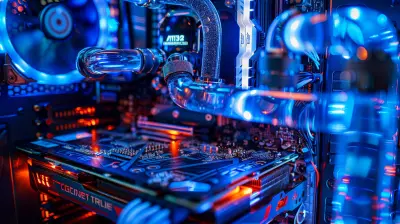
Overclocking Basics for Better Gaming Performance
2 March 2026
Let’s face it—every gamer at some point wonders if they can squeeze a few more frames per second out of their rig without spending a fortune on new hardware. That’s where overclocking steps into the spotlight. It's like giving your PC a shot of adrenaline—pushing it beyond factory limits to unlock hidden performance. But before you dive in and crank up the numbers, let’s break down what overclocking really is, how to do it safely, and whether it’s the right move for your setup.
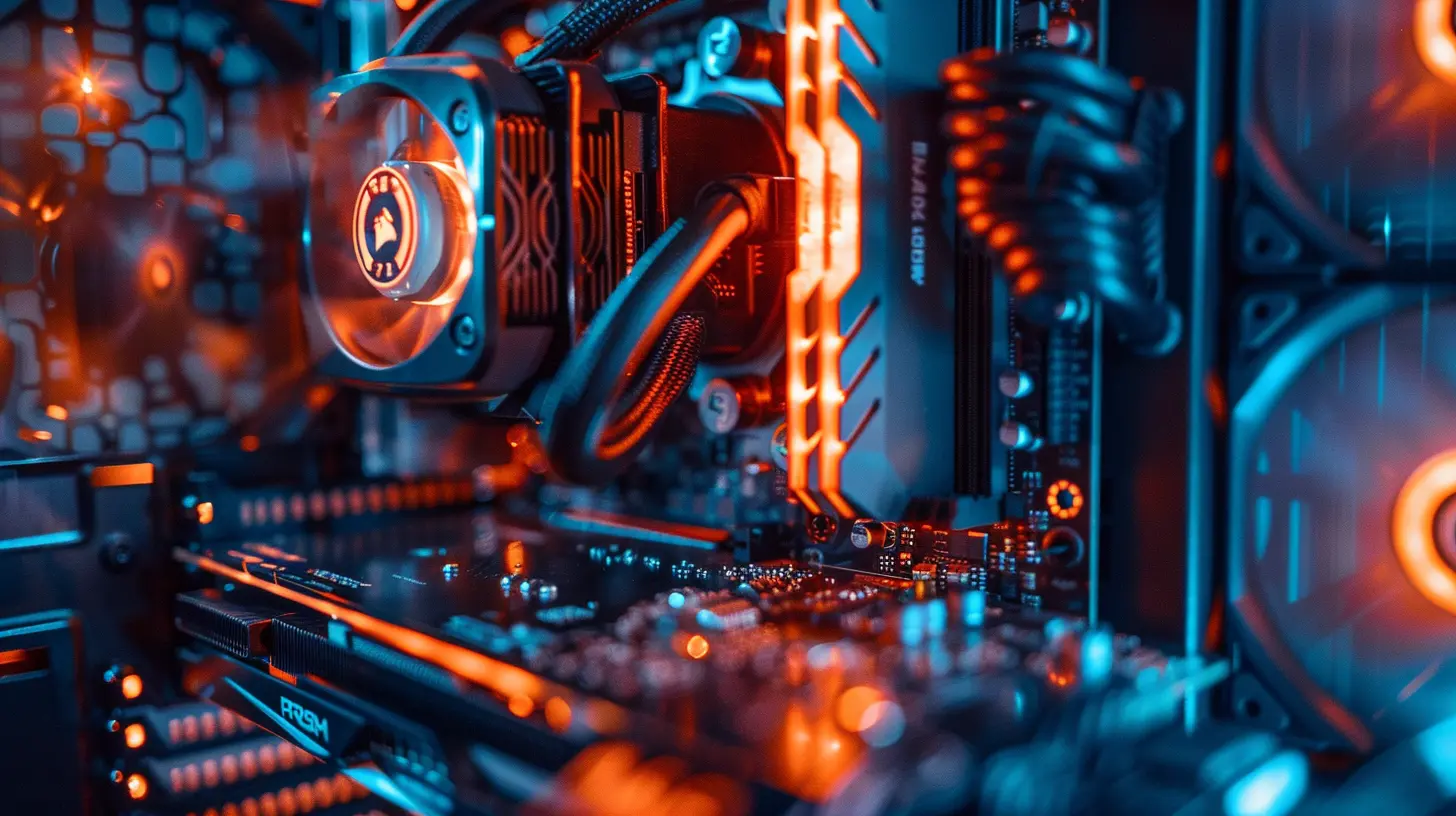
What is Overclocking?
In the simplest terms, overclocking is the process of increasing the clock speed of your computer’s components—mainly the CPU, GPU, and sometimes RAM—to make them run faster than the stock settings set by the manufacturer.Think of it like tuning a car engine. The manufacturer sets a "safe" speed, but if you know what you’re doing, you can go faster. Of course, that can also heat things up... literally.
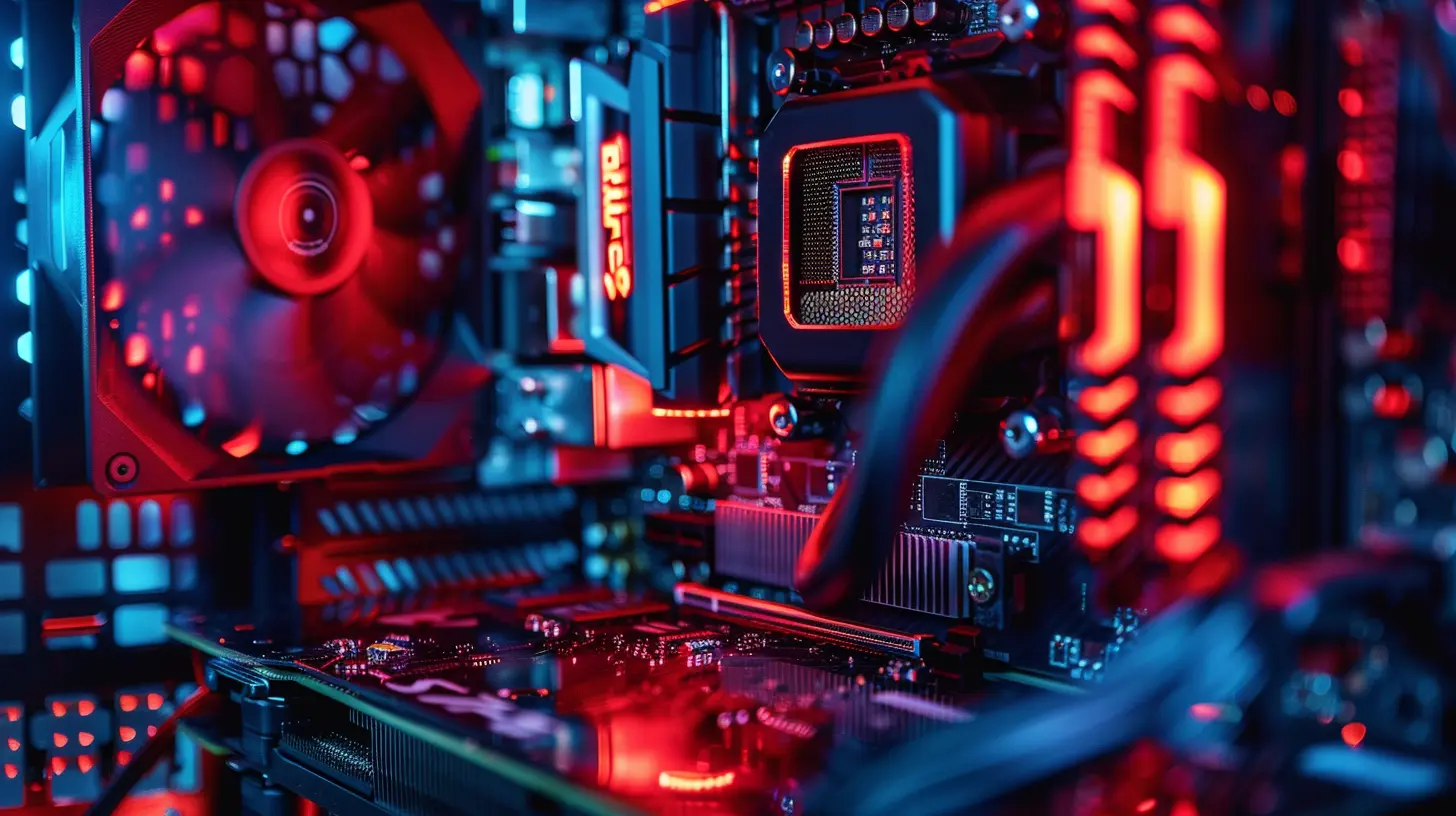
Why Do Gamers Overclock?
Gaming is all about high performance—smooth graphics, minimal lag, and responsiveness. Overclocking can give you that extra edge, especially in visually demanding games or competitive environments where every millisecond counts.Here’s what overclocking can do for your gaming:
- Boost frame rates: You’ll see less stuttering and smoother rendering.
- Improve load times: Not massive, but every little bit helps.
- Extend lifespan of older hardware: Makes aging components more capable.
But let’s not sugarcoat it—overclocking isn’t without risks. Incorrect settings can cause instability, overheating, or even damage components if not managed well.
So, let's walk through the core components you might overclock.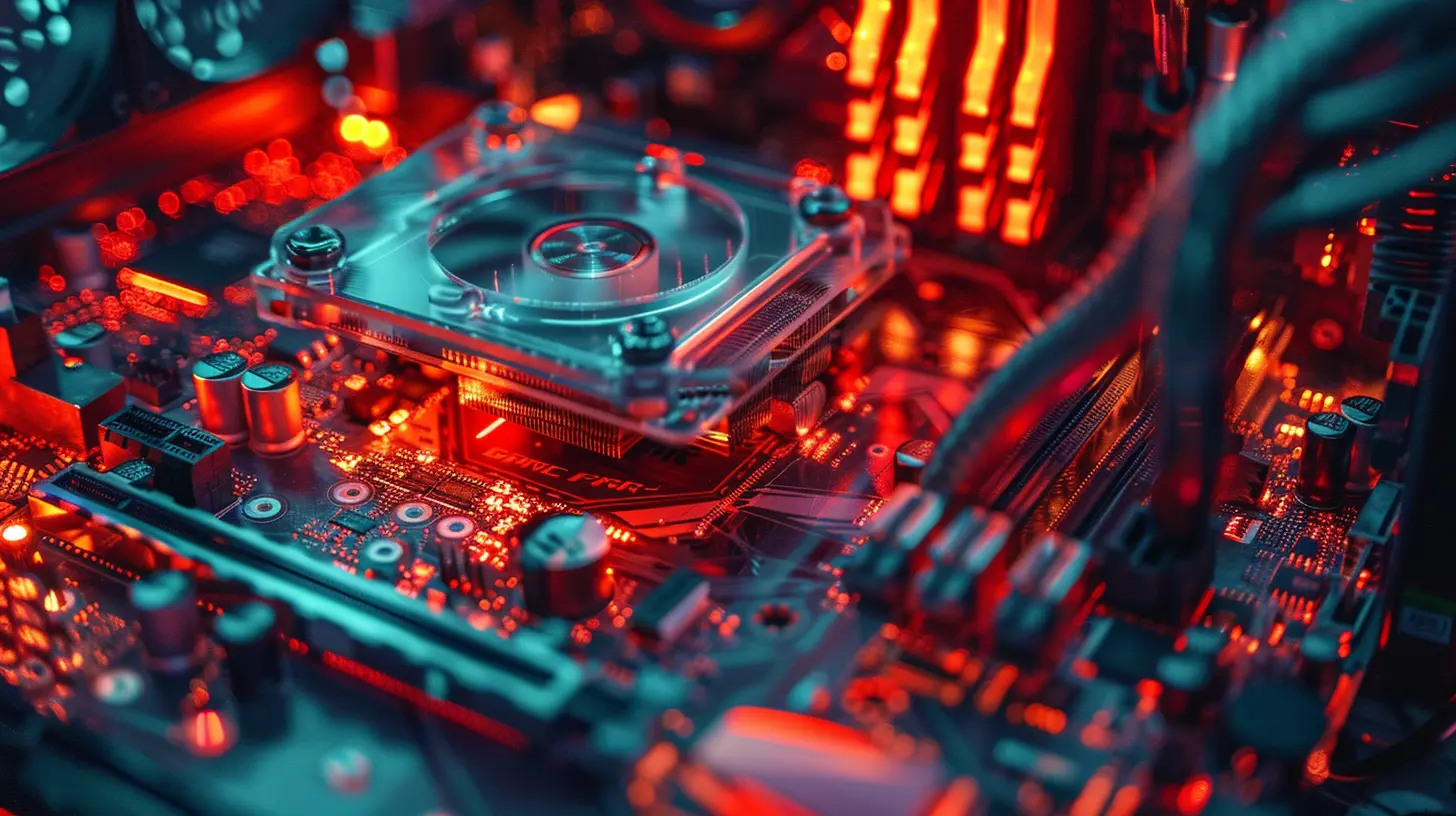
Overclocking the CPU
What Does It Involve?
Overclocking your CPU means increasing its clock multiplier to make it process instructions faster. This is usually done through your motherboard’s BIOS or using manufacturer-approved software like Intel XTU or AMD Ryzen Master.For example, if your CPU is running at 3.6 GHz and you bump it up to 4.2 GHz, that’s a noticeable increase. In gaming, this could mean better AI handling, quicker NPC reactions, and overall smoother performance—especially in CPU-heavy titles like Total War or Flight Simulator.
How to Do It Safely
- Check If Your CPU Is Unlocked: Intel "K" series and AMD "X" lines are unlocked for overclocking.- Use a Good Cooling System: Stock coolers won’t cut it—get a reliable aftermarket air or liquid cooler.
- Go Slow and Test Often: Increase speeds in small increments (100 MHz at a time) and stress test using tools like Prime95.
- Watch Your Temps: Keep CPU temps under 80°C under load for safety.
Overclocking the GPU
Why It's a Gamer’s Favorite
Most gamers prioritize GPU overclocking since modern games rely heavily on graphics performance. Overclocking improves rendering, minimizes lag, and lets you push those ultra settings without breaking a sweat.Tools for GPU Overclocking
- MSI Afterburner: The go-to tool for fine-tuning GPU clock speeds and fan curves.- EVGA Precision X1 or ASUS GPU Tweak: Great alternatives with clean interfaces.
Step-by-Step
1. Increase Core Clock by +25 MHz: Test stability using 3DMark or Unigine Heaven.2. Bump Up Memory Clock: Try +50 MHz in small steps.
3. Benchmark and Monitor Temps: Use GPU-Z or HWInfo to keep an eye on temps (aim for under 85°C).
4. Tweak Fan Curves: More cooling = more headroom. But be ready for some extra fan noise.
Overclocking RAM
Is It Worth It?
RAM overclocking doesn’t get as much love—probably because the gains are more subtle. But for those running games with massive open worlds or lots of assets (think Cyberpunk 2077 or Starfield), faster RAM can speed up data access and reduce hitching.XMP Profiles Are Your Friend
Start simple: most modern RAM sticks come with XMP (Extreme Memory Profile) settings preloaded. Enabling them in your BIOS boosts RAM to rated speeds without manual tuning.Going further? You can fine-tune timings manually, but it requires more know-how and testing. For most, XMP gives a nice bump without the fuss.
Risks of Overclocking
We’ve hyped up the performance gains, but let’s talk real quick about what could go wrong.- Overheating: Pushing your components means pushing heat. Without proper cooling, you risk thermal throttling or permanent damage.
- System Instability: Bad settings can cause crashes, freezes, or random reboots.
- Reduced Lifespan: Always running hot and fast can wear out components faster.
- Voided Warranties: Some manufacturers will void your warranty if you mess with clock speeds.
But before you panic—millions of people overclock safely. Just respect the process and don’t get greedy with numbers.
Tips for Safe and Effective Overclocking
1. Start with Research: Look up your specific components online; check forums for safe overclocking ranges.2. Update Your BIOS and Drivers: Stability starts with up-to-date software.
3. Keep Your Case Well Ventilated: Airflow is your best friend. Add extra case fans if necessary.
4. Use Monitoring Software: Apps like HWMonitor, CPU-Z, and GPU-Z are essential.
5. Stress Test After Every Tweak: Don’t make multiple changes at once. Test, and test again.
When Should You Skip Overclocking?
Hold up—just because you can overclock doesn’t always mean you should.Consider holding off if:
- You’re running a laptop (cooling limits make this risky)
- Your rig already runs games at great performance
- You don’t have decent cooling or a stable power supply
- You're uncomfortable fiddling with BIOS settings
Sometimes playing it safe = smarter long-term performance.
Best Practices for Gamers
Here’s a quick cheat sheet for best overclocking results:| Component | Safe Temp Range | Tool to Use | Ideal Benefit |
|----------|------------------|-------------|----------------|
| CPU | < 80°C | BIOS / Ryzen Master / Intel XTU | Faster game logic & multi-threading |
| GPU | < 85°C | MSI Afterburner | Higher FPS & better visuals |
| RAM | < 60°C | BIOS / XMP Profile | Smoother asset loading, better multitasking |
And always, always back up your system or create a restore point before you dive in. Prevention beats panic.
Does Overclocking Really Improve Gaming?
Here’s the million-dollar question. The answer: it depends.If you’re gaming at 1080p with a high refresh rate monitor and want smoother gameplay, yes. Overclocking can give you a noticeable boost. If you’re already on top-tier hardware, the gains might be minor—measured in just a few FPS.
But for mid-range systems, budget builds, or older components? Overclocking can bring your whole experience up a notch.
Overclocking vs. Upgrading
Let’s compare real quick. If you’re itching for performance, is it better to overclock or upgrade?| Factor | Overclocking | Upgrading |
|--------|--------------|-----------|
| Cost | Free (mostly) | Expensive |
| Performance Boost | Moderate | Major (if done right) |
| Risk | Medium | Low (new parts = new warranties) |
| Time Investment | High | Low-medium |
| Learning Curve | Steep | Flat |
Bottom line? Overclocking is perfect if you're tech-savvy, on a budget, or just love tinkering. If you have the cash and want plug-and-play gains, upgrading might be simpler.
Final Thoughts
Overclocking can be that secret sauce to take your gaming experience to the next level. It’s a mix of art and science—a bit like tuning an instrument until it hits the perfect note.But don’t rush it. Do your homework. Respect your hardware. And always test before you settle.
Remember, good overclocking isn’t about pushing things to their limits—it’s about finding that sweet spot where performance, temperature, and system stability live in harmony.
Game on, speed junkies.
all images in this post were generated using AI tools
Category:
Gaming HardwareAuthor:

Lana Johnson
Discussion
rate this article
2 comments
Harley McPhail
Great article! Overclocking can significantly enhance gaming performance by increasing CPU and GPU speeds. Just remember to monitor temperatures and ensure adequate cooling to avoid damage. Happy gaming!
March 6, 2026 at 4:09 AM
Lana Johnson
Thank you! You're absolutely right—monitoring temperatures and ensuring good cooling are crucial for safe overclocking. Happy gaming to you too!
Linnea Hurst
Great overview on overclocking! It highlights potential benefits for gaming performance while also reminding readers about the importance of cooling and stability. A balanced approach is essential.
March 2, 2026 at 5:14 AM
Lana Johnson
Thank you! I’m glad you found the overview helpful. Striking that balance between performance and stability is indeed key to a successful overclocking experience!