How to Build a Compact Yet Powerful Gaming Setup
11 July 2026
Let’s face it—every gamer dreams of having a top-tier gaming rig. But what if you don’t have the luxury of space? Maybe your room is tight on square footage, or you're just not into mammoth setups that take over your space. Good news—you can still build a killer gaming setup that’s both compact and powerful.
Yup, you heard it right. Size isn’t everything when it comes to gaming. In fact, with just a bit of smart planning, you can squeeze insane performance into a small footprint. So, if you're itching to create a beastly mini battle station, grab a snack, sit tight, and let’s walk through exactly how to make that happen.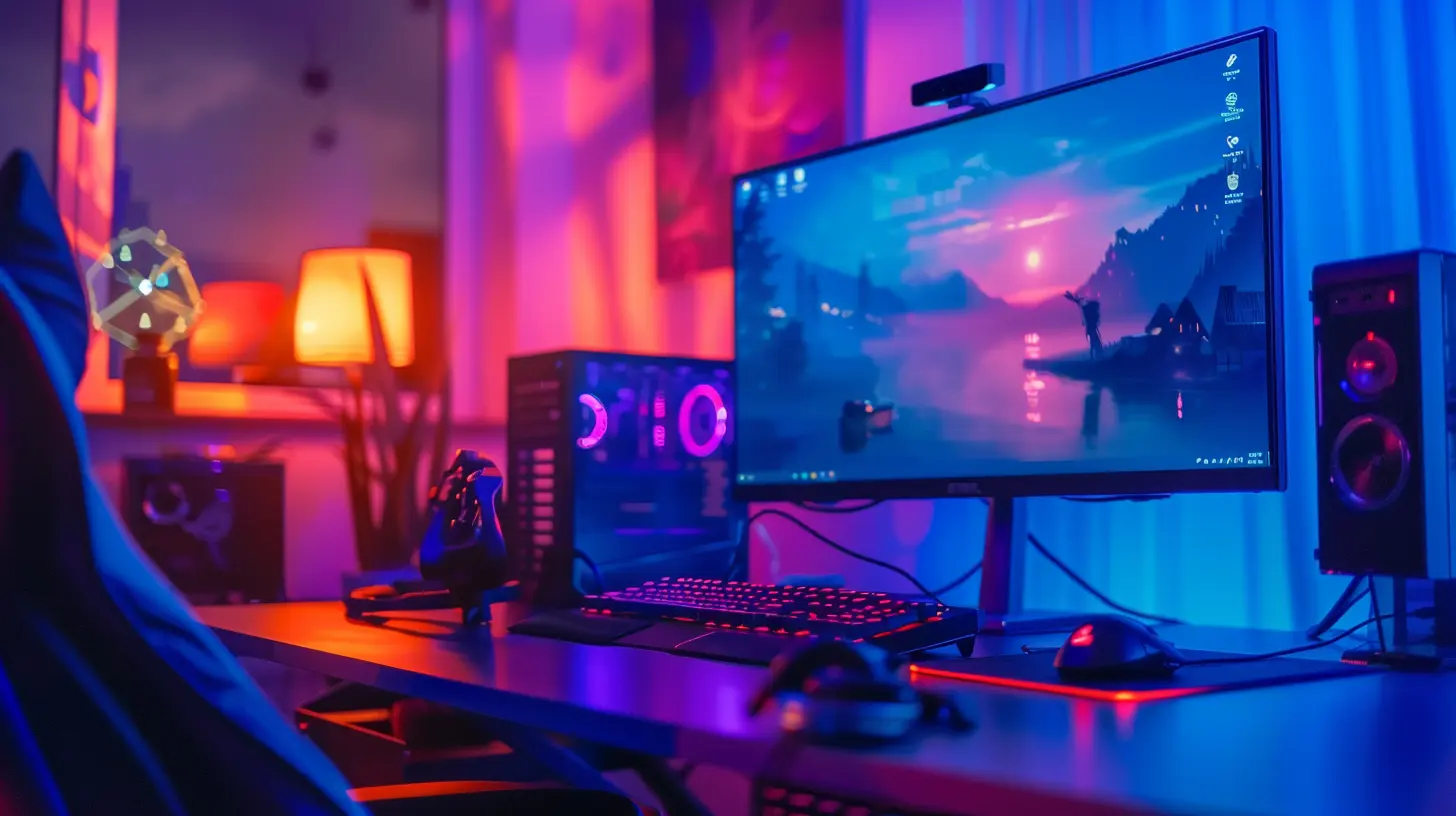
? Why Go Compact in the First Place?
Before we get into the nuts and bolts, let’s chat about the “why.”A compact gaming setup isn’t just for those living in tiny apartments or dorms. It’s also for:
- Gamers who want a clean, minimalistic look
- Streamers needing a second setup in a small studio
- Folks who move often and need something portable
- Those who don’t want their rig to eat up half their room
Smaller setups are more versatile, easier to manage, and with today’s technology—they can be just as powerful as traditional gaming monsters. So, if you’re nodding your head right now, you’re already on the right path.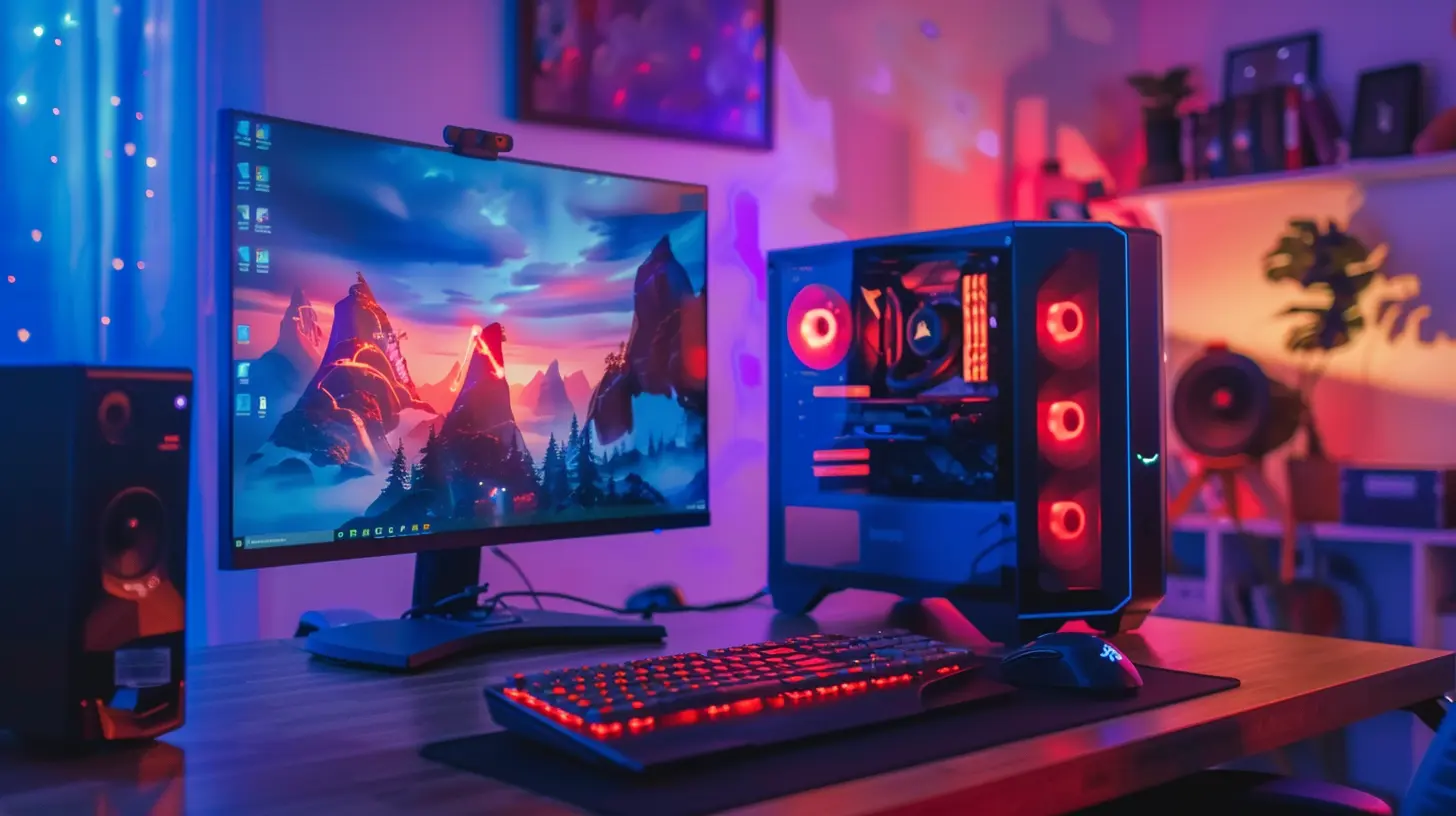
? Step 1: Planning Is Everything
Before buying anything, plan it like a mission.Ask yourself:
- What games do I mostly play? AAA titles or indie games?
- Do I need 4K resolution or will 1080p/1440p do the trick?
- Will I also be streaming or doing content creation?
Once you’ve got your needs down, it'll be much easier to pick the right components.
Also, measure the available space you’ve got. We’re aiming for small, but not suffocating. Think about airflow, cable management, and accessibility.
? Step 2: Choosing the Right Case (Small But Mighty)
This is where it all starts—the case, your setup’s real estate.? Go for a Mini-ITX or Micro-ATX Case
A Mini-ITX case is your go-to if you want something ultra-compact. Micro-ATX gives you a little more room and flexibility but still keeps things cozy.Popular choices:
- NZXT H210 (Mini-ITX)
- Cooler Master NR200 (Mini-ITX)
- Corsair 280X (Micro-ATX)
These cases are compact but designed with airflow and cable management in mind.
Pro Tip: Make sure your case has room for the graphics card and cooling solution you want. Space is limited, so double-check every spec.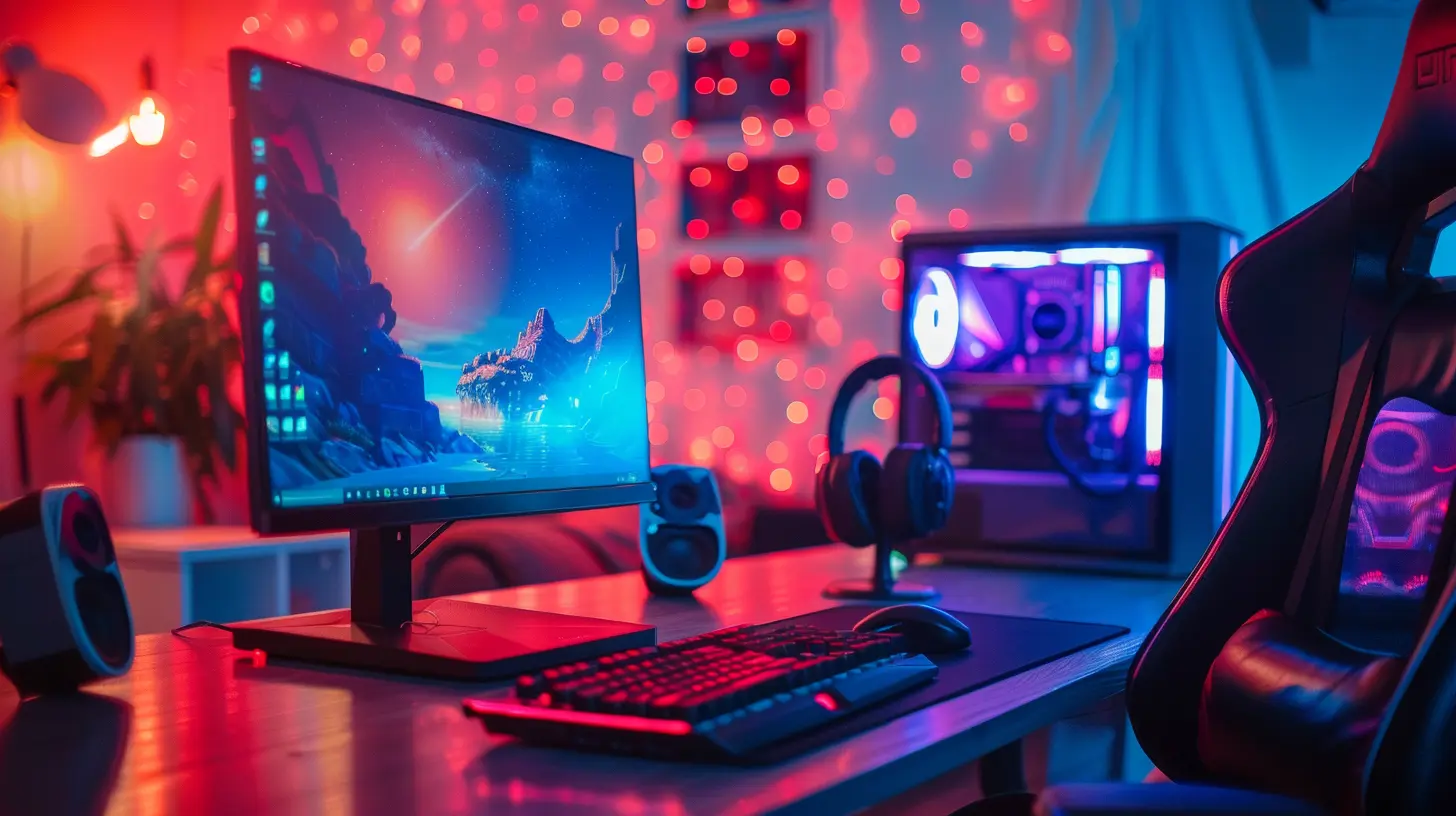
? Step 3: Selecting the Components
This is the meat of your setup—the heart that makes everything tick. Let’s break it down.? CPU (The Brain)
You don’t need a server-grade CPU, but you do need a solid performer.Best picks:
- Intel Core i5-13600K
- AMD Ryzen 5 7600X
These processors offer enough cores and threads to handle modern games and multitasking without breaking a sweat.
?️ GPU (The Gaming Beast)
This one’s a biggie. The GPU is where you should invest the most, especially for gaming.Compact-friendly options:
- NVIDIA RTX 4060 Ti or 4070 for solid performance and less heat
- AMD Radeon RX 7600 XT – small, efficient, powerful
Look for “mini” or “ITX” versions of these cards if you're tight on space. They're built specifically for small cases.
? Cooling System
Don’t underestimate heat. In small builds, airflow becomes everything.Options:
- Low-profile air coolers like Noctua NH-L12S
- 120mm or 240mm AIO liquid coolers for sleek, quiet cooling
The goal? Keep temps low without sounding like a jet engine.
? Motherboard
Motherboards come in all shapes. You need one that matches your case and features.Go for:
- Mini-ITX if you’re using a Mini-ITX case
- Micro-ATX if you want slightly more room and flexibility
Look for boards with built-in WiFi, good VRM cooling, and at least one M.2 slot.
? PSU (The Power House)
Size and efficiency matter here.Pick an SFX or SFX-L PSU. These are smaller than standard ATX power supplies but can still push 650W–850W easily.
Brands like Corsair and SilverStone make fantastic SFX units that won’t fail you.
? Step 4: Storage Solutions That Don’t Take Up Space
Bulky hard drives? Nope, not for compact builds.Go with:
- NVMe SSDs (M.2) — blazing fast and mount directly on the motherboard
- 1TB to 2TB is the sweet spot for most gamers
You can install multiple games, your OS, and some programs without worrying about speed or space.
? Step 5: Monitors for Small Spaces
You might not be able to fit a 49" ultra-wide monitor, but that doesn’t mean you have to skimp on visuals.Recommended Sizes:
- 24"–27" is perfect for smaller desks and setups- Aim for at least 1080p resolution, though 1440p is a sweet upgrade
- 144Hz refresh rate gives you buttery-smooth gameplay
Great picks include:
- ASUS TUF Gaming VG259QM (1080p, 280Hz)
- Dell S2721DGF (1440p, 165Hz)
- LG 27GL83A-B (1440p, fast and vibrant)
Mounting your monitor to the wall or using an arm stand can reclaim valuable desk space.
? Step 6: Battle Station Accessories
Let’s not forget the extras:? Keyboard and Mouse
Go with compact options:- 60% or TKL (tenkeyless) keyboards save space
- Wireless mouse or one with a bungee to avoid cable clutter
? Audio
If you’re not into wearing headphones all day, consider small but punchy desktop speakers like the Creative Pebble V3.But honestly? A good pair of wireless headphones like the SteelSeries Arctis 7 or Corsair HS80 will keep things clean and immersive.
? Ergonomics
A comfy, compact gaming chair and desk combo is crucial for long sessions. Avoid huge L-shaped desks—focus on vertical space instead:- Monitor mounts
- Under-desk drawers
- Wall-mounted shelves
? Step 7: Cable Management and Clean Setup
Want your setup to actually look compact? Then cable management is your new best friend.Tips:
- Use Velcro ties or zip ties to bundle cables neatly
- Route power cables behind the desk or case
- Use cable sleeves if you want it extra aesthetic
A clean setup isn’t just about looks—it helps with airflow too. Win-win.
? Don’t Forget Software Optimization
Hardware’s just one side of the coin. For a flawless gaming experience, optimize your software too.- Keep drivers updated (especially GPU and chipset)
- Use Game Mode in Windows
- Disable startup programs to boost boot times
- Tweak in-game settings to balance visuals and performance
Even the most powerful rig can underperform if software isn’t on point. Take 30 minutes to optimize—it’s worth it.
? Upgradability: Think Ahead
Your compact setup doesn’t have to be the final form. Build it to grow with you.- Get a case with support for full-size GPUs (some compact cases accommodate these with clever layouts)
- Leave room on your motherboard for more RAM or storage
- Choose a PSU with more wattage than you currently need
That way, a year or two down the line, you can upgrade without needing to start from scratch.
? Sample Build: Compact Powerhouse
Let’s throw all this into a quick example build:| Component | Recommendation |
|------------------|------------------------------------|
| Case | Cooler Master NR200 |
| CPU | AMD Ryzen 5 7600X |
| GPU | NVIDIA RTX 4070 Mini |
| Cooler | Noctua NH-L12S |
| Motherboard | ASUS ROG Strix B650-I (Mini-ITX) |
| RAM | 32GB DDR5 6000MHz |
| Storage | 1TB Samsung 980 Pro NVMe SSD |
| PSU | Corsair SF750 (SFX) |
| Monitor | LG 27GL83A-B (1440p, 144Hz) |
| Keyboard & Mouse | Razer Huntsman Mini + Logitech G Pro X |
This build is small, sleek, and an absolute beast for 1440p gaming.
? Final Thoughts: Small Setup, Big Performance
There you have it—everything you need to build a compact yet powerful gaming setup that punches well above its weight. It might take a bit more planning and some creative decision-making, but trust me—it’s totally worth it.Whether you're gaming in a studio apartment or simply love that clean, minimalist vibe, a tiny setup doesn’t mean compromising on performance. With the right parts and a bit of elbow grease, you can go toe-to-toe with the big rigs—without actually owning one.
So, what are you waiting for? Go build your dream mini battle station and game like a boss.
all images in this post were generated using AI tools
Category:
Gaming HardwareAuthor:

Lana Johnson