How Monitor Size Affects Your Field of View in Games
12 May 2026
Ever found yourself squinting at your screen during a heated match? Or maybe you’ve had that sneaky enemy slip up behind you because you didn’t see them in time? Yeah, been there. Turns out, your monitor size has more to do with that than you think.
Let’s break it down. We’re diving deep into how your monitor's size changes your gaming experience—specifically, how it affects your Field of View (FOV). Because let’s face it, gaming is as much about what you can see as how fast you can shoot. So, whether you’re a competitive FPS player or a laid-back RPG explorer, this one’s for you.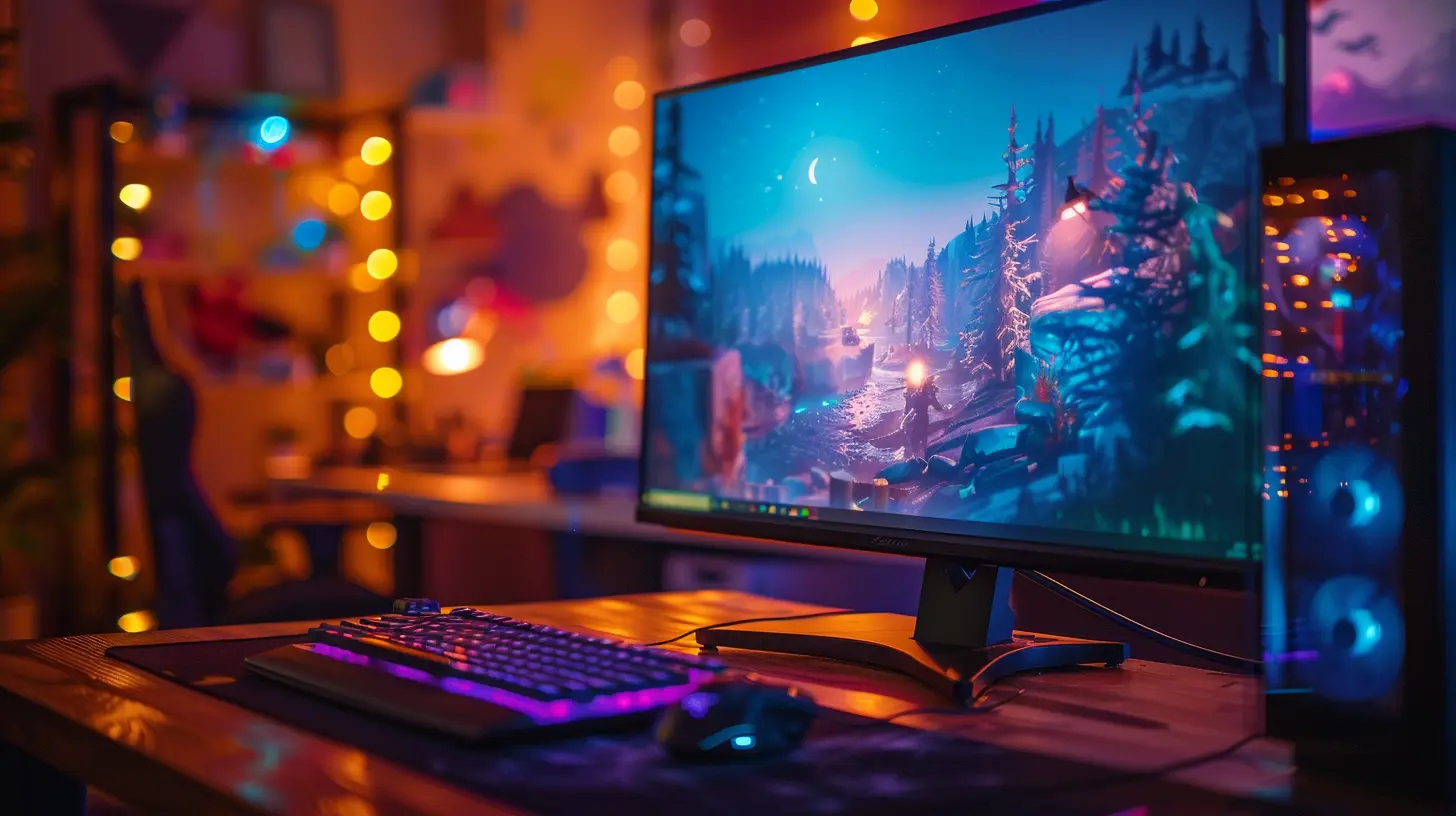
What Is Field of View (FOV) in Gaming?
Before we go too far, let’s get one thing straight—what the heck is Field of View?In gaming terms, FOV refers to the extent of the observable game world that’s visible on your screen at any given moment. It’s usually measured in degrees. Think of it as your in-game peripheral vision. A wide FOV lets you see more from left to right, while a narrow FOV feels like you're looking through binoculars.
Now, developers often let you adjust the FOV in the settings, but here’s the kicker—your monitor size can influence how that FOV feels in real life.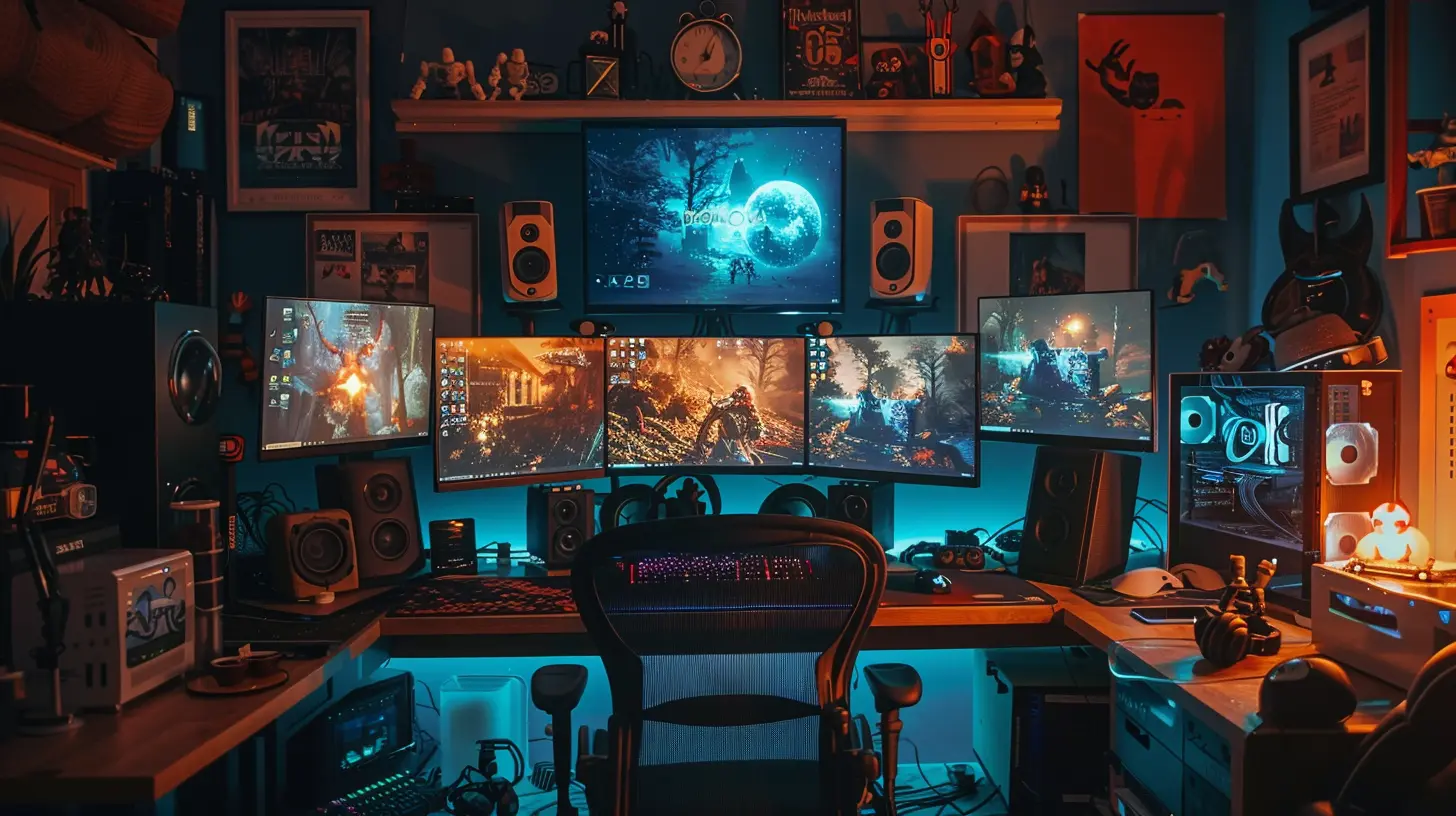
Monitor Size vs. Resolution: Not the Same Thing
Before we get too excited about big screens, let’s bust a myth.Monitor size and screen resolution are not the same thing. Size is the physical diagonal measurement in inches—like 24", 27", 34", and so on. Resolution is how many pixels are packed into that screen—like 1080p, 1440p, or 4K.
Why does that matter? Well, going bigger without bumping up your resolution just stretches out your pixels. That’s like watching a potato-quality movie on a cinema screen. No thanks.
So, when we're talking about FOV influence, we’re really looking at how physical screen size interacts with the resolution and your seating position. All three matter. But let’s keep the focus on size for now.
How Monitor Size Affects Field of View in Games
Okay, down to the juicy stuff. Let’s talk about how monitor size really messes (or enhances) your Field of View.1. The Immersion Factor
Bigger screens = more immersion.This one’s simple. A larger monitor fills more of your real-world vision, pulling you deeper into the game world. It’s like upgrading from a window to a sliding glass door—you’re just more in it. Especially when you're playing first-person shooters or racing games where environmental awareness is key.
The more of the screen you can naturally see without moving your head, the more responsive and intuitive your reactions will be.
2. Perceived FOV vs. In-Game FOV
Here’s where it gets tricky.Your game might say your FOV is 100 degrees, but how that feels depends on your monitor size and how far you sit from it.
Let’s say you play on a 24” monitor from 2 feet away. That 100-degree FOV setting won’t feel nearly as wide as it would on a 32” monitor from the same distance. The bigger screen fills more of your real vision, making the same FOV setting feel way more immersive and useful.
Think of it like standing at a window. A small window shows you the same world as a big one—it’s just that you can’t see as much of it at once.
3. The Edge Awareness Advantage
Ever play a battle royale and get blindsided by someone just outside your visible range?A larger monitor helps here. With the increased physical screen space, you get better edge awareness—meaning you notice more movement or detail around the corners of the screen.
On a smaller monitor, your peripheral in-game vision shrinks, forcing you to constantly scan around. That’s extra mental workload and slower reaction time.
4. Ultra-Wide Monitors and Aspect Ratio
Okay, let’s talk about the ultra-wide elephant in the room.Curved or ultra-wide monitors (think 21:9 or even 32:9) change the game—literally.
These monitors don’t just increase size, they stretch out the horizontal view. That means your field of view gets wider without distorting the image. Imagine wrapping the game world around your eyes slightly—that’s the ultra-wide experience.
For games that support ultra-wide resolutions natively, it’s a total game-changer (pun intended). You’ll see more of the world without needing to scroll or swivel the camera constantly. It's like panoramic vision.
But beware—not all games play nice with ultra-wides. Some stretch the HUD or produce black bars. Always check compatibility before investing.
How Sitting Distance Plays Its Part
Now, before you go upgrading to a 49” mega-beast monitor, let’s chat about viewing distance.There’s a sweet spot. Sit too close to a massive screen, and you’ll be turning your head constantly—like watching tennis. Sit too far, and you lose the advantage of the wide screen's FOV benefits.
General rule of thumb? Try to sit about 1.5 to 2.5 times the vertical height of your screen away. For example, with a 27” monitor, that’s usually somewhere between 3.5 to 5 feet.
Position and ergonomics make a huge difference in how much of the screen your eyes can process comfortably.
FOV Settings: Should You Adjust If You Change Monitor Size?
Short answer: absolutely.If you move from a 24” to a 32” monitor, that 90-degree FOV setting might feel awkward or even give you motion sickness. Larger displays naturally make everything feel "zoomed in."
So when you increase screen size, consider tweaking the in-game FOV to a slightly lower value to maintain balance. Or vice versa—on a smaller screen, bump it up to compensate for the reduced peripheral area.
Some games (like Apex Legends or Call of Duty) allow a lot of flexibility in this, while others keep you locked in. Test and tweak until it feels natural and comfortable.
Competitive Edge: Bigger Isn’t Always Better
Hold up. Bigger monitors don’t automatically make you a better player.In competitive gaming (think CS:GO, Valorant, Fortnite), many pros actually prefer smaller monitors—typically 24” or 25” with 1080p resolution. Why? Focus.
Smaller screens let you take in the whole screen without moving your eyes or head. That means faster reactions and better aim accuracy. Everything’s in your direct line of sight.
Plus, higher refresh rates and lower latency are easier to find in smaller monitors. So if you're big on esports and competitive titles, bigger might not be better for you.
Multi-Monitor Setups: Let’s Talk Surround Gaming
Using multiple monitors? Welcome to surround gaming, where your FOV can potentially expand beyond your wildest RPG dreams.In a triple-monitor setup, your side screens act like digital peripheral vision—making it feel like you’ve got eyes on the back of your head. Great for sim racing, flight sims, or immersive survival games.
But there’s a catch. Many games can distort or duplicate the image weirdly across screens. Plus, bezels (those annoying borders between monitors) can break immersion unless you invest in super-thin bezels.
And yes, your GPU needs to be a beast to handle that kind of rendering power.
The Psychological Factor: Bigger Screens Feel “More Real”
Here’s something surprisingly human—bigger screens make games feel more intense.Your brain interprets larger, closer images as more real. That means your heart races faster when a zombie jumps out at you, and your adrenaline spikes during firefights. It’s legit psychological immersion.
So if you’re looking for a deeper emotional and sensory experience, size helps. It’s like the difference between watching a horror movie on your phone vs. at the theater.
Which Monitor Size Is Right For You?
So what’s the sweet spot? Here's a quick cheat sheet:| Monitor Size | Best Use Cases | Pros | Cons |
|--------------|--------------------------------------------|------|------|
| 24"-25” | Competitive FPS, esports, tight spaces | Fast response, focused vision | Limited immersion |
| 27”-32” | Balanced gaming, most genres | Good mix of FOV and comfort | Requires proper seating distance |
| 34”+ Ultra-Wide | Racing, RPG, Sim games, immersive titles | Wide FOV, immersive | Needs more GPU power, desk space |
| Triple-Monitor | Sim racing, flight sim, ultra immersion | Full surround view | Expensive, setup-intensive |
Pick based on your preferred game genres, desk setup, and how much you care about visual immersion vs. precision.
Other Things That Influence FOV in Games
Let’s not forget these key players:- Aspect Ratio: Wider ratios mean naturally expanded FOV.
- Graphics Settings: Some games limit FOV based on performance optimization.
- VRAM/GPU Power: More screen = more rendering = more GPU demand.
- Game Engine: Some engines are better optimized for wide or ultra-large displays.
Don't treat monitor size like it's the only factor—it’s part of the whole ecosystem of your setup.
Final Thoughts: It’s All About Balance
Here’s the deal—monitor size absolutely affects your field of view in games, but it’s not a one-size-fits-all situation (pun intended).Think of monitor size like a tool. The right one enhances your vision, elevates your gameplay, and makes the experience smoother and more immersive. Pick wrong, and you’ll be straining your eyes, missing important details, or getting smoked in every PvP match.
So next time you’re looking to upgrade your gaming monitor, consider how it’ll impact your Field of View—not just how pretty the colors look or how fancy the stand is.
After all, seeing is winning.
all images in this post were generated using AI tools
Category:
Gaming HardwareAuthor:

Lana Johnson
Discussion
rate this article
2 comments
Starla Henderson
Monitor size plays a crucial role in gaming. A larger screen can enhance immersion by widening your field of view, making it easier to spot enemies and appreciate the game world. It's worth considering the right size for your gaming setup and preferences.
June 27, 2026 at 3:26 AM
Lana Johnson
I completely agree. A larger monitor truly transforms the gaming experience, bringing you deeper into the action and helping you catch details you might miss on a smaller screen. Choosing the right size can make all the difference.
Eli Hayes
Great insights on optimizing gaming experience!
May 18, 2026 at 2:37 AM
Lana Johnson
Thanks for the kind words! I'm glad you found the insights helpful.