Essential Gaming Accessories That Improve Play
31 July 2026
Gaming isn’t just about pressing buttons. It’s about immersion, performance, speed, and comfort. Whether you're grinding ranked matches or getting lost in a story-rich open world, the right gaming accessories can totally change your game. Literally.
Let’s be real. Ever tried to clutch a 1v5 in an FPS with a laggy mouse or mushy keyboard? Yeah, it’s not happening. That’s why today, we’re diving deep into essential gaming accessories that improve play — not just the flashy extras, but the real MVPs of any setup.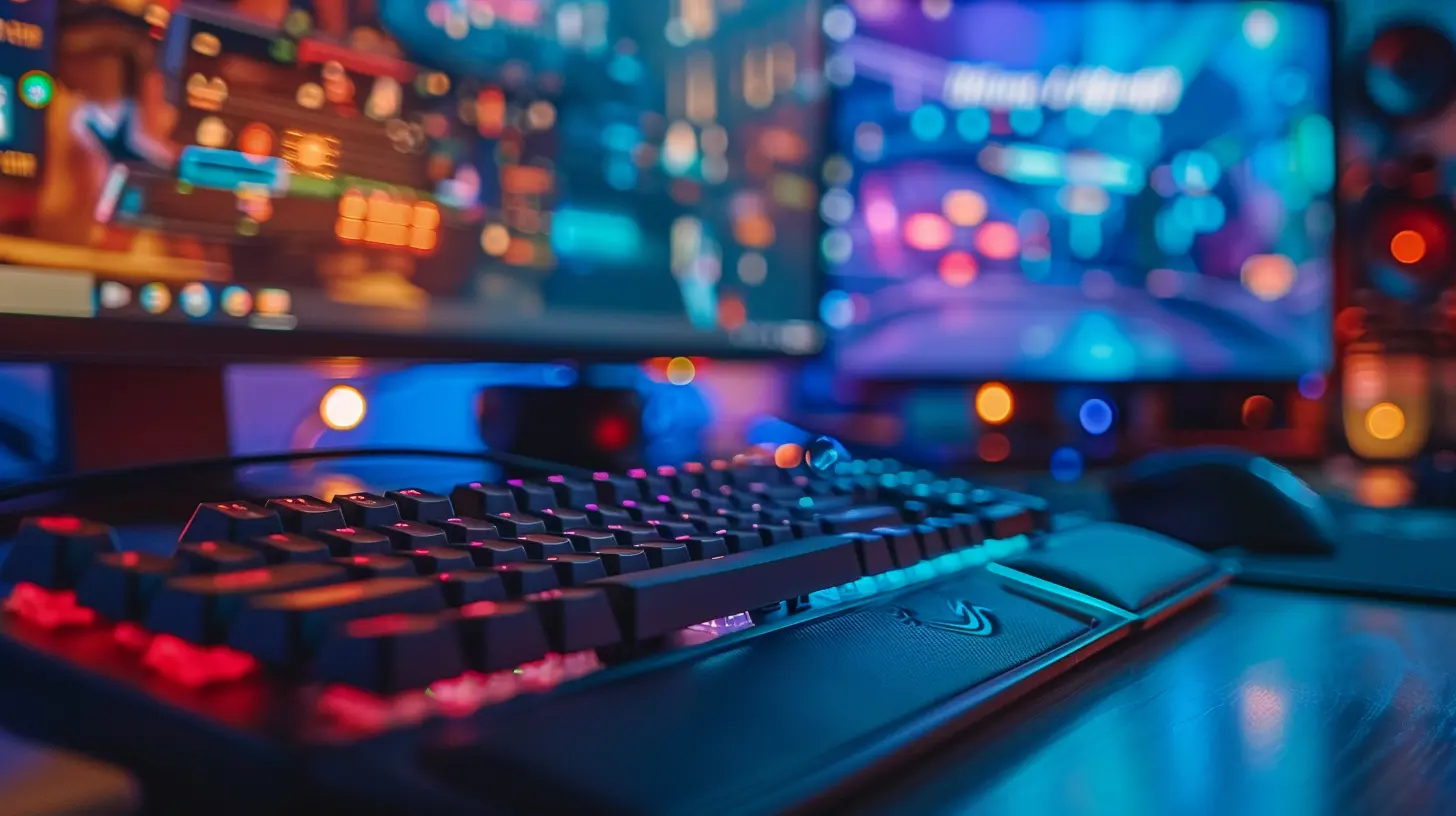
Gaming Mouse: Precision in Your Palm
A gaming mouse isn’t just a regular clicker with rainbow lights. It’s your weapon. Your aim. Your reflexes.Why It Matters:
Precision is everything — especially in FPS and RTS games. Gaming mice typically come with high DPI (dots per inch) sensors, allowing pinpoint accuracy. But that's just the beginning.What To Look For:
- Custom DPI Settings – Adjust your sensitivity on the fly- Ergonomic Shape – Long sessions? Your wrist will thank you
- Programmable Buttons – More shortcuts = less menu diving
- Polling Rate – Faster response times, especially important in competitive gaming
Fan Favorites:
Logitech’s G502, Razer’s DeathAdder, and the Glorious Model O are all tried-and-true picks that balance performance and price.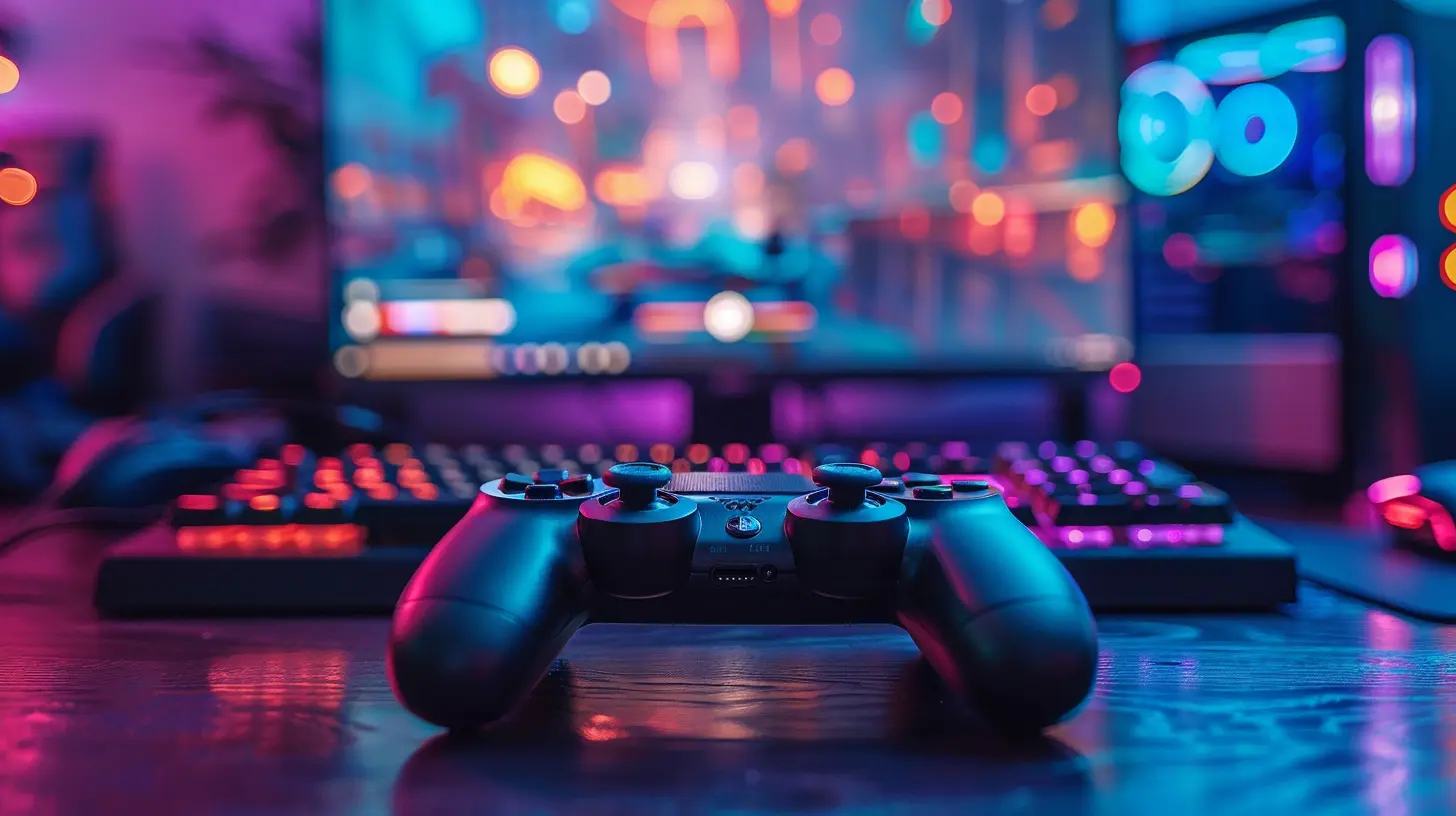
Mechanical Keyboard: Clicky Feedback, Fast Inputs
Typing on a mechanical keyboard is like playing an instrument. You feel every keystroke. For gaming, that tactile feedback makes a world of difference.Why It Matters:
There’s almost no input lag if you’re rocking a good mechanical board. Plus, the durability? Most will last well over 50 million keystrokes.Considerations:
- Switch Type (Linear, Tactile, Clicky) – Preferences matter here; try a few first- Anti-ghosting & N-Key Rollover – Essential in games requiring multiple simultaneous keystrokes
- Build Quality – Aluminum frames and PBT keycaps make a big difference
Pro Tip:
If you game and type a lot, aim for tactile switches like Cherry MX Browns. If you’re a pure gamer, Reds offer super-smooth typing with no bump.
Gaming Headset: Hear the Unheard
Footsteps. Reloads. Distant gunfire. Great audio isn’t just immersive, it’s strategic.Why It Matters:
Spatial audio lets you track enemies before you even see them. A solid headset enhances awareness, communication, and enjoyment.Features to Focus On:
- 7.1 Surround Sound – For that full directional audio- Comfort & Build Quality – Soft ear cups and adjustable bands are underrated
- Noise-Canceling Mic – Don’t be that guy with background noise
- Wireless vs. Wired – Wired for latency-free communication; wireless for freedom
Top Picks:
SteelSeries Arctis series, HyperX Cloud II, and Razer BlackShark V2 offer amazing sound and comfort for a variety of budgets.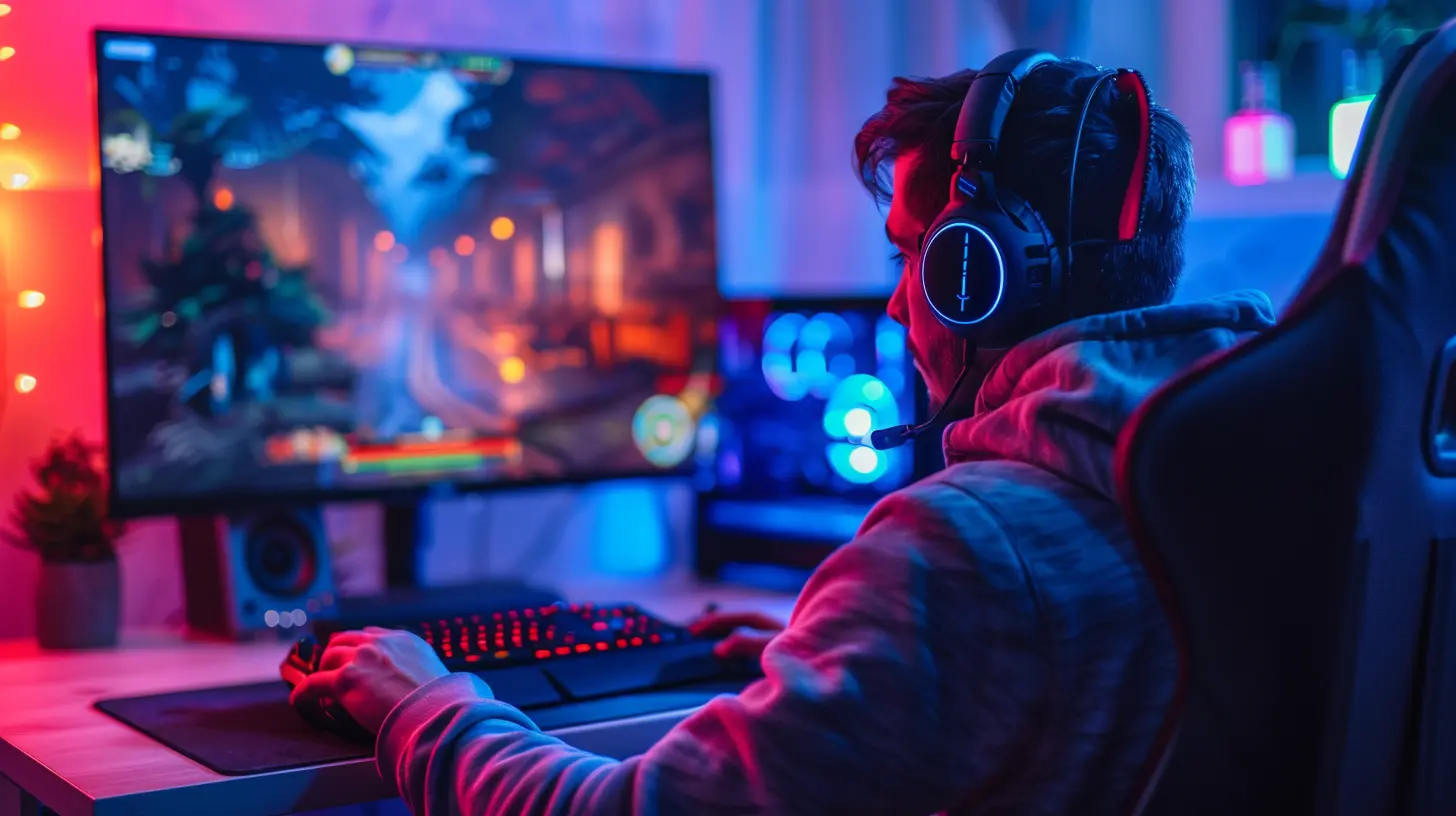
Gaming Chair: Your Back’s Best Friend
You ever zone into a 6-hour session and then feel like you aged 10 years trying to stand up? Yeah, your chair matters.Why It Matters:
Posture = performance. Comfort = focus. A good chair supports your spine, aligns your shoulders, and keeps circulation flowing.What To Look For:
- Lumbar Support – Must-have for long sessions- Adjustable Armrests & Height – Customize your fit
- Reclining Function – Take those well-deserved breaks in style
Bonus Tip:
Don’t get fooled by looks alone. Some ‘racing-style’ chairs look cool but lack real ergonomic support. Go for substance over style.High-Refresh Monitor: See More, Respond Faster
If you’re still gaming on a 60Hz monitor in 2024, you’re missing half the frames. Literally.Why It Matters:
High-refresh rate monitors (144Hz or 240Hz) display your game more fluidly. That means smoother motion, reduced input lag, and a massive edge in fast-paced games.Key Specs:
- Refresh Rate – 144Hz is the minimum sweet spot for competitive play- Response Time – Lower is better, 1ms is ideal
- Resolution vs. Frame Rates – Choose based on your GPU. 1080p at high FPS is better than 4K at a slideshow
Best For:
Competitive FPS, fighting games, and any genre where reaction time is key. Trust me, it’s a game-changer.Controller: For That Console Feel
PC gamer but love sports games, racing sims, or platformers? A great controller is your go-to.Why It Matters:
Some genres just feel better with analog control and haptic feedback. And for console gamers, it’s about that muscle memory.What You Need:
- Ergonomic Design – Should fit naturally in your hands- Responsive Triggers & Joysticks – No dead zones please
- Customizable Buttons – For those perfect control schemes
- Wireless Connectivity – Most modern controllers have this and it's life-saving
Pro Picks:
Xbox Series X Controller (works great on PC), DualSense (for that haptic feedback), and the Elite Series 2 (if you’re going all in).Gaming Mousepad: Glide Like Butter
It might seem minor, but a quality mousepad can make or break your aim.Why It Matters:
Mousepads affect your glide, control, and even tracking. Plus, they often protect your mouse skates and desk.Pick What Suits You:
- Hard vs. Soft Pads – Soft offers more control, hard = speed- Extended Mats – Room for both keyboard and mouse
- Textured Surfaces – Better sensor accuracy
Bonus: RGB Options!
Okay, this one doesn’t “improve play” per se, but come on… a little glow never hurt anyone.External Storage: Never Delete Again
Modern games are beasts. Just a few AAA titles and — poof — you're out of space.Why It Matters:
Large and fast storage = quicker loading times + more games at your fingertips.Options:
- External SSDs – Fast and portable (think Samsung T7)- HDDs – More storage for less cash, but slower
- NVMe Drives (for PCs) – Internal, but blazing fast if you’re into upgrading
Storage Tip:
If you have a lot of competitive games, keep those on SSDs for faster load times. Story games or less demanding stuff can live on HDDs.Capture Card & Stream Gear: For Content Creators
Planning to stream on Twitch or YouTube? A good capture card + streaming mic can take your content from meh to must-watch.What They Do:
- Capture Cards – Let you stream from consoles or dual-PC setups in high quality- External Mics – Improve vocal clarity dramatically
- Lighting (like ring lights) – Look crisp under any setup
Best Bets:
Elgato HD60 S+ is a go-to for capture, and a Blue Yeti or Elgato Wave makes your voice sound studio-level.Cooling Pads & Stands: Keep Your System Cool
Ever had your laptop start sounding like a jet engine mid-game? Yeah, that’s heat throttling your performance.Why It Matters:
Heat is the silent killer of performance. Overheating = lag, crashes, or even hardware damage.Solutions:
- Cooling Pads (for laptops) – Extra airflow, especially for gaming laptops- Monitor Stands – Improve posture + airflow
- Vertical Console Stands – Better organization and space-saving
VR Gear: Step Inside the Game
Wanna level up immersion? Virtual reality takes you beyond the screen.Why It Matters:
You’re not just playing — you’re inside the game. It adds a whole extra layer of depth, literally and figuratively.Consider:
- Tracking Sensitivity – Smooth movements = better experience- Game Library – Make sure your headset supports the games you want
- Comfort – VR sessions can be long, so padding and weight matter
Top Picks:
Meta Quest 2 (great entry-level), Valve Index (if you’re ballin’), and PSVR2 (for console fans).Final Thoughts
Gaming is more than a hobby — it’s an experience. And like any craft, the right tools can make all the difference. From fast mice to cozy chairs, from pro headsets to silky-smooth monitors, every accessory you invest in improves some part of the gaming puzzle.A good setup won’t turn you into a pro overnight, but it’ll absolutely unlock your potential. So, build your loadout and let your gear work for you. After all, why play harder when you can play smarter?
all images in this post were generated using AI tools
Category:
Gaming HardwareAuthor:

Lana Johnson