Cooling Solutions That Keep Your Gaming Rig Running Smooth
24 September 2025
When it comes to gaming, performance is king. But here's the thing—no matter how powerful your gaming rig is, if it overheats, it won't perform at its best. Heat is the silent killer in your build. And let’s be real for a second—who wants their frame rates to crash in the middle of a boss fight or while you're dominating in Warzone?
So, today we’re diving deep into the realm of cooling solutions. We're talking fans, liquid cooling, airflow, and beyond—all the stuff that keeps your beast of a machine chill while you game hard. Remember, a well-cooled rig isn’t just about performance; it’s about longevity. Let’s make sure your rig stays frosty and ready to roll, no matter how intense the gaming session gets.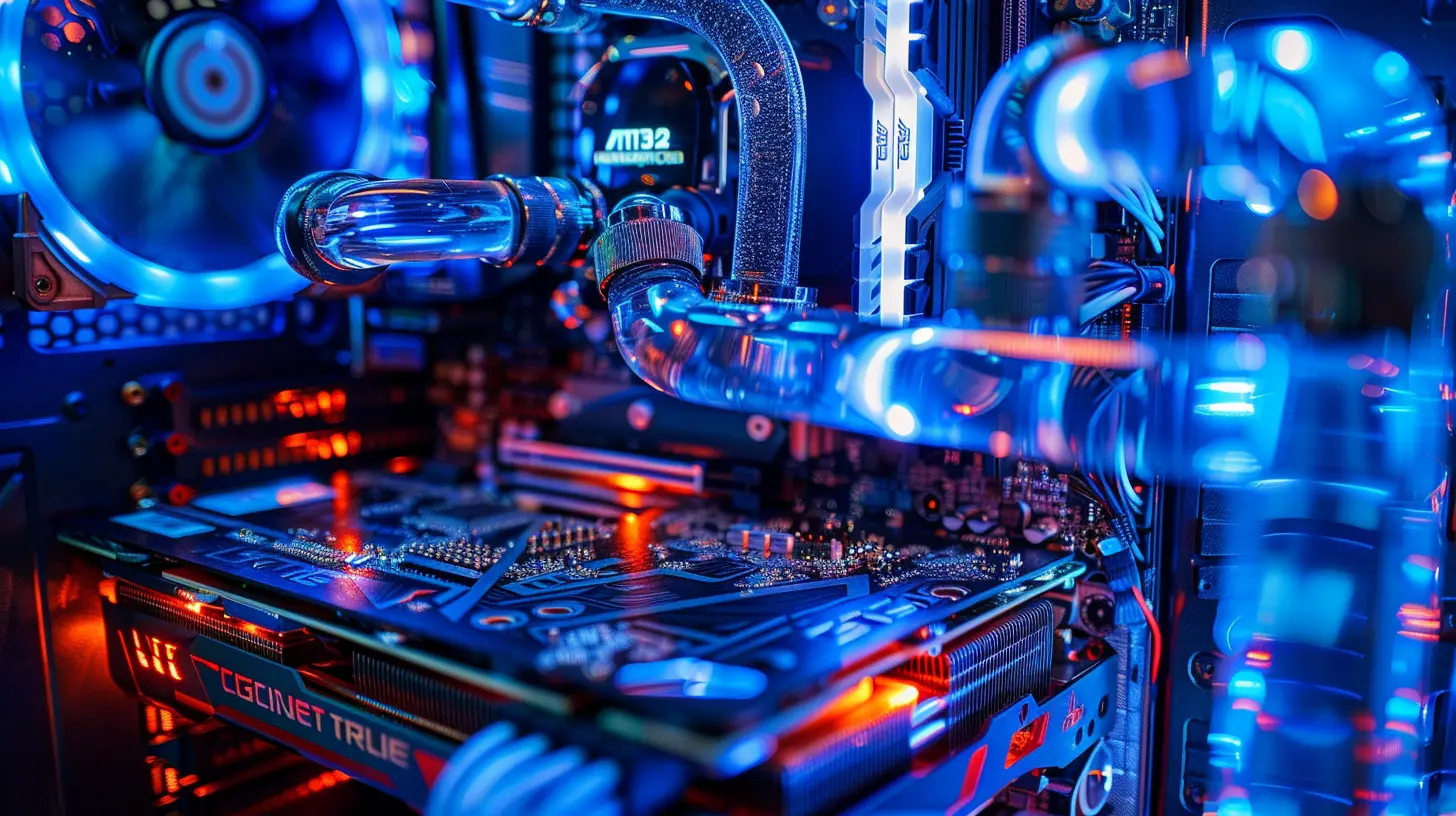
Why Cooling Matters: It's Not Just About Staying Cool
Before we geek out on the different cooling methods, let’s break down why cooling is such a big deal.Your CPU and GPU are like the engine of a hot rod. They burn through electricity to push pixels and calculate physics. Naturally, that generates heat—a whole lot of it. Now, if that heat builds up and doesn't get released efficiently? You’re looking at performance throttling, system crashes, or worse—frying your components!
Still not convinced? Think of your gaming rig like a body. The more strenuous the activity (like running a game at ultra settings), the more it sweats. Cooling is like giving your PC a cold drink and a fan to get through the workout.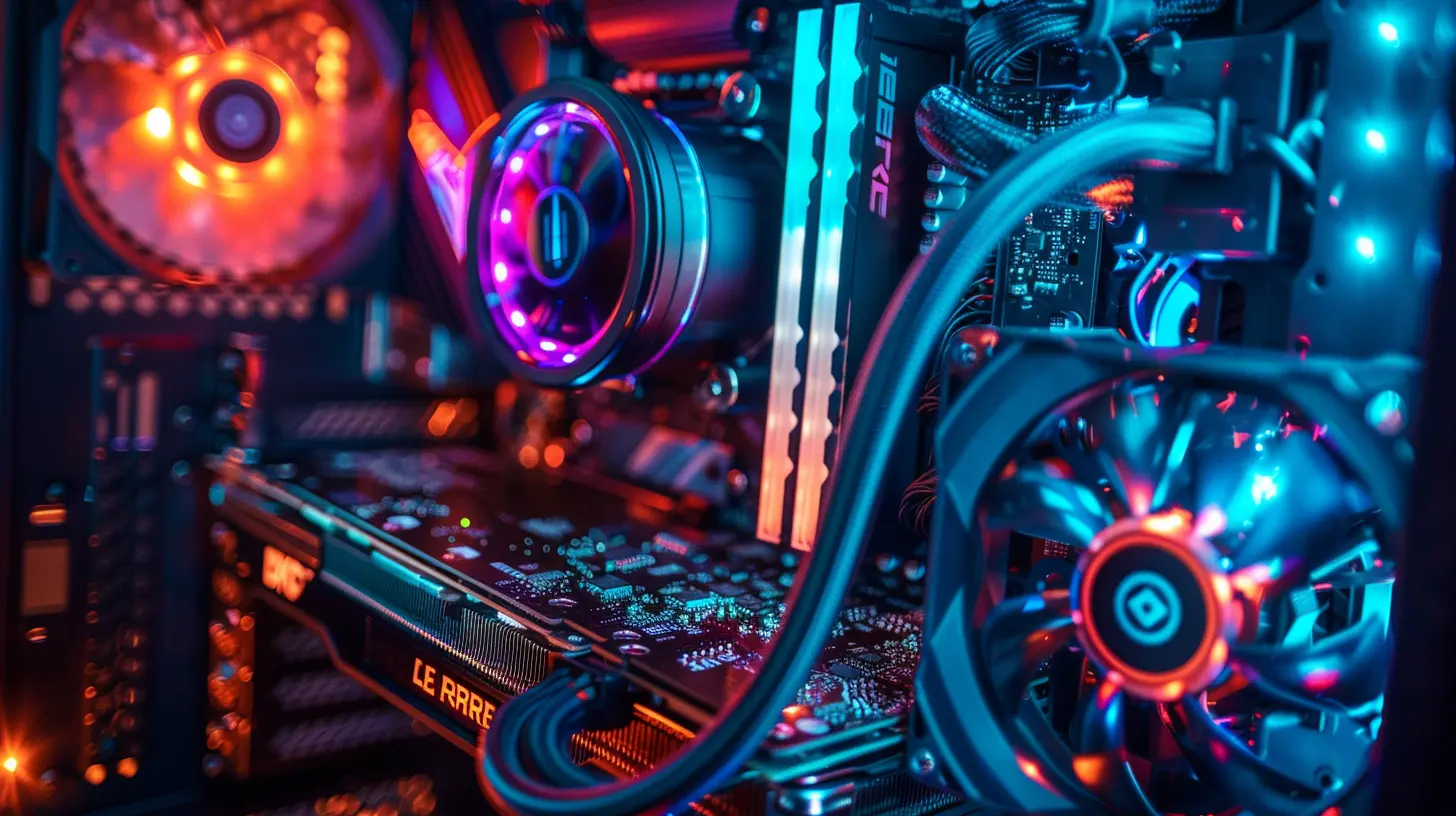
The Four Horsemen of PC Cooling
Alright, let's get to the good stuff. When we're talking about PC cooling, we usually fall into four main categories:1. Air Cooling
2. Liquid Cooling (AIO and Custom Loops)
3. Passive Cooling
4. Hybrid Solutions
Let’s break each one down for what it is, who it's for, and why it might (or might not) belong in your setup.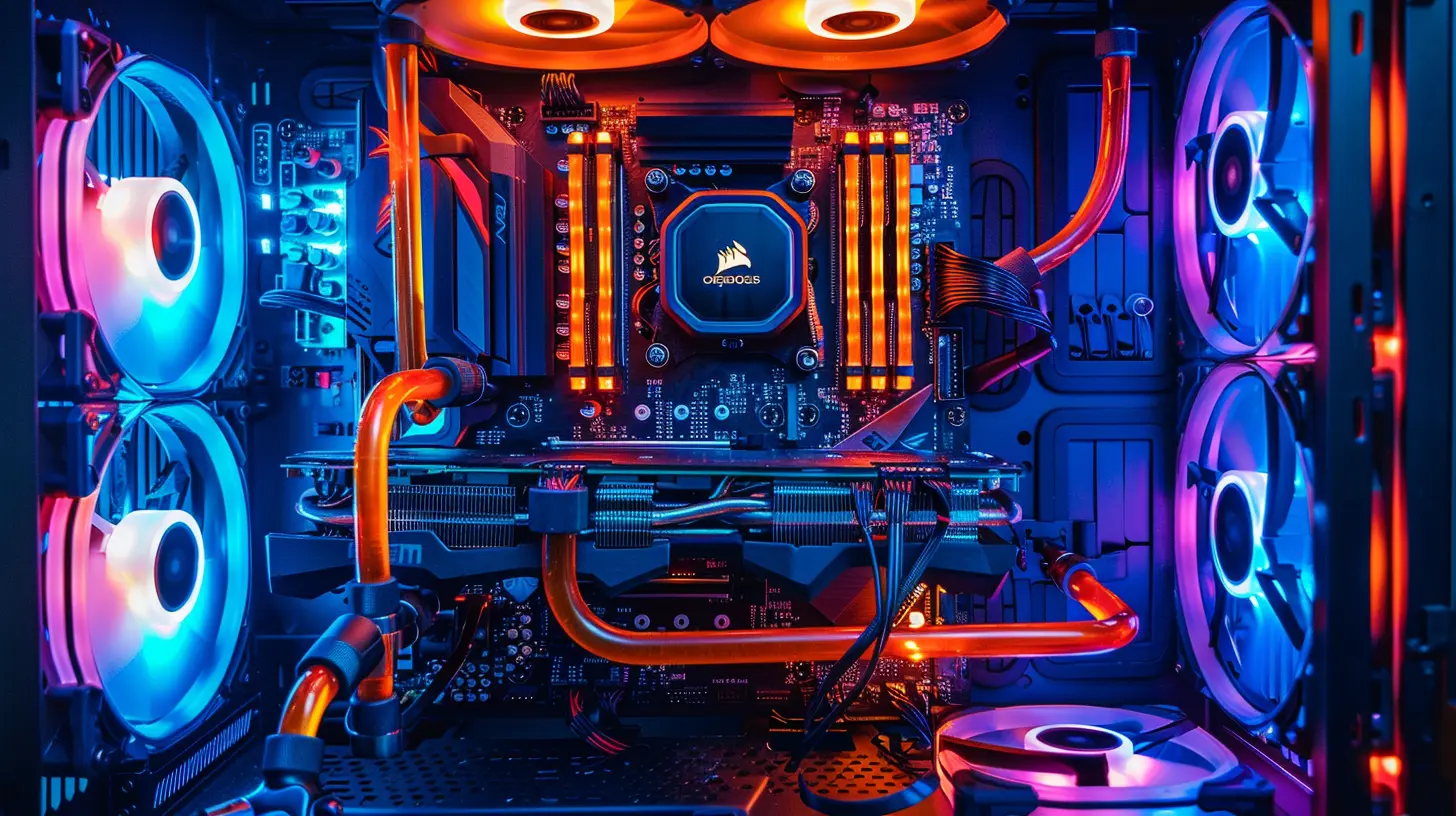
1. Air Cooling: The Old Faithful
What Is It?
Air cooling is probably what you’re most familiar with. It uses heatsinks and fans to draw heat away from components like the CPU and blow it out of the case.Think of it as your everyday ceiling fan. It won’t drop the room temperature, but it gets the air moving—which is half the battle.
Pros:
- Budget-friendly- Easy to install
- Reliable with fewer parts that can break
Cons:
- Not as efficient under heavy loads- Can get noisy with high RPM fans
Who Should Use It?
If you’re running a mid-tier build and you’re not overclocking like a madman, air cooling could be perfect. Good air coolers like the Noctua NH-D15 can give even liquid coolers a run for their money.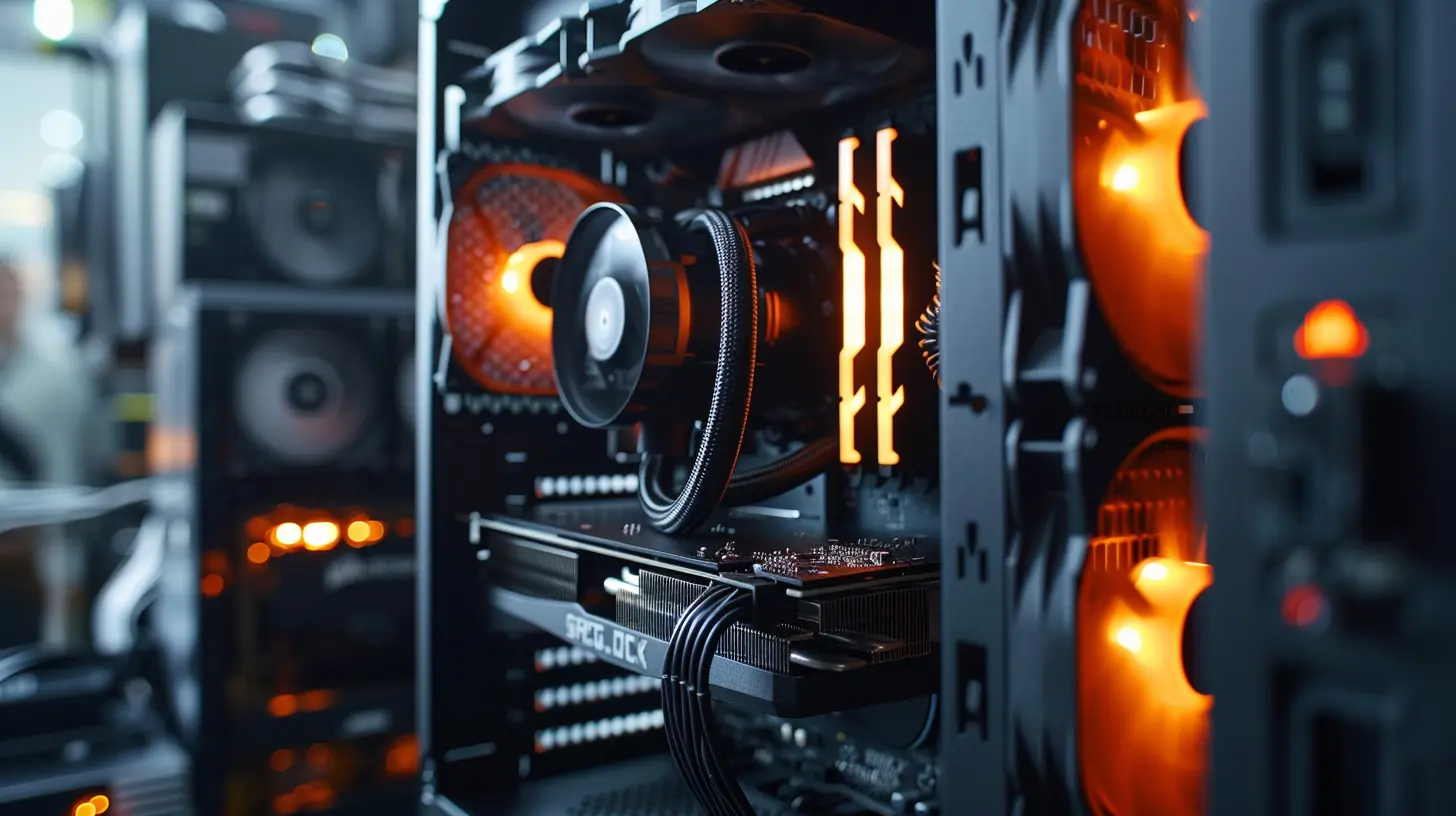
2. Liquid Cooling: The Cool Kid on the Block
What Is It?
Liquid cooling uses water (or special coolant) to transfer heat away from your CPU or GPU. The liquid absorbs heat as it passes over water blocks and then moves to a radiator where fans cool it down.It’s like your car’s radiator system, but with RGB.
Two Types:
- AIO (All-in-One): Pre-built, sealed systems with pump, tubes, and radiator- Custom Loops: Fully customizable, often include GPU and even RAM cooling
Pros:
- Superior cooling performance- Sleek aesthetic
- Quieter under heavy loads
Cons:
- Pricier- Installation can be intimidating
- Risk of leaks (rare, but not impossible)
Who Should Use It?
If you’re running high-end components, doing some serious overclocking, or you want that ultra-clean build aesthetic, liquid cooling is the way to go. Especially if you're rocking a Ryzen 9 or the latest i9—these chips pump out heat like no one’s business.3. Passive Cooling: Whisper-Quiet, Always On
What Is It?
Passive cooling skips the fans and pumps entirely. Instead, it relies on big heatsinks and smart airflow design to dissipate heat.Yes, it’s totally silent. But it’s like trying to cool down your car by parking it in the shade—only works to a point.
Pros:
- Zero noise- No moving parts = fewer things to fail
- Energy-efficient
Cons:
- Limited heat dissipation- Not suitable for high-power gaming rigs
Who Should Use It?
If you’re building a low-power HTPC, retro gaming machine, or something totally silent for the living room—go for it. But if you're pushing 4K with ray tracing? You’ll need more muscle.4. Hybrid Solutions: The Best of Both Worlds
Hybrid coolers combine air and liquid elements to keep everything in check. For example, some GPU coolers use a combo of water blocks and fans to ensure both the core and VRMs stay cool.Ridiculously cool, right?
Pros:
- Excellent heat management- Balanced performance and noise
- Great for compact builds
Cons:
- Complex setups- Can be expensive
Who Should Use It?
Enthusiasts who want maximum performance without going full custom loop. Also a solid choice for SFF (Small Form Factor) PCs where airflow is limited.Understanding Airflow: The Unsung Hero
You’ve got the best cooler money can buy, but if your airflow sucks? You’re just recycling hot air, and that's a disaster waiting to happen.Basic Airflow Principles:
- Intake at the front/bottom- Exhaust at the back/top
Hot air rises, remember? So if your case fans are working against physics, you’re cooking your PC from the inside out.
Tip: Keep cables tidy and use dust filters. Clean airflow is happy airflow.
Thermal Paste: That Tiny Thing That Makes a Big Difference
Ah, thermal paste—the unsung hero behind every decent cooling setup. It’s applied between the CPU and the cooler to fill in microscopic gaps for better heat transfer.Don’t underestimate it. Bad application = bad temps. Always use a pea-sized amount and follow your cooler’s instructions.
The Role of GPU Cooling
Let’s not forget the other powerhouse in your rig—the GPU. These bad boys run hot, especially in modern AAA titles.Cooling Tips for GPUs:
- Ensure case airflow supports GPU layout- Consider vertical mounting for better clearance
- Aftermarket GPU coolers or water blocks can offer big gains
- Monitor temps with tools like MSI Afterburner or HWMonitor
Monitoring Is Key: Keep an Eye on Temps
Numbers don’t lie. Use free tools to monitor your CPU/GPU temps and fan speeds in real-time. Anything above 85°C under load is pushing it; ideally, you want to stay between 60°C-75°C during gaming.Apps to try:
- HWInfo
- Core Temp
- NZXT CAM
- Open Hardware Monitor
Dust: The Silent Temp Killer
Your cooling can be perfect on paper, but if your rig is full of dust bunnies? Say goodbye to airflow.Use compressed air and clean your fans, filters, and radiators at least once every 2-3 months. It’s like giving your PC a spa day—it’ll thank you with lower temps.
Cooling Myths: Let’s Bust ‘Em
1. “Liquid coolers always outperform air coolers.”Not always true. Some high-end air coolers beat budget AIOs.
2. "More fans = better cooling."
Nope. It’s about balanced intake and exhaust, not just fan count.
3. "Open cases stay cooler."
Sometimes they do, but they also invite more dust and lack directed airflow.
Final Thoughts: Keep It Cool, Stay in the Game
Gaming rigs are like sports cars. You can have the most insane specs, but without proper cooling, the engine’s gonna overheat. Whether you’re a casual gamer or a hardcore overclocker, your setup deserves cooling that matches its power.So take the time to plan your airflow, pick the right cooling method for your needs, and keep things clean. Your rig will run smoother, last longer, and let’s be honest—it’ll look cooler too.
Because when your temps are low, your kill-death ratio? Probably a lot higher.
all images in this post were generated using AI tools
Category:
Gaming HardwareAuthor:

Lana Johnson
Discussion
rate this article
2 comments
Grayson Burton
Great article! Ensuring your gaming rig stays cool is essential for peak performance. I love the variety of cooling solutions you’ve covered. It’s interesting to see how effective cooling can enhance both gaming experience and hardware longevity. Keep it up!
March 27, 2026 at 4:09 AM
Lana Johnson
Thank you for your kind words! I'm glad you found the cooling solutions helpful for enhancing performance and longevity. Happy gaming!
Taylor Conrad
Fascinating insights on cooling solutions! I'm curious—what's the most innovative method you've encountered? Any surprising tips for optimizing airflow in high-performance setups?
October 4, 2025 at 3:05 AM
Lana Johnson
Thank you! One of the most innovative methods I've encountered is the use of phase change materials. They absorb and release heat efficiently. For optimizing airflow, consider implementing positive pressure setups and using high-quality fans to ensure optimal airflow dynamics.