Choosing Between AMD and Intel for Gaming Performance
6 June 2026
If you're building or upgrading a gaming PC, there's one age-old question that always pops up — AMD or Intel? With constant innovations, surprise releases, and performance leaps, choosing sides in this showdown can feel like picking your favorite child (if both kids were CPU-making juggernauts, of course).
Whether you're all about crushing frame rates, streaming your gameplay with zero lag, or future-proofing your rig, this article is your roadmap. We’re breaking down the gritty details in simple, engaging language — no tech jargon overload, we promise!
? Why Your CPU Choice Matters for Gaming
Let’s kick things off with this: your CPU is the brain of your gaming PC. While your graphics card (GPU) does the heavy lifting for visuals, your processor handles the rest — game logic, physics, AI, background tasks, and more.Think of it like a movie set. The GPU is the camera and special effects crew, but the CPU? That's the director, calling the shots in real-time to make everything run smoothly. If the director can’t keep up, the whole production stutters.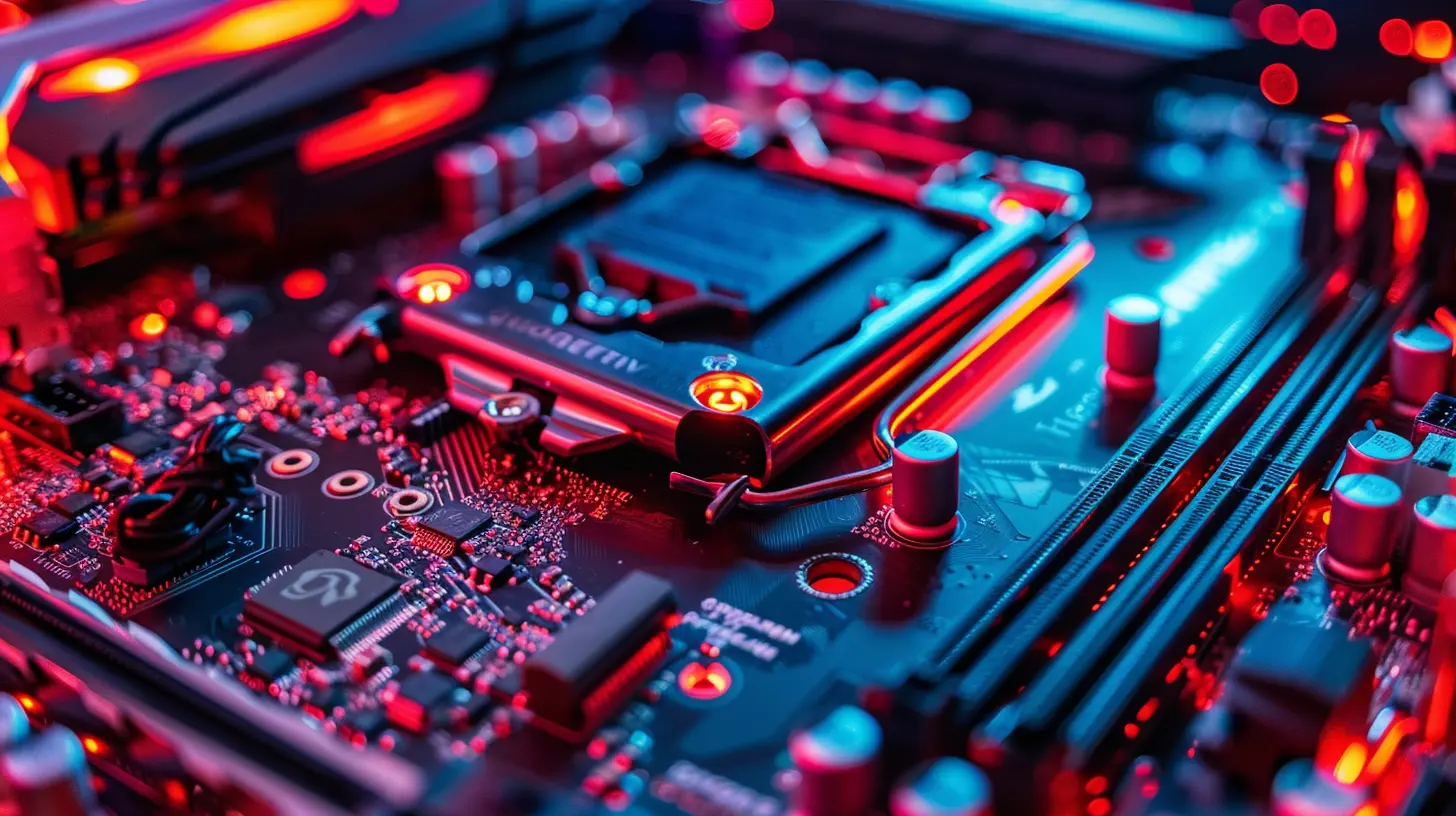
? Understanding the Basics of AMD and Intel
Before we dive into who’s best, let’s introduce the stars of the show.AMD: The Comeback King
AMD had a bit of a rocky start back in the early 2010s, but oh boy, have they bounced back. With their Ryzen series, they’ve gone from second-best to serious powerhouses. AMD’s recently been all about:- Many cores and threads at affordable prices.
- Strong performance with multitasking and streaming.
- More bang for your buck in many cases, especially in mid-range gaming.
Intel: The Longtime Champion
Intel’s been dominating the CPU space for literal decades. They’re known for:- Higher clock speeds
- Slightly better single-core performance (which many games love)
- Excellent thermal efficiency — that is, they usually run cooler.
Intel and gaming go together like pizza and soda — a classic combo.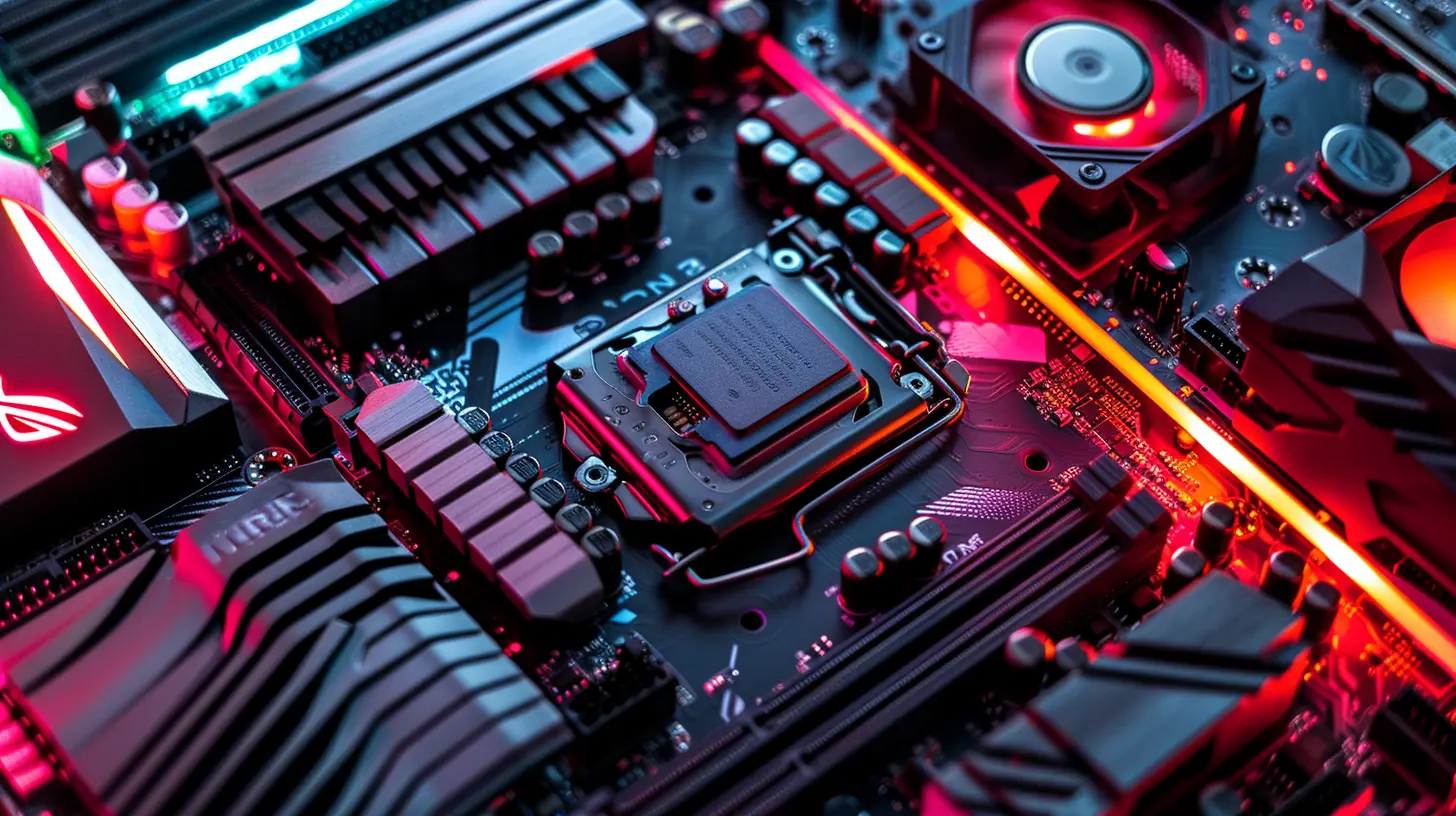
⚔️ Performance Face-Off: AMD vs Intel
Let’s get to the real reason you’re here: which one is better for gaming?Spoiler alert: It depends. But don’t worry, we’ll help you figure out what works best for YOU.
? Gaming Benchmarks – Head-to-Head
If you look at raw gaming benchmarks from popular titles (think Cyberpunk 2077, Call of Duty: Warzone, Elden Ring), you’ll notice something interesting:- Intel chips like the i5-13600K or i7-13700K often squeeze out slightly higher FPS in games, especially if the game is optimized for fewer, faster cores.
- AMD counterparts like the Ryzen 5 7600X or Ryzen 7 7700X aren’t far behind — we’re talking a few frames per second difference in most cases.
- Once you get into 1440p or 4K gaming, the GPU becomes more of the bottleneck, and the CPU differences shrink even more.
Let’s put it this way — at 144Hz or higher, unless you’re chasing every single frame like it owes you money, both AMD and Intel deliver.
? Real-World Usage
Let’s talk everyday use beyond frame rates:- Running multiple applications while gaming (like Discord, Chrome, OBS)? AMD’s higher thread count can help.
- Raw gaming only? Intel’s slight edge in single-core performance might give you a better experience in CPU-intensive games.
- Game streaming? AMD’s Ryzen chips, especially those with integrated graphics (like the Ryzen 7000 series), shine here with strong multitasking.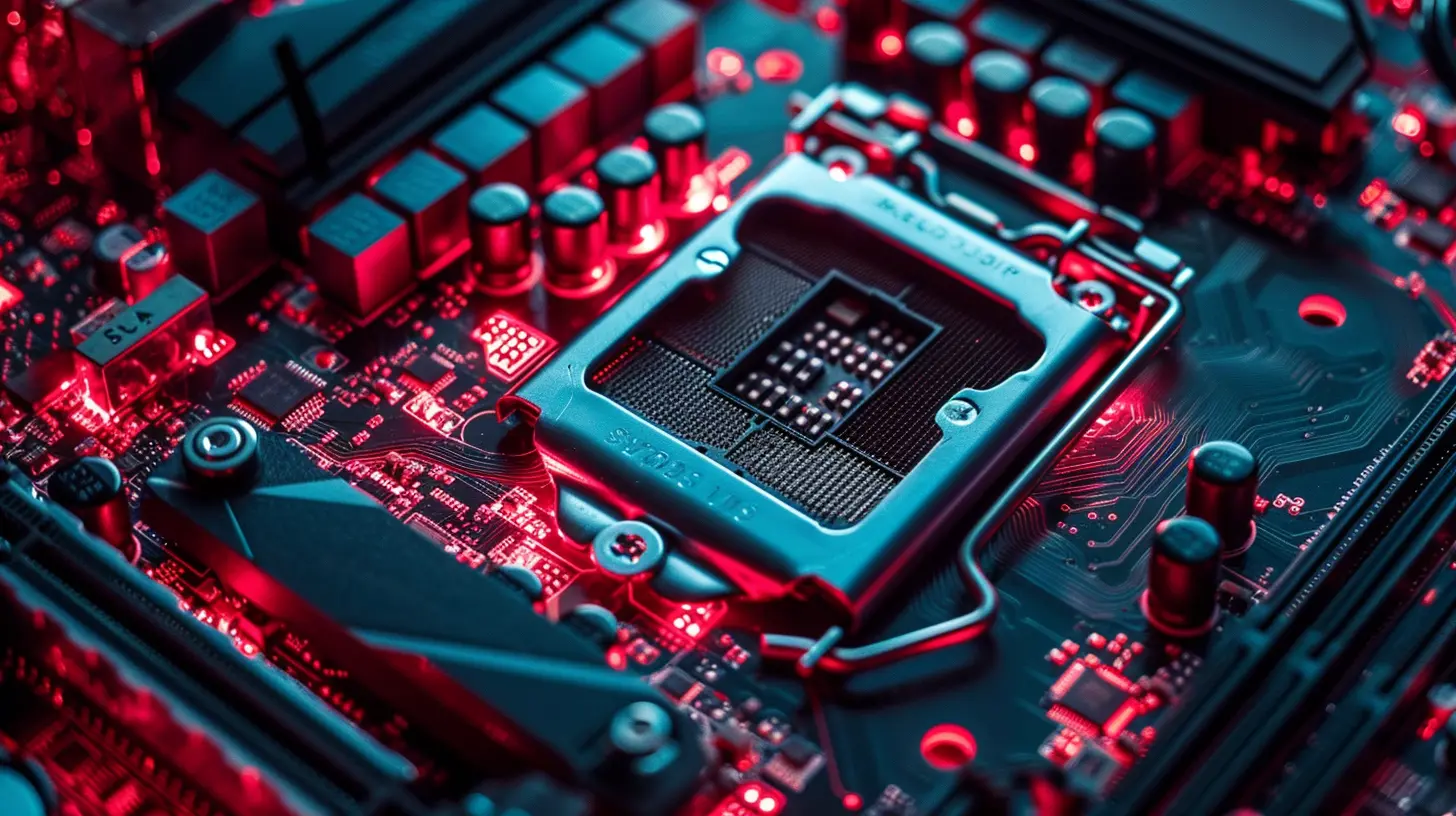
? Price and Value: Getting the Best Bang for Your Buck
For most gamers, price matters. You don’t want to drop three paychecks on a CPU when you could use that cash on a killer GPU, a better monitor, or, heck, a comfy gaming chair.AMD’s Sweet Spot
AMD often comes out ahead on cost-to-performance:- Mid-range Ryzen 5 and 7 CPUs are incredibly competitive, sometimes hundreds of dollars cheaper than their Intel rivals.
- AM5 (AMD’s latest platform) is more future-proof, meaning your motherboard might not need an upgrade any time soon.
- Many AMD CPUs come with a stock cooler, so you don’t have to drop extra cash just to keep your chip from roasting.
Intel’s Flexible Pricing
Intel’s not bad when it comes to value either:- Their i5 lineup (especially the 12400F and 13600K) is extremely solid for mid-range builds.
- You can often find bundles or prebuilt systems with Intel chips that make the price a little sweeter.
- Intel CPUs have a wider range of compatible motherboards, which means some budget options are on the table.
? Cooling and Power Consumption
You don’t want your PC turning into a space heater mid-match. So, how do these chips handle thermals and power?Intel: Hot But Manageable
Intel’s newer chips are absolute beasts — especially the 13th Gen — but they can run hot, especially under full load.That means you might need to:
- Invest in a good cooling system (think tower air coolers or even liquid cooling)
- Check your power supply because some Intel CPUs have higher power draw (aka wattage)
AMD: Cooler and More Efficient
AMD’s Ryzen 7000 series uses a 5nm process, which is just a geeky way to say they’re more power-efficient.- Less power = less heat
- Less heat = potentially quieter operation
- Many AMD CPUs run chill even with the included cooler
?️ Motherboard Compatibility and Future Upgrades
Planning around future upgrades is smart. Nobody wants to replace their entire setup just because one component got outdated.AMD’s Longer-Term Support
AMD has built a bit of a reputation for great motherboard compatibility:- AM4 was supported for 4+ years
- AM5 is expected to follow the same path
- That means you could upgrade your CPU in a few years without replacing your motherboard
Intel’s Frequent Socket Changes
Intel, on the other hand, is like that friend who moves apartments every year:- New generations often mean new sockets
- This could lead to more frequent upgrades to motherboards if you stick with Intel long-term
- But to be fair, Intel’s newest platform (LGA 1700) might stick around for a bit longer
? Gaming and Productivity: Which One’s Better for Multitasking?
Let's face it, we don't just use our gaming rigs for games anymore. Whether you're working from home, editing videos, streaming to Twitch, or running background apps while gaming — we care about multitasking.AMD: Multitasking Maverick
Thanks to higher thread counts and strong multi-core performance, AMD chips:- Handle video editing, 3D rendering, and streaming like champs
- Let you run more apps in the background without impact
- Are ideal for content creators who game
Intel: Gaming First, Everything Else Second
Intel doesn’t lag too far behind, but traditionally, they’ve been more focused on gaming performance over multitasking power.That’s changing, though — with higher core count CPUs like the i9-13900K, Intel is catching up fast in productivity.
?️ So, Which Should You Choose for Gaming?
Okay, enough tech talk — let’s make this simple.Ask yourself these questions:
- Are you gaming only, and nothing else? Go with Intel for slightly better gaming performance.
- Are you gaming + streaming + multitasking? AMD is your jam.
- On a tight budget and want upgrade flexibility? AMD might be the smarter move for long-term value.
- Chasing top-tier performance and don’t mind spending more? Intel’s high-end chips can deliver that FPS glory.
In the end, both AMD and Intel have excellent chips. You can’t really go wrong — it’s just about finding the sweet spot for your needs and wallet.
? Additional Tips Before You Decide
Here’s a quick checklist before you commit:- Check current deals: Prices fluctuate like crazy. A Ryzen 7 might be cheaper than an i5 next week.
- Think GPU first: If gaming’s your priority, balance your budget between CPU and GPU.
- Future-proof when possible: Choosing platforms (motherboards) with upgrade paths can save you money down the line.
- Read recent benchmarks: Tech changes fast. Make sure your info is fresh.
✅ Final Verdict
Intel might win by a nose in pure gaming FPS, but AMD brings a solid punch with multitasking and long-term value. That's the truth.At the end of the day, the best CPU is the one that fits your budget, supports your favorite games, and aligns with how you use your PC. Whether you're going red (AMD) or blue (Intel), rest easy knowing you’re getting a powerful chip either way.
Now go build that dream rig and get gaming!
all images in this post were generated using AI tools
Category:
Gaming HardwareAuthor:

Lana Johnson
Discussion
rate this article
1 comments
Jenna Bailey
Great article! It's always a tough choice between AMD and Intel, especially with how competitive the gaming landscape is. Your insights really helped clarify the strengths of each option. Can't wait to see how this impacts future builds!
July 4, 2026 at 3:07 AM